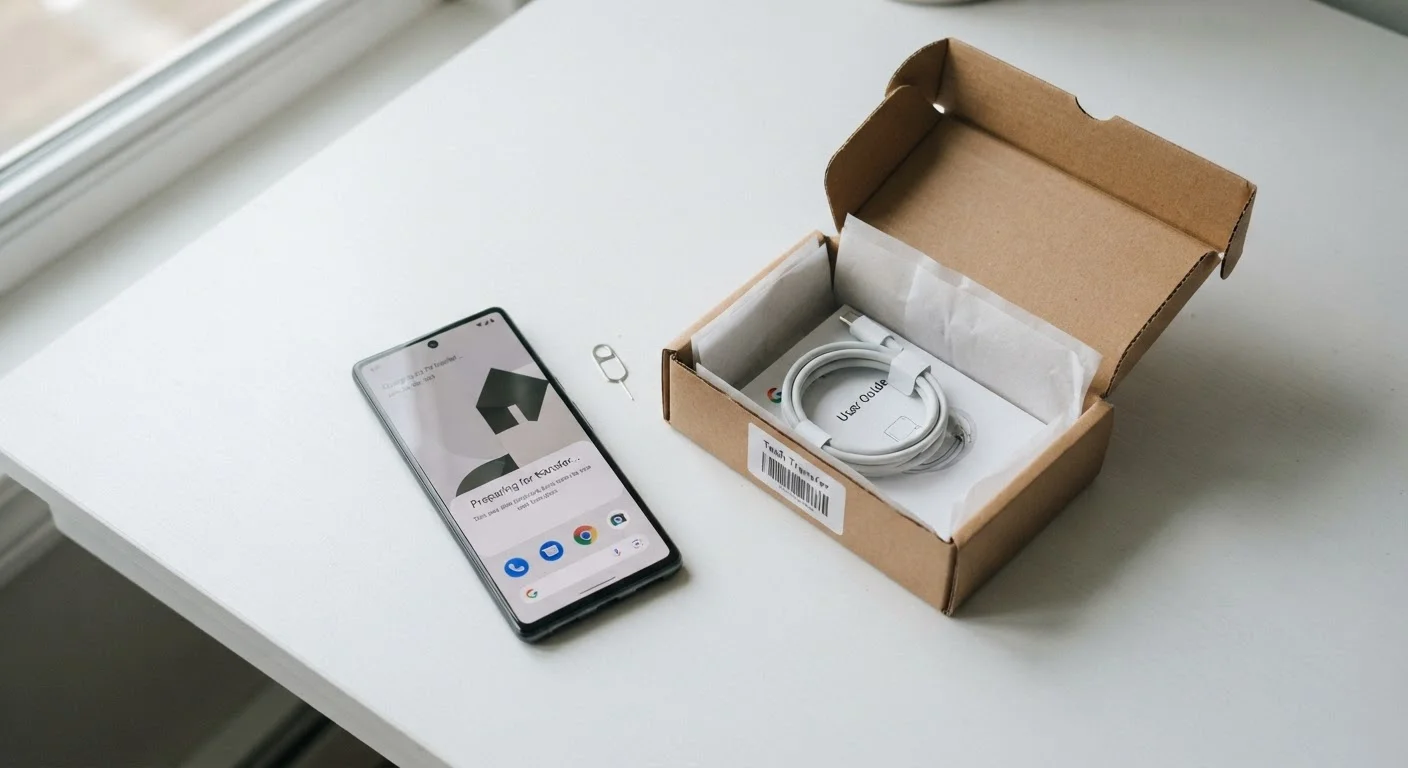
Why This Checklist Matters Before You Let Go
Handing off an old phone feels simple - you're just passing on a piece of hardware. But that device holds far more than you might realize: saved passwords, payment methods, logged-in accounts, private messages, and sometimes years of photos. Skipping even one step in the handoff process can expose your personal data to a stranger or create a headache for the person receiving the device.
This checklist walks you through every action worth taking before your phone changes hands, whether you're gifting it to a family member, trading it in, or selling it privately. Each step is designed to protect your privacy, make the device genuinely usable for its next owner, and keep you from paying for services tied to a phone you no longer own.
Don't Skip the Account Sign-Out Step
On iPhones, leaving your Apple ID active before a factory reset keeps Activation Lock in place - meaning the next user cannot set up the device at all. On Android, a linked Google account can similarly trigger Factory Reset Protection, requiring your original credentials to unlock. Always sign out of your primary account first, then reset.
A Factory Reset May Not Erase Everything on Older Phones
On Android devices running software older than Android 6, a factory reset does not always overwrite storage completely, and data-recovery tools can sometimes retrieve remnants of old files. Enabling full-disk encryption before the reset scrambles that data, making recovery practically impossible. This is less of a concern on modern iPhones and newer Android devices, which use hardware-level encryption by default.
If you're on the receiving end of a secondhand device - particularly a computer - our guide to checking a used or refurbished computer covers what to look for before you commit.
How to Work Through the Checklist
Work through the groups in order - backing up first, then signing out, then physically removing components, and finally resetting. Jumping straight to the factory reset without signing out of your accounts first is the single most common mistake, and it can render the phone unusable for whoever receives it.
Back Up Your Data
Sign Out of Accounts
Remove Physical Items
Encrypt and Factory Reset
Final Checks Before Handoff
Once you've handed off the device, it's worth reviewing what's connected to your phone number at the carrier level. If you're planning to use a new SIM or travel internationally, see our overview of SIM cards, eSIMs, and international phone plans for what to think about next.
iMessage Must Be Turned Off Separately
If you're moving from an iPhone to an Android device and forget to deregister your number from iMessage, texts from other iPhone users may continue routing to the old Apple device rather than your new phone. You can deregister your number directly through Apple's online support tool even after you've already wiped the phone. This step is separate from the factory reset and is easy to overlook.