LTE: The Reliable Foundation Your Phone Still Relies On
Before diving into 5G excitement, it helps to understand LTE - because despite the marketing buzz around newer standards, LTE is still doing the heavy lifting for the vast majority of mobile connections across the United States.
LTE stands for Long-Term Evolution, and it's the technology most people mean when they say "4G." Introduced widely around 2010-2012, LTE dramatically increased mobile data speeds compared to older 3G networks, enabling smooth video streaming, fast web browsing, and reliable navigation apps on a phone.
A typical LTE connection delivers real-world download speeds of roughly 20 to 60 Mbps in good conditions - fast enough for virtually every everyday task on a smartphone. It's a mature, well-optimized technology with broad coverage, meaning your phone spends less energy hunting for a signal and more time using one reliably.
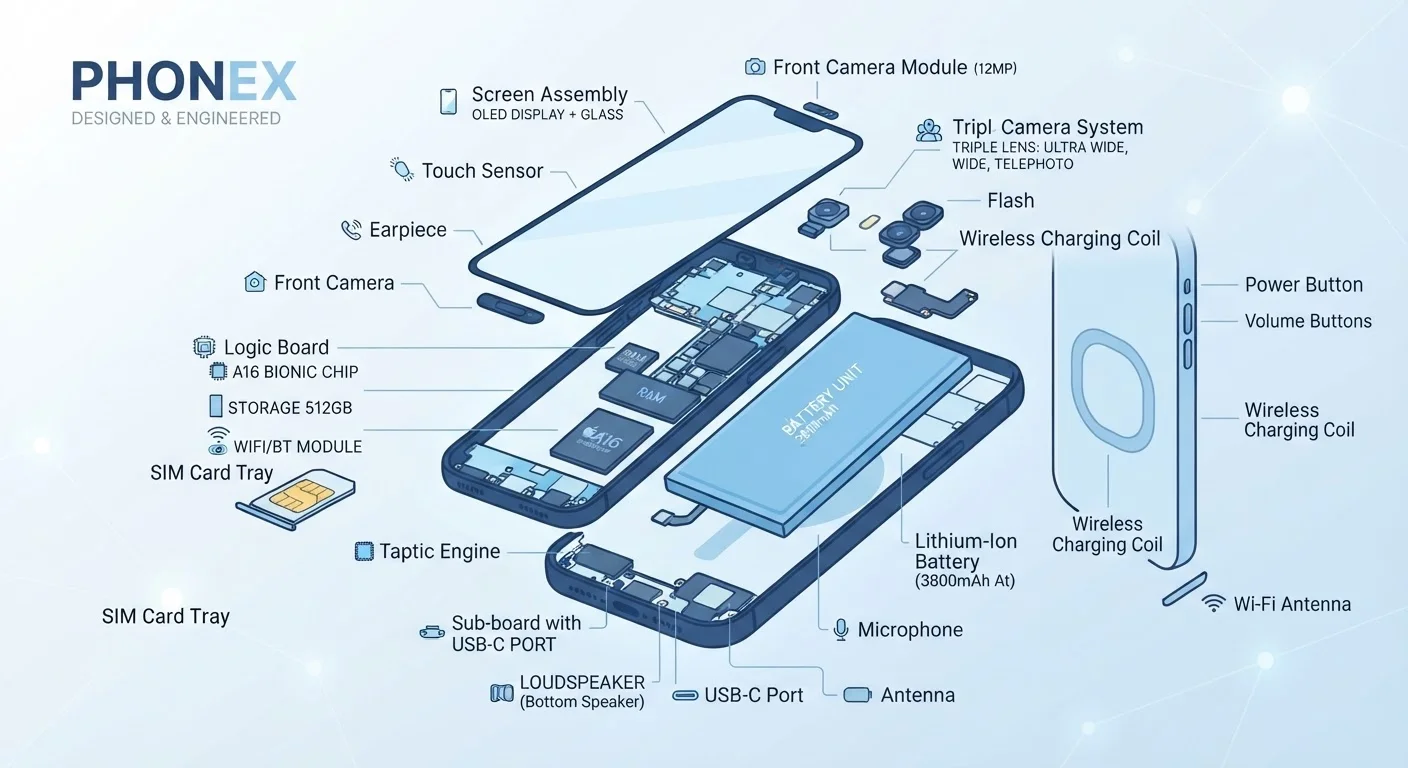
Understanding what's physically inside your phone - including the cellular modem chip that handles these connections - can help put this in context. See our plain-English hardware tour for more on how the modem fits into the bigger picture.
5G: What the Upgrade Actually Means in Practice
5G is the fifth generation of mobile network technology, and it promises dramatically faster speeds, lower latency (the delay between sending a request and receiving a response), and the capacity to support far more connected devices simultaneously.
The catch: not all 5G is equal, and the label on your status bar doesn't tell the whole story.
~20-60 Mbps
Typical real-world LTE download speed
Sufficient for video streaming, navigation, and most everyday smartphone tasks under normal network conditions.
200-400 Mbps
Typical mid-band 5G real-world speed
Mid-band 5G, where available, offers a meaningful leap over LTE for data-intensive tasks like large file downloads.
3 types
Distinct 5G signal bands in use
Low-band, mid-band, and mmWave 5G differ dramatically in speed and coverage - all may display the same '5G' icon.
Three Very Different Flavors of 5G
- Low-band 5G: Wide coverage, travels far, penetrates buildings well - but delivers speeds only marginally faster than LTE. This is what most "nationwide 5G" coverage actually uses.
- Mid-band 5G (Sub-6 GHz): The sweet spot. Significantly faster than LTE - often 200-400 Mbps in real-world use - with reasonable coverage range. Increasingly common in mid-sized and large cities.
- mmWave (millimeter-wave) 5G: Blazing fast (multi-gigabit speeds are possible) but with extremely limited range - it struggles to penetrate walls and only covers small geographic pockets, typically sports arenas, transit hubs, or downtown blocks.
The practical upshot: if you live in a major city with mid-band coverage, 5G is a genuine upgrade. If your area has only low-band 5G, the real-world difference from LTE may be imperceptible for everyday use.
Wi-Fi Calling: Your Secret Weapon for Dead Zones
Wi-Fi Calling is a feature - available on most modern smartphones and supported by major US carriers - that routes voice calls and text messages through your Wi-Fi internet connection instead of a cellular tower. It's not a separate app or service; it works through your phone's built-in dialer just like a normal call.
The practical benefit is significant: if your home, office, or a building you frequent has poor cellular reception but solid Wi-Fi, enabling Wi-Fi Calling can transform dropped calls and garbled audio into clear, reliable conversations. Basements, rural homes, and thick-walled older buildings are classic scenarios where it makes a real difference.
Enable Wi-Fi Calling in Your Phone Settings
Most smartphones have Wi-Fi Calling turned off by default. On iPhones, find it under Settings > Phone > Wi-Fi Calling. On Android devices, it's typically under Settings > Network & Internet > Calls or your SIM card settings. Once enabled and registered with your carrier, it activates automatically whenever Wi-Fi is available and cellular signal is weak.
Wi-Fi Calling also hands off seamlessly in most cases - if you start a call on Wi-Fi and walk outside, your phone will transfer to the cellular network without dropping the call. The transition happens automatically and is usually imperceptible.
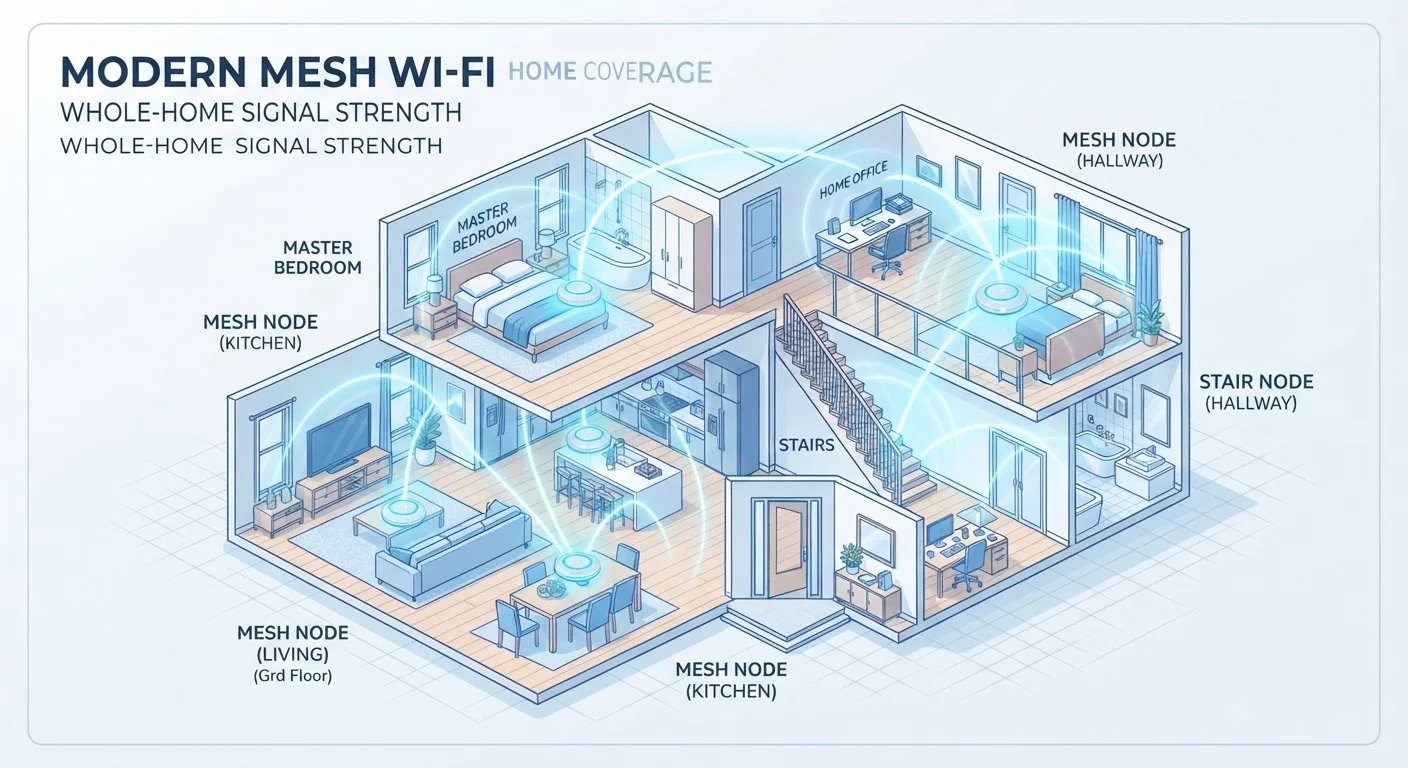
For households already thinking about their home Wi-Fi infrastructure, a stronger home network directly improves Wi-Fi Calling quality. Our explanation of mesh Wi-Fi networks is a useful companion read if dead spots in your home are affecting call quality.
One important note: to enable Wi-Fi Calling, you typically need to activate it in your phone's settings and verify your address with your carrier for emergency 911 routing - since calls won't automatically pass your GPS location to dispatchers the way a cellular call does.
Reading the Icons: What Your Status Bar Is Actually Telling You
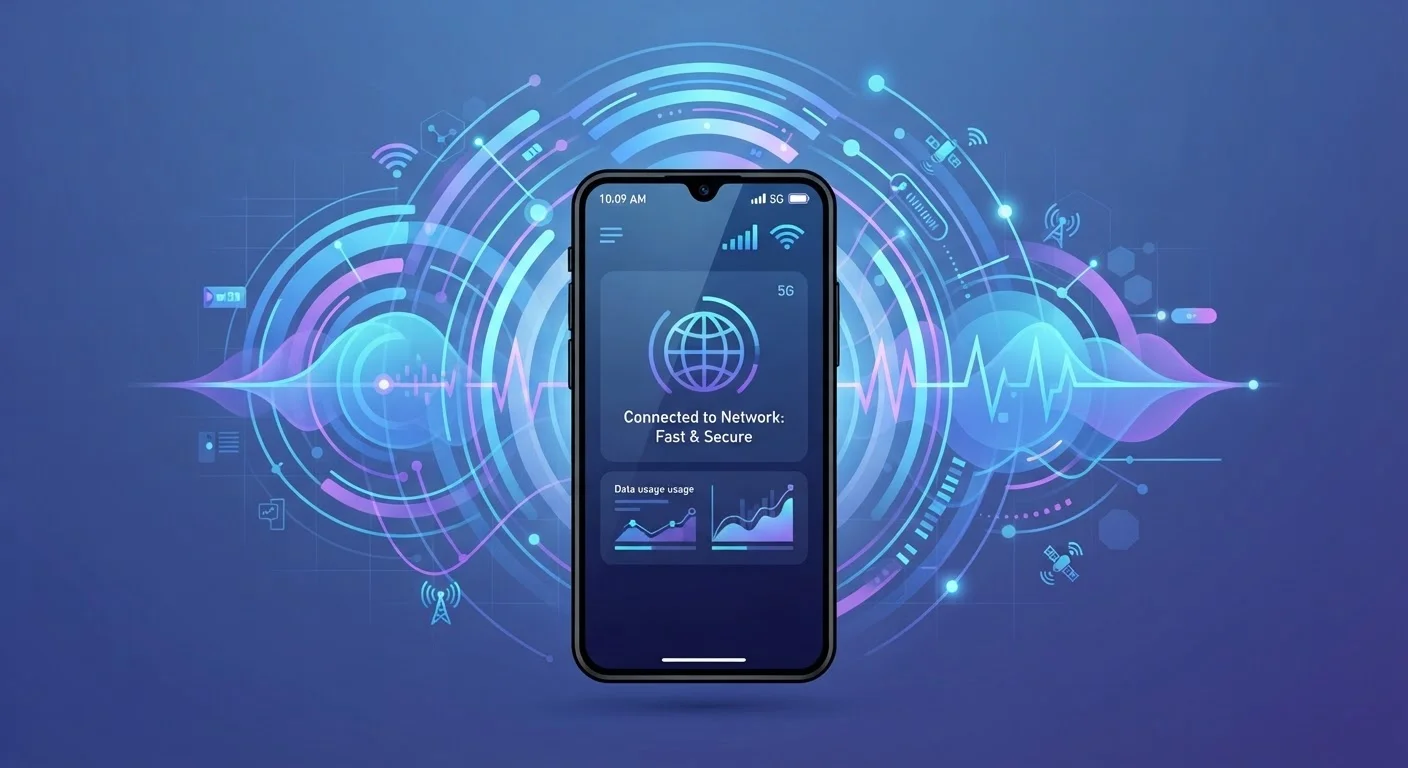
The small symbol in the corner of your screen - LTE, 5G, 5G UW, 5G UC, or similar - indicates which network type your phone is currently connected to, not necessarily how fast or reliable that connection is at that moment.
Congestion, distance from the nearest tower, and physical obstructions all affect your actual experience, regardless of the label shown. A phone displaying 5G in a crowded stadium may feel slower than the same phone showing LTE on a quiet suburban street, simply because thousands of devices are competing for bandwidth.
Carrier-specific labels add to the confusion: "5G UW" (Verizon's Ultra Wideband), "5G UC" (T-Mobile's Ultra Capacity), and similar branding all indicate faster mid-band or mmWave 5G rather than standard low-band. If you see one of those suffixes, you're more likely to notice a real speed difference.
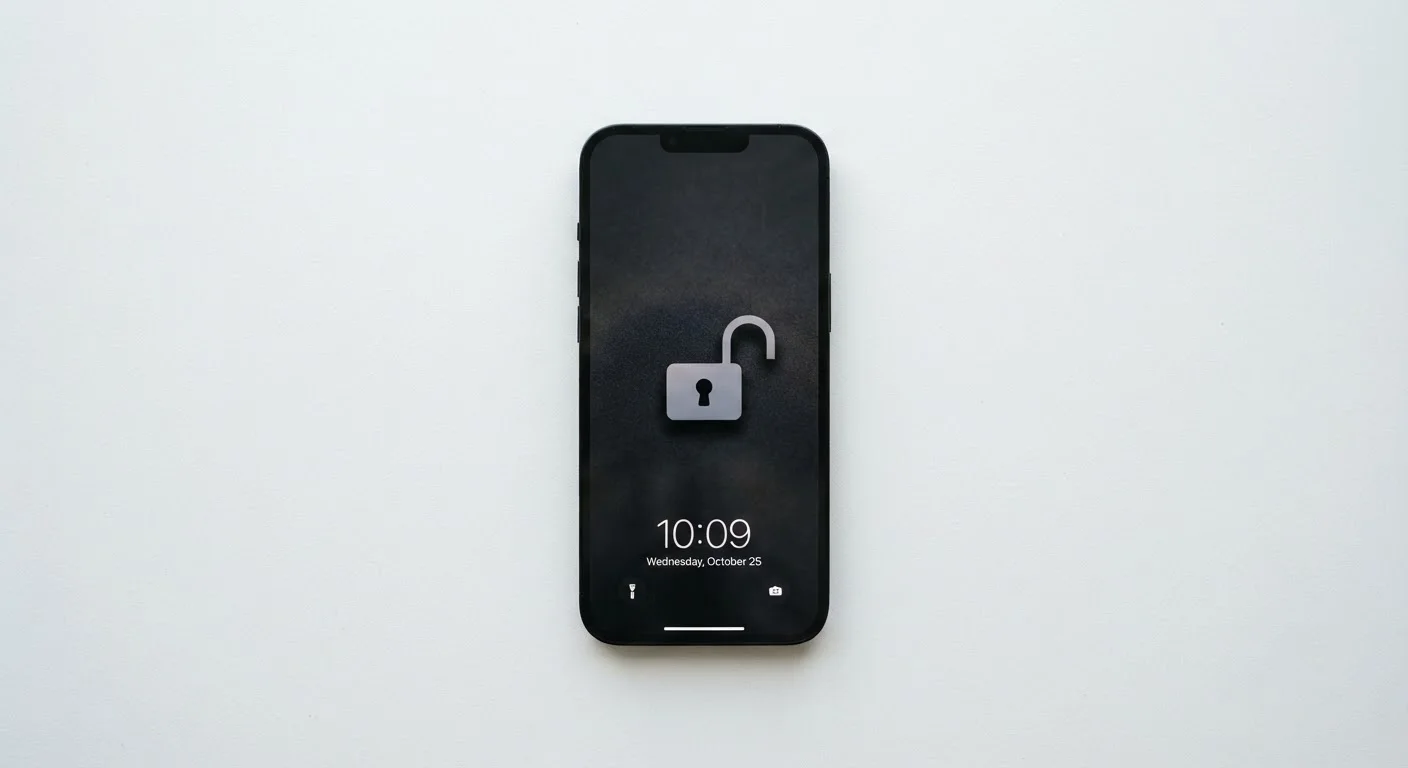
Your phone's network connection is just one piece of the broader technology ecosystem you manage every day. If you're thinking about how your phone fits into your home setup, the meaning of 'unlocked' phones is worth understanding - especially if you want the flexibility to switch carriers and access different network bands.