Why Your Charging Routine Has More Impact Than You Think
Your phone's battery is a lithium-ion cell - a chemistry that's highly capable but also sensitive to how it's treated day after day. Unlike older nickel-based batteries, lithium-ion doesn't wear out from a fixed number of charges alone. It degrades based on how it's charged: the voltage levels it's held at, the temperatures it endures, and the stress patterns your habits create over time.
Most battery degradation isn't dramatic. It accumulates silently over months, showing up as shorter screen-on time, unexpected shutdowns, or a phone that just doesn't last through the day anymore. The good news is that the habits causing the most harm are also the easiest to change once you know what to look for.
For a deeper look at the chemistry driving all of this, see The Real Reason Smartphone Batteries Degrade Over Time.
The Most Damaging Charging Mistakes - and How to Fix Them
The following mistakes are widespread precisely because they feel harmless or even logical. Understanding why each one causes harm makes the fix much easier to adopt consistently.
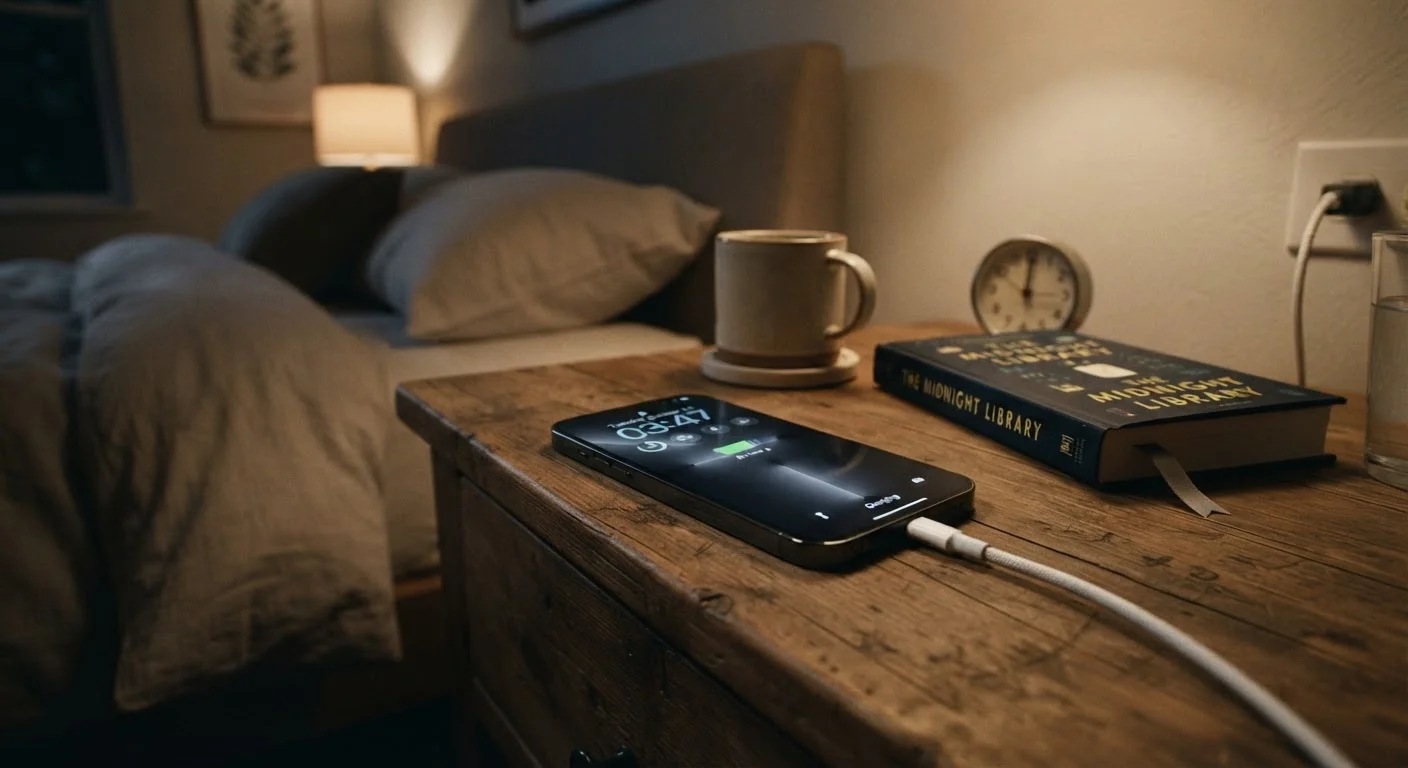
Leaving your phone plugged in all night, every night.
Why it happens: It's convenient - you plug in before bed and wake up at 100%. Most people assume modern phones simply stop charging when full.
Routinely draining the battery all the way to 0% before charging.
Why it happens: Older battery types genuinely needed full discharge cycles to maintain calibration, and that advice stuck around long after lithium-ion became the standard.
Charging your phone in a hot environment or while it's inside a case that traps heat.
Why it happens: Heat is invisible and easy to ignore. Charging under a pillow, in direct sunlight, or inside a thick rubberized case are habits that don't feel obviously wrong.
Using incompatible or very cheap third-party chargers and cables.
Why it happens: Replacement chargers are cheap and widely available, and when one works at all, it's easy to assume it's safe.
Fast-charging every single time, even when you're not in a hurry.
Why it happens: Fast charging is a premium feature, so people assume using it as often as possible is getting their money's worth.
~500
Typical full charge cycles before capacity drops noticeably
Lithium-ion batteries are generally rated for around 300-500 full charge cycles before reaching 80% of original capacity, according to battery research institutions including Battery University.
25°C
Optimal storage and charging temperature for lithium-ion
Battery manufacturers and researchers consistently identify around 25°C (77°F) as the sweet spot; sustained charging above 35°C (95°F) measurably accelerates long-term degradation.
If you're also trying to build smarter long-term habits with other devices, Keeping a Computer Running Well for Years covers the same maintenance mindset applied to laptops and desktops.
Practical Steps to Preserve Battery Health Going Forward
The goal isn't perfection - it's reducing the most damaging extremes. Aim to keep your charge level between roughly 20% and 80% during everyday use. Charge to 100% only when you genuinely need a full day's range. Many Android phones and recent iPhones now include an Optimized Charging or Adaptive Charging feature that learns your schedule and pauses the charge at 80%, topping off just before you typically unplug. Enable it if you haven't already.
When your phone feels warm during charging, move it somewhere with better airflow and remove any thick case. Keep an eye on battery health stats in your device settings - both iOS and many Android skins report a health percentage. If it drops below 80%, your phone will typically notice reduced performance and capacity. At that point, a battery replacement is often more cost-effective than a new phone entirely.
While your phone is one of your most-used devices, the same thoughtfulness applies elsewhere. Common Myths About Smartphone Performance That Refuse to Die is also worth a read if you're second-guessing other habits you've picked up over the years.