Why Maintenance Matters More Than Most People Realize
Most computers don't fail suddenly. They degrade gradually - slowing down, misbehaving, and eventually becoming frustrating to use long before any component physically breaks. Understanding why computers slow down over time is the first step, but knowing what to do about it is where real longevity starts.
The good news: most degradation is preventable. The habits below address the most common culprits - heat, software bloat, storage stress, and neglected updates - in plain, actionable terms.
The Maintenance Practices That Actually Move the Needle
Not every tip circulating online is equally useful. These practices are grounded in how computer hardware and software actually wear over time.
Keep the computer physically clean and well-ventilated at all times.
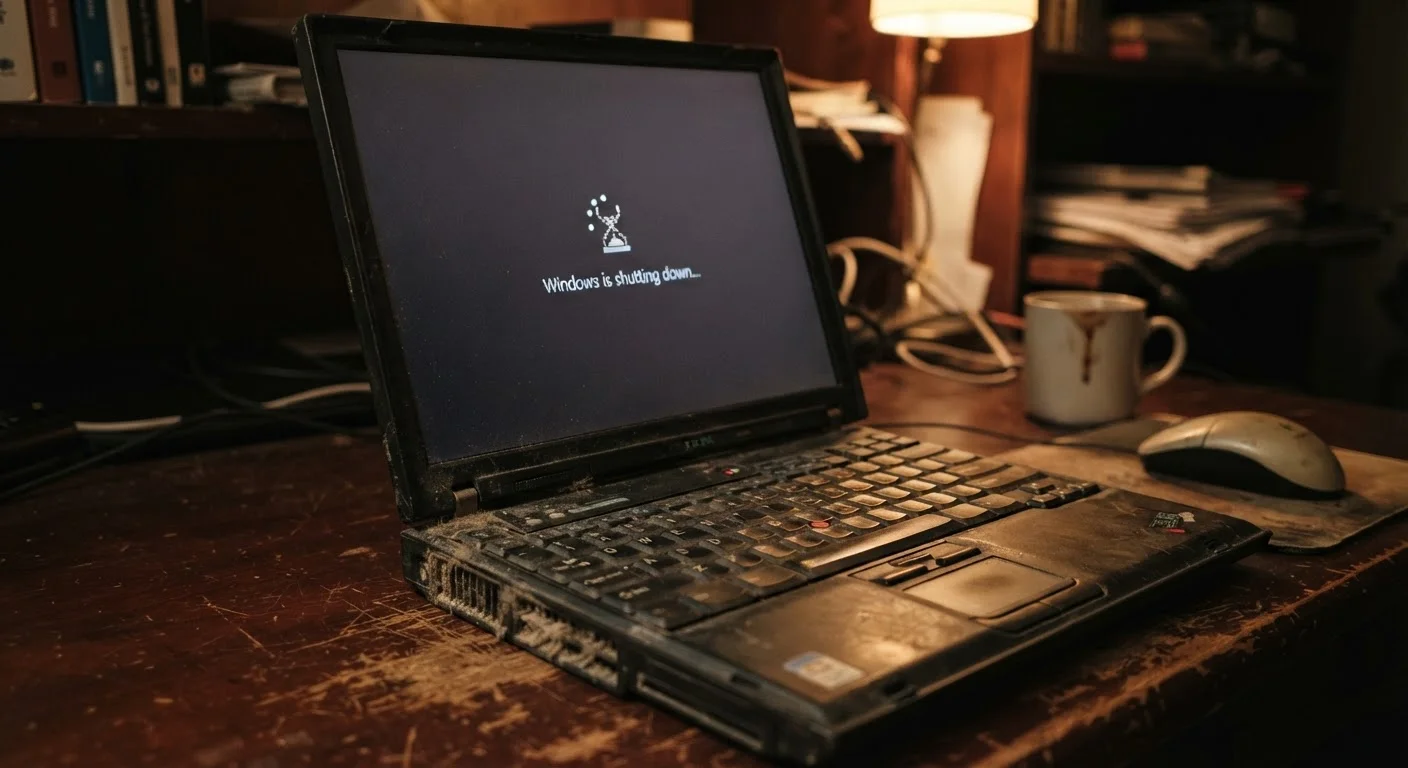
Dust accumulation inside a computer - especially around fans and heat sinks - restricts airflow and causes components to run hotter than intended. Sustained high temperatures accelerate wear on the processor, graphics chip, and battery. Even a few degrees of reduction in operating temperature can measurably extend component lifespan.
Install operating system and driver updates promptly rather than deferring them indefinitely.
Updates deliver security patches that protect against vulnerabilities, but they also carry bug fixes and performance improvements for core system functions. Driver updates - particularly for storage controllers and graphics - can directly affect responsiveness and stability. Ignoring updates for extended periods compounds these gaps.
Monitor and manage storage capacity and health, not just how much space is left.
When a storage drive - especially a traditional spinning hard drive - is nearly full, the system struggles to write and read data efficiently, causing noticeable slowdowns. Separately, solid-state drives (SSDs) have a finite number of write cycles; checking drive health with built-in diagnostic tools helps catch problems early. Keeping usage below roughly 85% of total capacity is a widely cited guideline for maintaining performance.
Uninstall software you no longer use rather than leaving it idle in the background.
Unused applications often install background services that launch at startup and consume memory and processor time even when you're not actively using them. Over time, accumulated software creates a heavier load that the system has to manage constantly, reducing the resources available for the tasks you actually care about.
Manage charging behavior thoughtfully, particularly for laptops.
Laptop batteries degrade faster when routinely charged to 100% and kept there, or when allowed to discharge fully on a regular basis. Many modern laptops include battery health management settings specifically designed to reduce this stress. The same principles that apply to phone batteries - detailed in our guide on charging habits that affect battery life - apply here too.
Start With These Actions Today
You don't need to overhaul your entire setup at once. These quick actions have an outsized impact and can be done in under an hour.
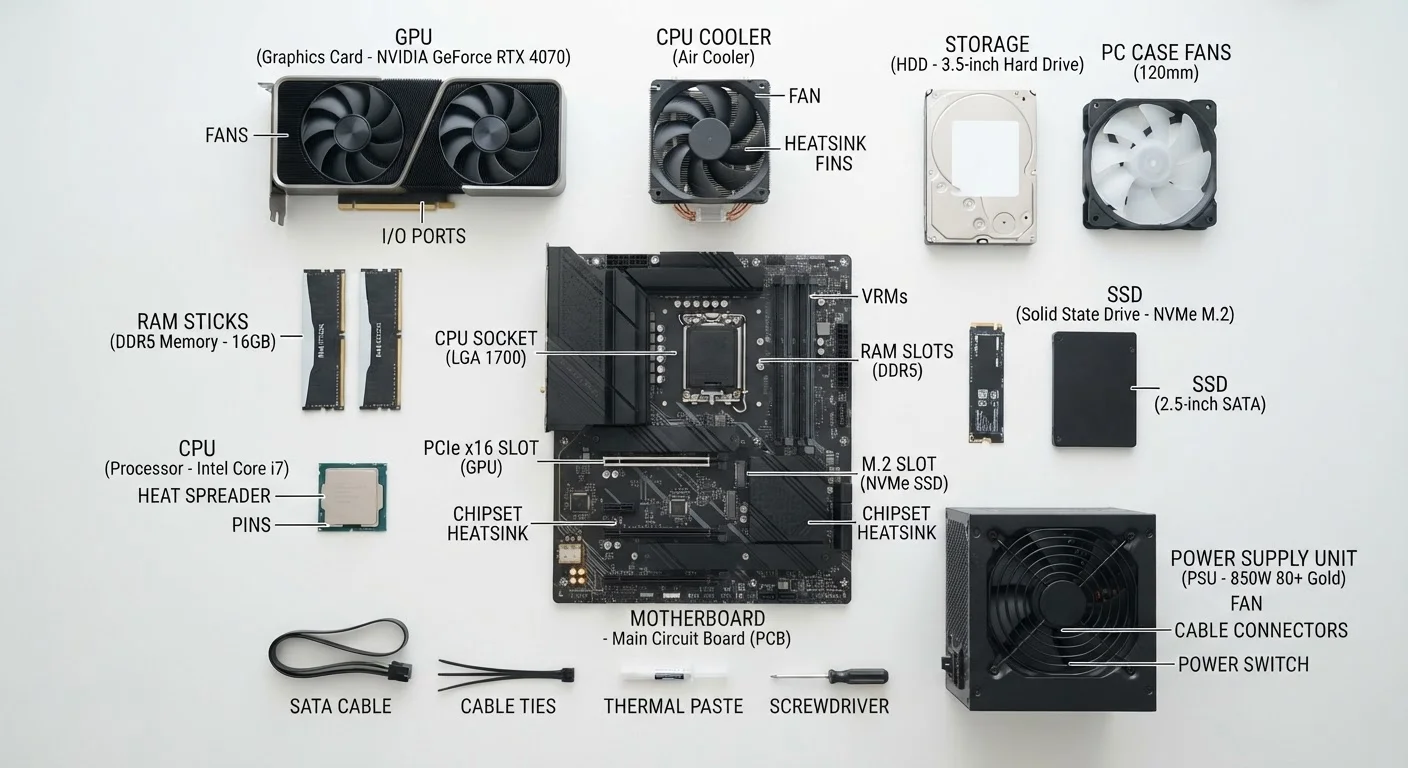
For readers who also want to understand the physical components behind these habits, our guide to computer specs for beginners explains exactly what's inside and why each part matters. And if you're considering a secondhand machine as a cost-effective alternative, see our checklist for evaluating a used or refurbished computer before you buy.