The Software Ceiling Problem
When you first unbox a laptop, the operating system and apps are matched closely to the hardware's capabilities. Over months and years, both the OS and the applications you rely on receive updates - and those updates consistently ask for more. Web browsers alone have grown dramatically in memory usage over the past decade as websites embed video, dynamic content, and complex scripts.
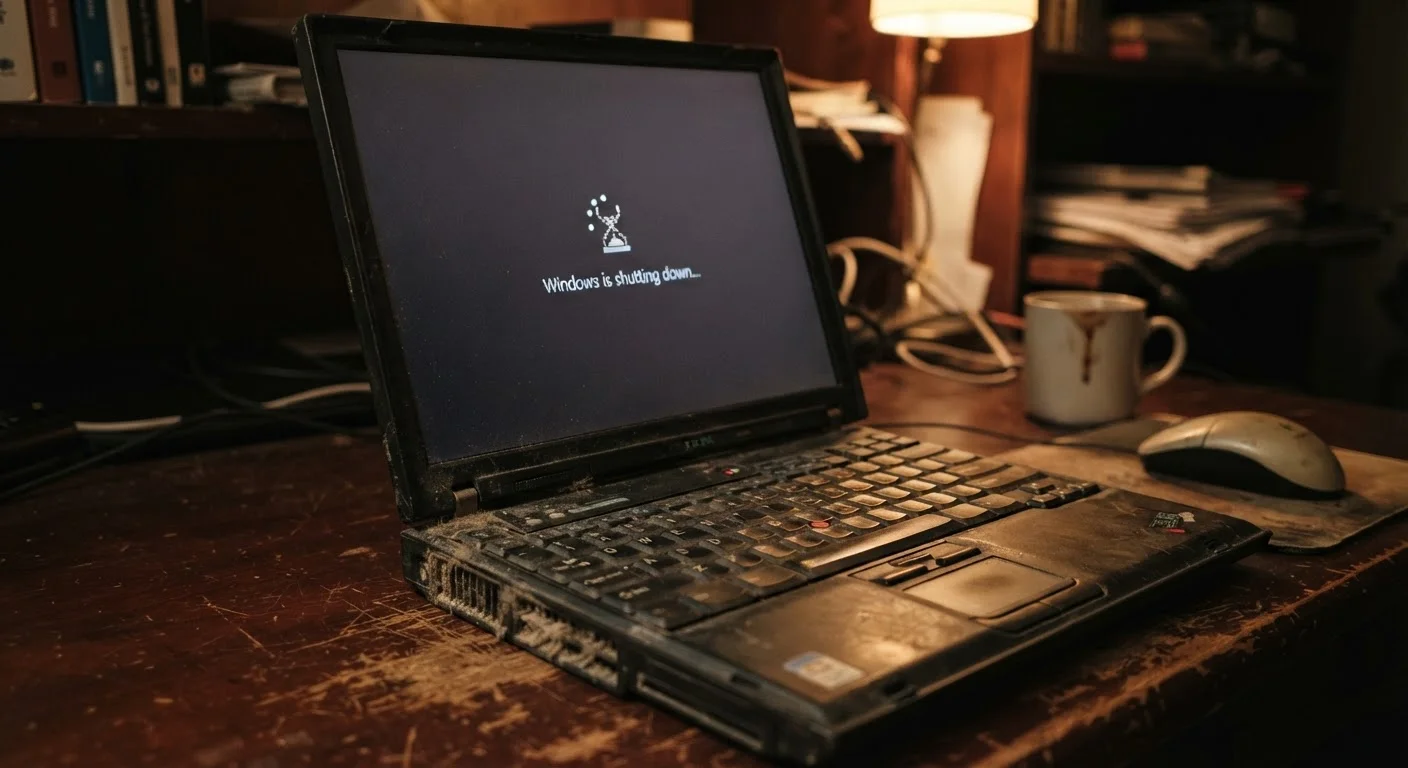
This creates what's sometimes called a software ceiling problem: your hardware stays fixed, but the software baseline rises underneath it. A laptop with 8 GB of RAM that felt responsive in year one may feel sluggish by year three simply because the browser, productivity suite, and background services now collectively consume far more of that memory pool.
When RAM is exhausted, the operating system begins using a portion of the storage drive as overflow memory - a process called paging or virtual memory. Storage drives are orders of magnitude slower than RAM, so this swap is immediately noticeable as hesitation and lag.
Storage Drive Aging and Fragmentation
The type and condition of a laptop's storage drive has an outsized impact on perceived speed. Traditional hard disk drives (HDDs) rely on spinning magnetic platters and a mechanical read/write head. As data fills the drive and files are repeatedly written and deleted, data fragments - meaning a single file may be stored in dozens of scattered locations. The drive head must physically travel to each fragment, adding measurable time to every read operation.
Solid-state drives (SSDs) don't fragment in the same mechanical way, but they do degrade at the cell level. Each memory cell in an SSD has a finite number of write cycles. Modern SSDs are engineered to distribute writes evenly across cells (a process called wear leveling), but older or heavily used drives can see reduced performance as spare capacity shrinks and the controller works harder to manage worn cells.
A nearly full drive of either type compounds the problem. Operating systems need free space for temporary files, updates, and virtual memory. When that space runs low, performance drops measurably. See our maintenance habits guide for practical ways to address storage-related slowdowns.
~80%
Drive fullness threshold where performance drops
Storage performance - particularly on HDDs - tends to degrade noticeably once a drive exceeds roughly 80-85% capacity, due to reduced space for temporary files and virtual memory.
2-4×
Speed difference between RAM and SSD paging
When a system runs out of RAM and must use storage as overflow memory, response times can increase by several multiples, as even fast SSDs are significantly slower than physical RAM modules.
300-500
Typical HDD write-cycle lifespan (in thousands)
Traditional hard disk drives are rated for hundreds of thousands of load/unload cycles; however, mechanical wear on aging drives can increase read times and error rates well before that ceiling.
Heat, Dust, and Thermal Throttling
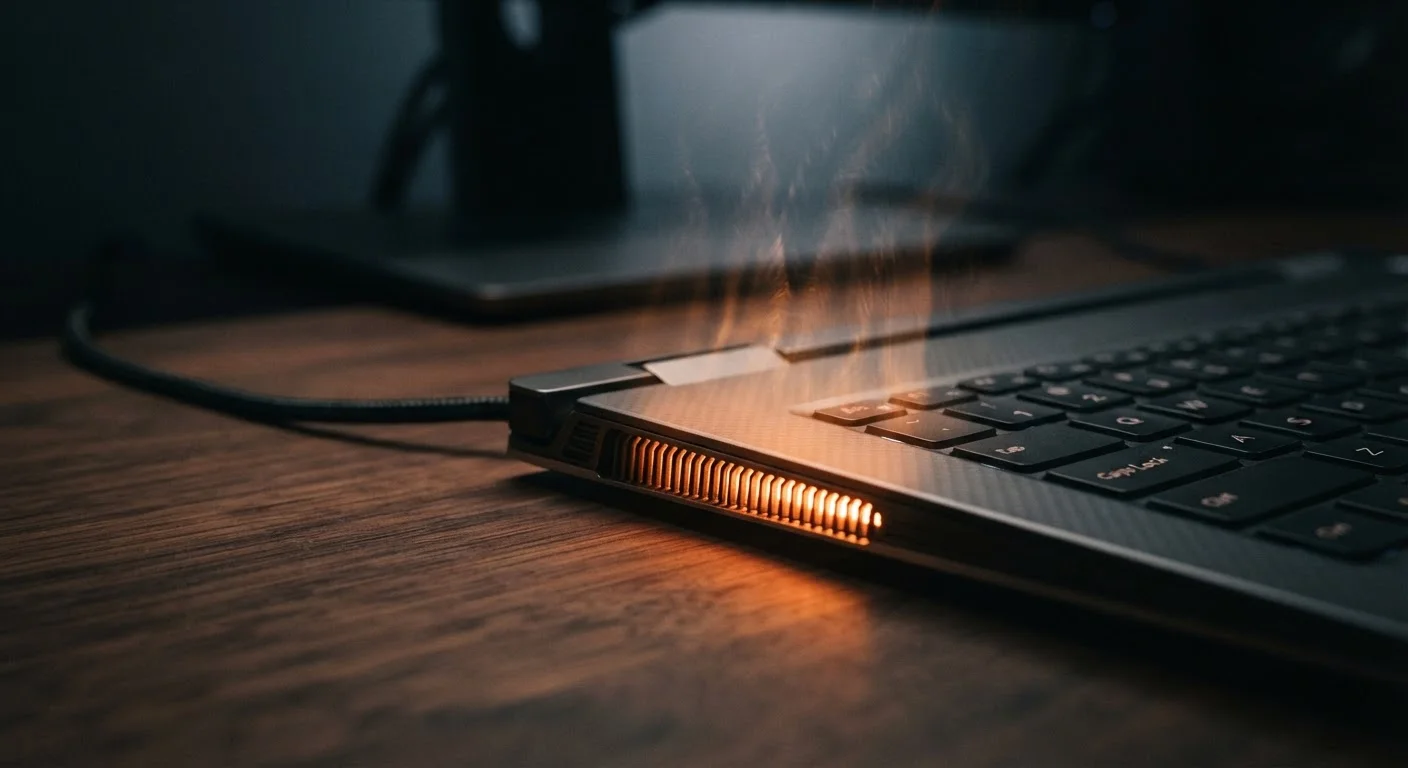
Inside every laptop processor is a built-in safety system: when temperatures climb past a set threshold, the chip automatically reduces its own clock speed to generate less heat. This is called thermal throttling, and it is one of the most underappreciated causes of gradual slowdown.
New laptops move heat efficiently because their fans are clear, their heat pipes are unobstructed, and the thermal paste - a heat-conducting compound between the processor and its metal cooler - is fresh and pliable. Over time, dust accumulates in the vents and fans, insulating heat inside the chassis. Thermal paste also dries and cracks, losing its conductivity. The result is a processor that hits its temperature limit faster and throttles more aggressively, even under moderate workloads.
This problem is especially pronounced in thin and light laptops, where the thermal design has less physical room to work with. Our article on thermal throttling in thin laptops explains this mechanism in detail.
Background Software and Startup Bloat
Every application installed on a laptop has the potential to add itself to the startup sequence or run background processes. Antivirus tools, cloud sync clients, software updaters, and vendor utilities all compete for CPU cycles and RAM from the moment the laptop boots. On a new machine with few installed programs, this overhead is minimal. On a three-year-old laptop with accumulated software, it can be substantial.
This accumulation - often called software bloat - doesn't cause permanent hardware damage, which means it is one of the most fixable contributors to slowdown. Reviewing which programs launch at startup and which run persistently in the background is a straightforward step that often produces noticeable results.
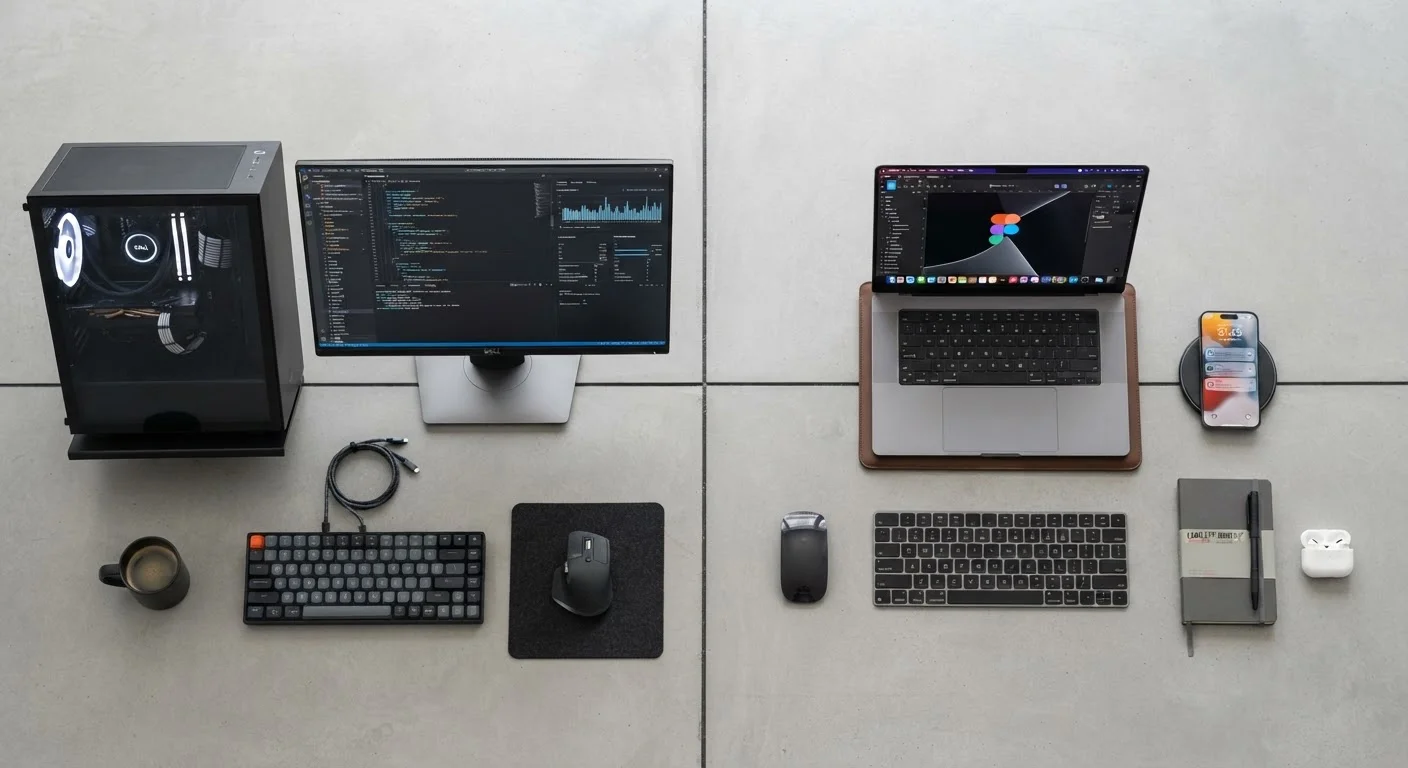
For a fuller picture of how laptops compare to desktops in managing these performance constraints, see Desktop vs. Laptop: Understanding the Performance Trade-Offs.
Battery Degradation and Sustained Performance
A laptop's battery does more than keep it untethered from a wall outlet - it also sustains processor performance during demanding tasks. As lithium-ion batteries age, they lose capacity and, critically, their ability to deliver consistent power under load. Many laptops detect a weakened battery and reduce processor performance to stay within what the battery can safely supply.
This means an older laptop running on battery may perform noticeably worse than the same machine plugged in - not because the processor itself has changed, but because the power delivery system can no longer support peak clock speeds. Battery degradation follows predictable patterns driven by charge cycles and heat exposure, much like the smartphone battery degradation described in our article on why smartphone batteries degrade.
Understanding the interplay between these hardware and software factors helps set realistic expectations. Some causes of slowdown are reversible through careful maintenance; others reflect the natural limits of aging components. Knowing which is which is the first step toward making an informed decision about whether to maintain, upgrade, or replace.