Why the Same Specs Mean Different Things in Each Form Factor
When you see a desktop and a laptop advertised with similar processor models or the same amount of RAM, it's tempting to assume they'll perform identically. They won't - and the reasons come down to physics, not marketing. See our guide to what RAM and CPU speed actually mean for a primer on how those numbers are measured.
Processors in desktops are designed with higher thermal design power (TDP) - the maximum heat a cooling system must handle. A desktop CPU might carry a TDP of 65-125 watts, while its laptop counterpart is often engineered to stay under 15-45 watts. That lower ceiling means the laptop chip must occasionally reduce its speed to avoid overheating, a process called thermal throttling. The result: a laptop may match desktop speeds in a short burst, but falls behind during sustained workloads like rendering a video or running a simulation. Our article on thermal throttling in thin laptops explains this mechanism in detail.
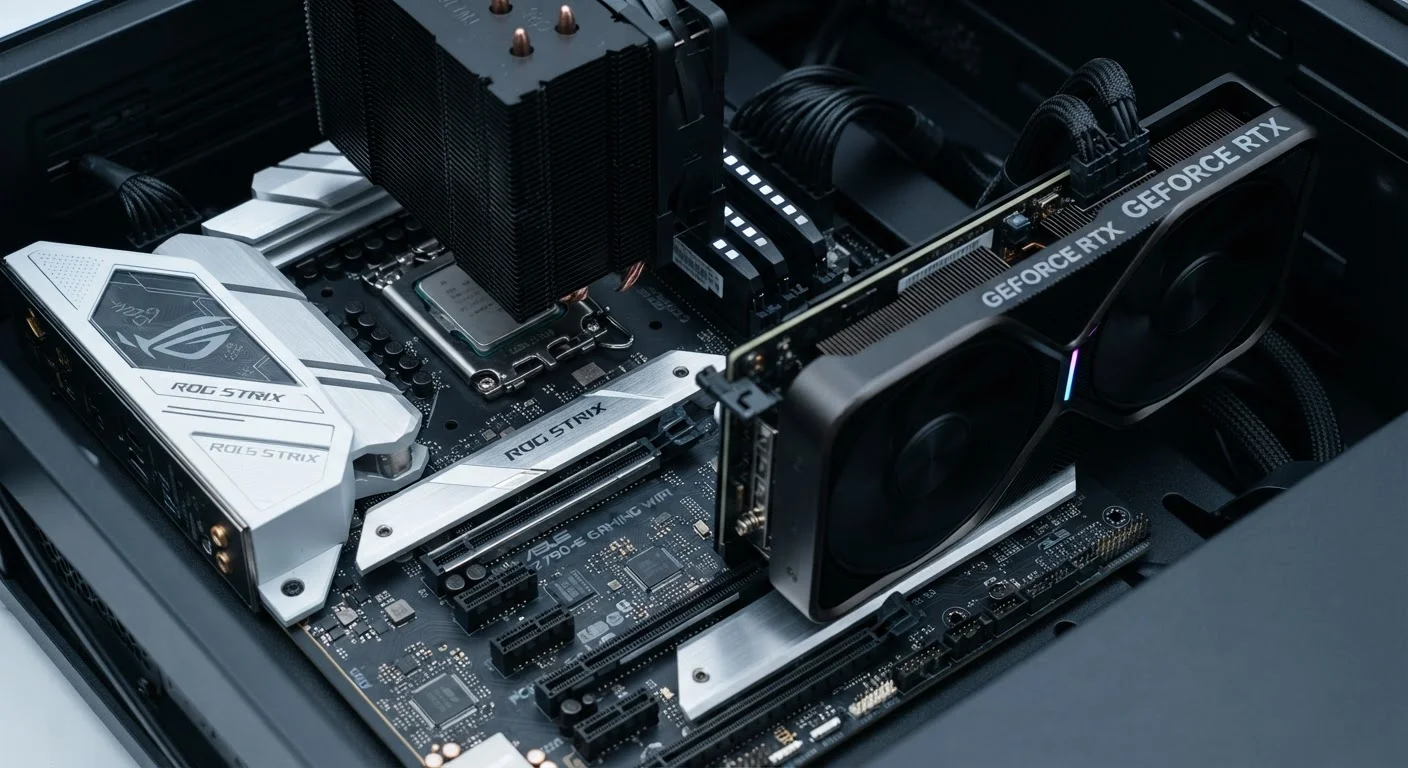
Cooling hardware is the physical reason for the gap. A desktop case fits large fans, multiple heat pipes, and sometimes liquid cooling loops. A laptop's chassis must fit everything - battery, display hinge, keyboard, speakers, and cooling - into a space roughly an inch thick. Engineering that balance requires deliberate compromises on how hard components can run.
Graphics, Storage, and Memory: Where the Gaps Are Largest
The performance difference is most pronounced with graphics. A dedicated GPU (graphics processing unit) in a desktop can draw 150-300 watts of power; the same GPU family in a laptop is power-limited to 60-150 watts, often producing meaningfully lower frame rates or slower render times under load. Understanding when you even need a dedicated GPU is worth exploring - see integrated vs. dedicated graphics for context.
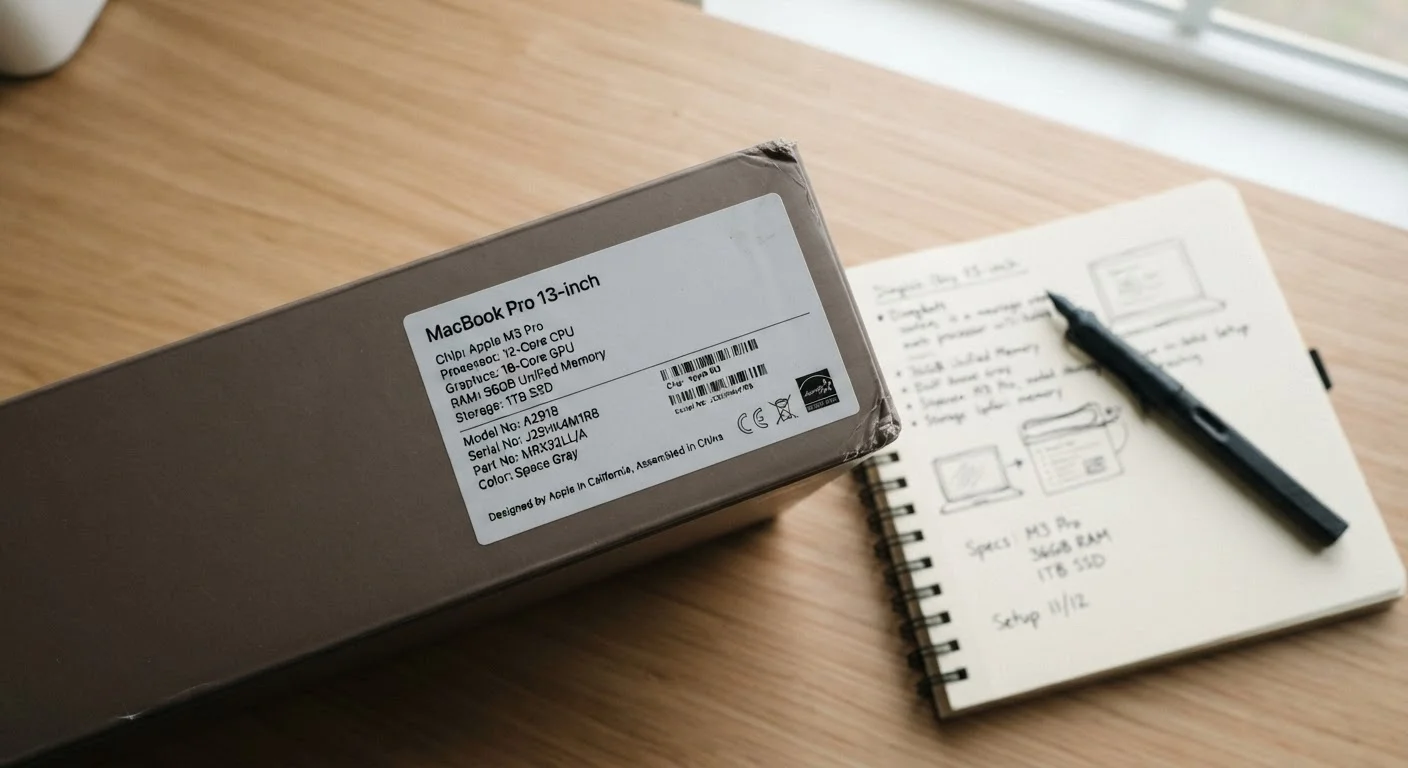
Storage and RAM differences are narrowing, but still present. Desktop motherboards support more RAM slots and higher memory capacities. More critically, many laptops now permanently attach (solder) RAM and storage chips directly to the circuit board to save space and reduce thickness. This means you can't upgrade them later. Which laptop components can actually be replaced walks through exactly what's fixable and what isn't.
Storage speed is one area where laptops have largely caught up. Both form factors now commonly use NVMe SSDs - fast flash-based storage that loads applications and files rapidly. Our SSD vs. HDD explainer covers how these differ from older hard drives.
| Criterion | Desktop | Laptop |
|---|---|---|
| Sustained performance | High - large cooling headroom | Moderate - thermal throttling limits |
| Portability | None - stationary only | Full - battery-powered, self-contained |
| Upgradeability | High - most parts replaceable | Low - RAM/storage often soldered |
| GPU power ceiling | 150-300W typical | 60-150W typical |
| Performance per dollar | Generally higher | Generally lower |
| Display included | No - monitor sold separately | Yes - built-in screen |
| Noise and heat output | Moderate - larger fans, quieter | Variable - fans run harder under load |
| Setup complexity | More components to connect | Ready to use out of the box |
Portability, Longevity, and What Each Form Factor Actually Costs You
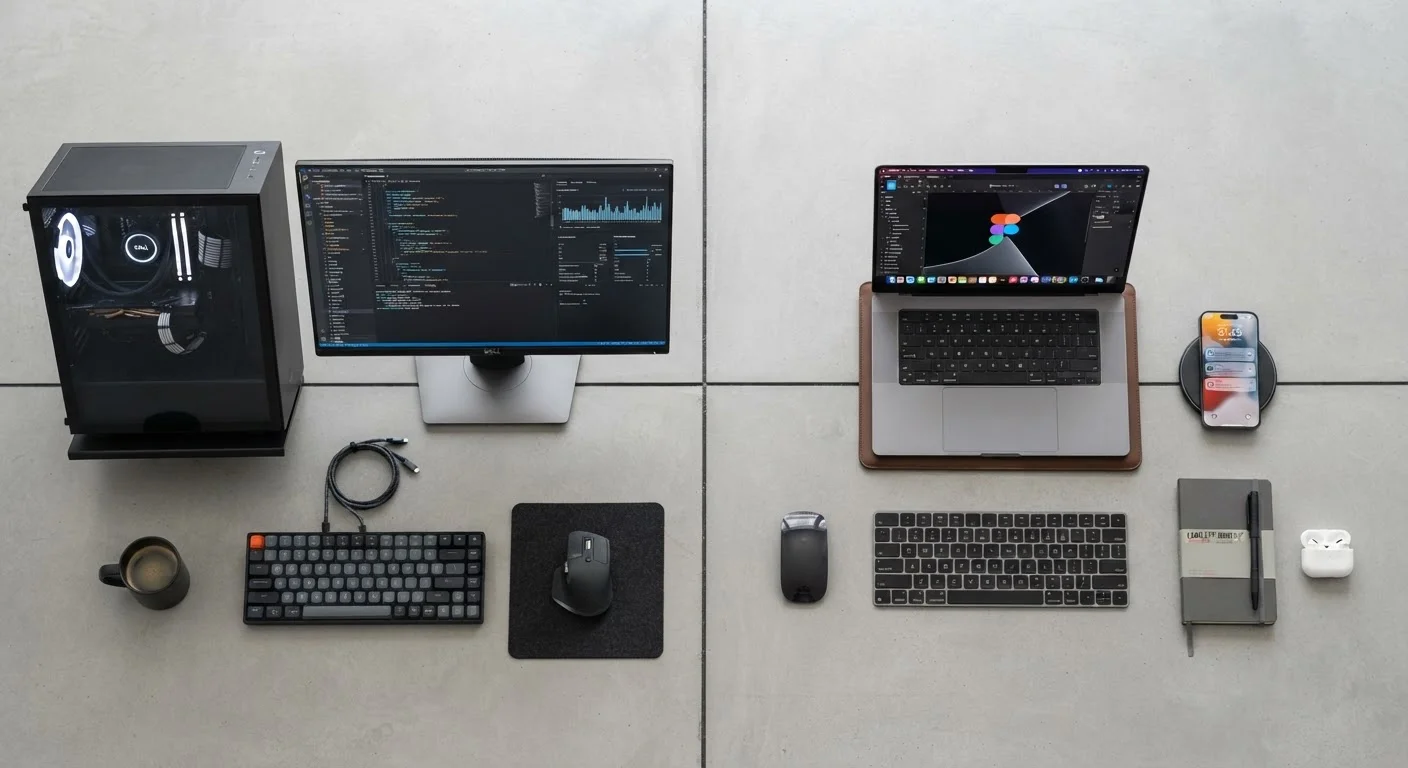
A desktop's performance advantage comes with an obvious constraint: it doesn't move. Once set up, it stays set up. For users who need a single, powerful workstation - a home video editor, a programmer with a fixed desk, a gamer - that's perfectly fine. But if your work or lifestyle involves moving between rooms, buildings, or cities, a laptop is often the only practical option. Our comparison of laptop display specs is useful once you've decided portability matters to you.
Longevity is another important dimension. Desktops can often be kept useful for longer by swapping individual components - add more RAM, replace the storage drive, upgrade the GPU - without replacing the entire machine. Most laptop upgrades are limited to storage on select models. Over a five-year period, a desktop owner may spend less total to maintain equivalent performance, even if the laptop seemed cheaper at purchase.
For users whose needs fall somewhere between a smartphone and a full laptop, it's worth reading about tablets vs. laptops to understand where that third option fits. And if you're still building your foundational understanding of what's actually inside any computer, our beginner's map of PC components is a good starting point.
The bottom line: desktops and laptops aren't competing for the same buyer. They reflect genuinely different priorities - sustained power versus flexible convenience - and understanding which priority matters in your daily life is the most useful question you can answer before choosing between them.