Resolution: Sharpness Is About Density, Not Just Numbers
Resolution describes the total number of pixels arranged in a grid across your screen - for example, 1920×1080 (commonly called 1080p or Full HD) means 1,920 pixels across and 1,080 pixels tall. More pixels means more detail, but the number alone doesn't determine sharpness.
What actually matters is pixel density, measured in pixels per inch (PPI). A 1080p panel on a compact 13-inch laptop packs pixels tightly enough that individual dots become invisible to the naked eye at normal viewing distance. That same resolution spread across a 17-inch screen? The pixels are farther apart, and the image looks noticeably softer.
Common laptop resolutions and what they're typically suited for:
- 1080p (Full HD): Well-suited for screens up to 14 inches; the baseline for most mainstream laptops.
- 1440p (QHD / 2K): A practical upgrade on 15-16 inch screens; noticeably sharper text and images.
- 4K (UHD): Delivers very high pixel density, most beneficial on larger panels or when used with an external monitor; can reduce battery life meaningfully.
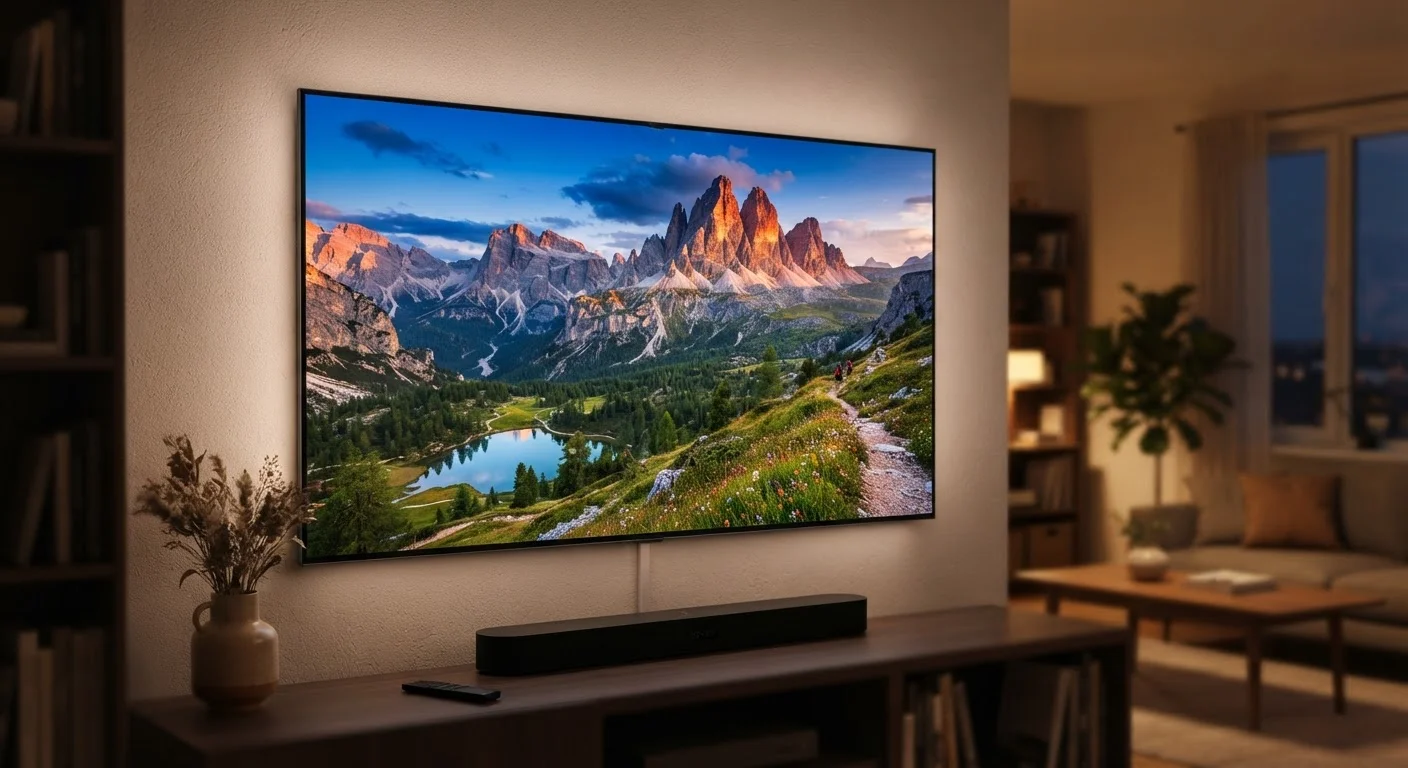
For context, just as TV resolution numbers don't tell the whole story, the same principle applies to laptop screens - resolution is one input, not the final verdict on quality.
Refresh Rate: How Smooth Motion Actually Works
Refresh rate measures how many times per second the display redraws the entire image, expressed in hertz (Hz). A 60Hz panel refreshes 60 times per second; a 120Hz panel does so twice as often. The practical result is that higher refresh rates make motion - scrolling a web page, moving the cursor, watching video, or playing games - appear noticeably smoother and more fluid.
For general productivity, 60Hz is functional. But once you've used a 120Hz display for even a few hours, going back to 60Hz feels sluggish. This is especially true for scrolling through documents or navigating operating system menus.
Match Refresh Rate to Your Actual Habits
Before prioritizing a 144Hz or higher display, consider how you actually use a laptop day-to-day. Heavy scrollers, casual gamers, and anyone who spends hours on screen will genuinely feel the difference above 60Hz. For occasional, light use, spending more for a high refresh rate may not translate into a meaningful experience upgrade.
Common refresh rate tiers in laptop displays:
- 60Hz: The traditional standard; adequate for static work, video playback, and light web browsing.
- 90Hz: A middle ground increasingly found on productivity-focused machines; smoother without a large battery penalty.
- 120Hz / 144Hz: Standard on performance and gaming laptops; the clearest motion benefit for most users.
- 240Hz+: Primarily for competitive gaming; diminishing returns for general use.
Many panels now support variable refresh rate (VRR) or adaptive sync, which dynamically scales Hz based on workload - preserving smoothness during demanding tasks while saving power during idle periods. This is worth looking for if battery life is a priority.
Panel Type: Where Color, Contrast, and Comfort Come From
Panel technology determines how pixels produce light and color. This affects viewing angles, contrast depth, color accuracy, and even eye comfort over long sessions. The three panel types you'll encounter most often in laptops are TN, IPS, and OLED (including AMOLED variants).
TN (Twisted Nematic)
TN panels were once standard but are now largely found in budget devices. They offer fast pixel response times but suffer from narrow viewing angles - colors shift noticeably when you tilt the screen - and generally weaker color reproduction. They're rarely the right choice for anyone doing creative work or spending long hours at the screen.
IPS (In-Plane Switching)
IPS is the current mainstream standard for good reason. It delivers wide viewing angles, consistent color across the panel, and solid brightness. Most productivity and content-consumption laptops use IPS or IPS-like variants (sometimes marketed as "nano IPS" or "AHVA"). Blacks are limited by the backlight that's always on, producing a characteristic backlight glow in dark scenes.
OLED and AMOLED
OLED panels emit light at the individual pixel level, so pixels that display black simply turn off - producing true blacks and extraordinarily high contrast ratios. Colors appear vivid and accurate. The trade-offs are real, though: OLED laptops typically cost more, and static content left on screen for extended periods can cause image retention (sometimes called burn-in) over a long ownership period. For a deeper comparison of these technologies across device types, see our guide on OLED, LCD, and AMOLED displays.
Glossy vs. Matte Finish Also Matters
Panel type and resolution only tell part of the story. The surface coating - glossy or matte - determines how the screen handles glare. Glossy panels produce more vivid colors indoors but reflect ambient light heavily in bright environments. Matte panels reduce reflections at the cost of some color saturation, making them preferable for outdoor or office use near windows.
Panel type interacts directly with use case. Photographers and video editors generally benefit from wide color gamut IPS or OLED panels for accurate color rendering, while users who primarily write and browse will notice IPS's viewing angles more than its color depth.
Reading the Whole Picture Together
These three specs don't operate in isolation - they work together to define your experience. A display with high resolution but a slow 60Hz refresh rate will look sharp but may feel sticky during motion. An OLED panel at 1080p on a 15-inch screen may sacrifice some sharpness for exceptional contrast. A 144Hz IPS at 1440p hits a practical sweet spot for many users who want both smoothness and clarity without the OLED premium.
157 PPI
Approximate pixel density of 1080p at 14 inches
PPI calculations show that screen size transforms the same resolution from sharp to noticeably soft as panel dimensions grow.
120Hz
Refresh rate now common on mid-range laptops
Higher refresh rates have moved from gaming-only to mainstream availability as panel manufacturing costs have declined.
1,000,000:1
Typical contrast ratio cited for OLED laptop panels
OLED's per-pixel illumination allows contrast ratios that far exceed the 1,000:1 to 1,500:1 typical of IPS LCD panels.
When evaluating any laptop display, ask these three questions in sequence:
- Is the resolution appropriate for the screen size? Check the calculated PPI, not just the raw resolution.
- Will I benefit from a higher refresh rate? If you scroll heavily, work long hours, or game casually, 90Hz or above is worth the consideration.
- Which panel type matches my primary use? Creative work favors accurate-color IPS or OLED; budget-sensitive general use may be well-served by IPS alone.
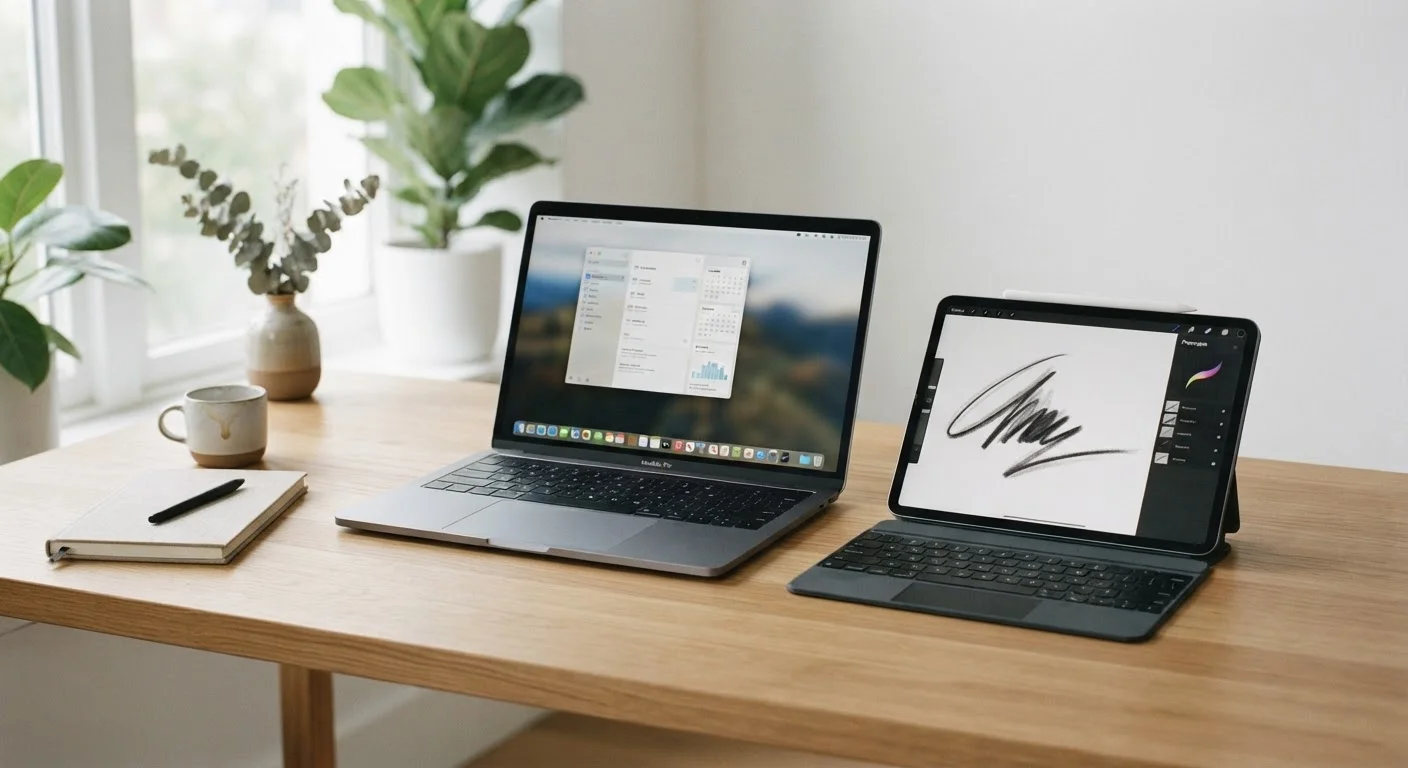
Display specifications are closely tied to the broader question of how laptops differ from alternatives - something worth exploring in our piece on tablet vs. laptop trade-offs if you're still weighing your options. And since the display is one of the few components that generally cannot be upgraded after purchase - as covered in our guide to which laptop components can actually be replaced - it deserves extra scrutiny before you commit.