Why So Many Laptop Parts Are Now Off-Limits
When manufacturers design thin, light laptops, they face a fundamental constraint: space. Soldering components - meaning permanently fusing them to the motherboard during manufacturing - allows engineers to eliminate bulky connectors, reduce thickness, and squeeze more battery capacity into the chassis. The trade-off is that the end user loses the ability to swap those parts later.
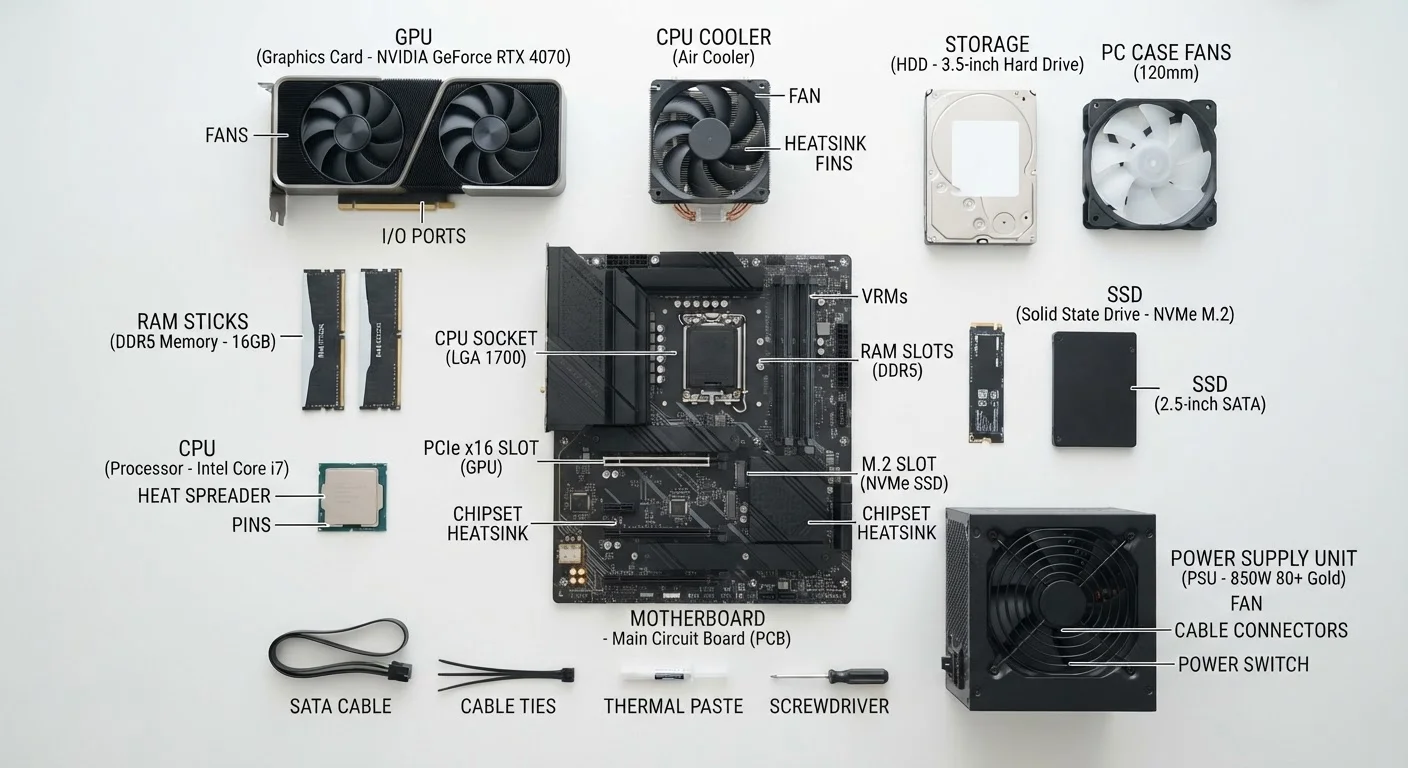
This shift accelerated around 2015 as ultrathin designs became the market standard. Today, even many mid-range laptops ship with soldered RAM and soldered storage. If you want to understand what's actually inside your machine, the beginner's component guide is a useful starting point before diving into upgrade options.
Repairability Scores Are a Useful Shortcut
Some independent organizations publish repairability scores for popular laptops, rating how easy each model is to open, repair, and upgrade. These scores consider factors like screw accessibility, adhesive use, and parts availability. Checking these ratings when comparing models gives you a concrete sense of long-term flexibility that spec sheets won't show you.
What Can Realistically Be Upgraded
Despite the trend toward sealed designs, some components remain accessible on many models - especially in the business-class and budget segments.
Storage (SSD)
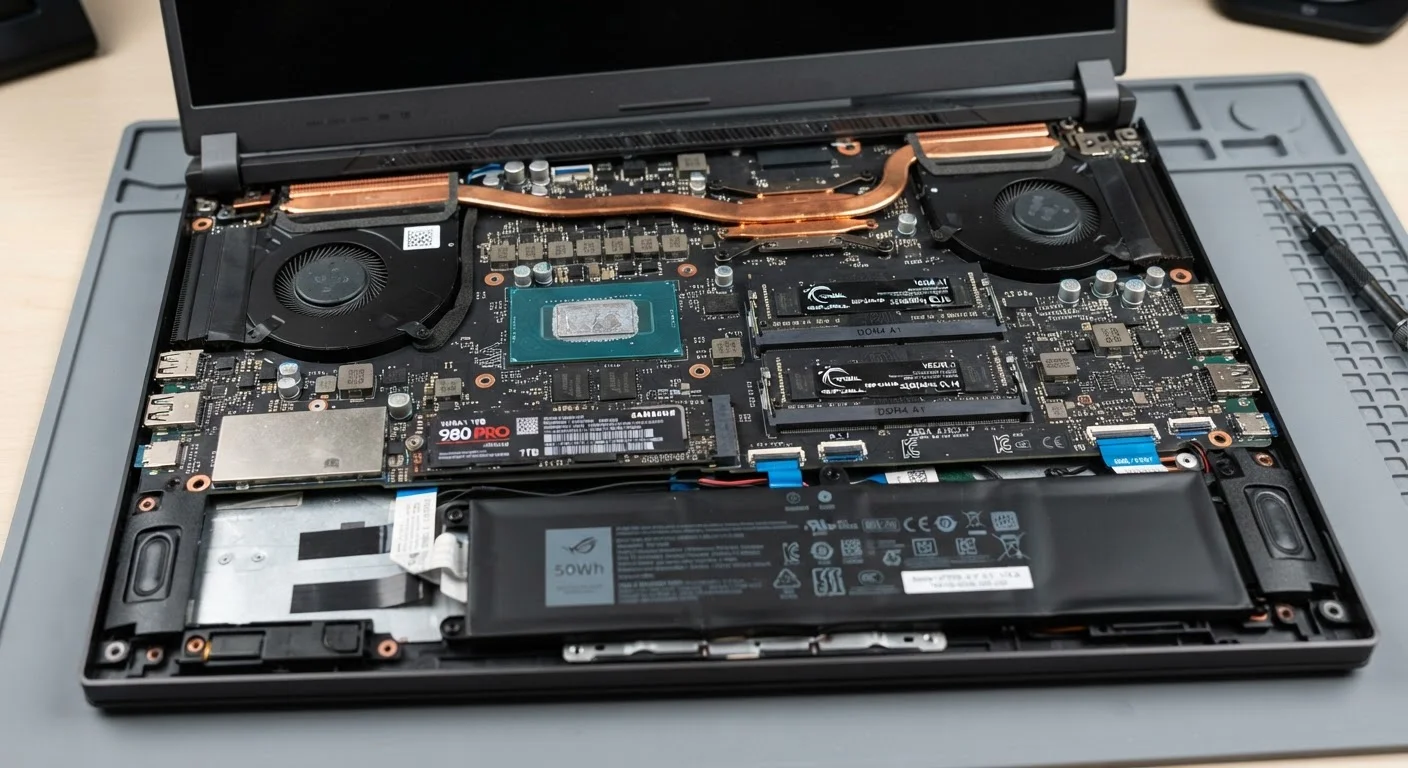
The solid-state drive (SSD) is the component most likely to be replaceable. Many laptops use an M.2 slot - a small, standardized connector that accepts a removable drive. Swapping a slow or small SSD for a faster or larger one can dramatically improve responsiveness. If your laptop feels sluggish, storage bottlenecks are often a key culprit.
RAM
Laptops that use SO-DIMM slots (small, removable memory sticks) can have their RAM upgraded. However, a growing share of laptops use LPDDR memory soldered directly to the board. There is no workaround for soldered RAM - the amount you buy with is the amount you're permanently committed to.
Battery
Many laptops have internal batteries that are glued or deeply embedded, making replacement difficult without professional tools. Some business-class models retain user-replaceable batteries, but these are increasingly rare.
SSD upgrades deliver noticeable real-world speed gains
Replacing a slow or small SSD with a faster model can cut boot times and app launch times significantly, often rivaling the effect of buying a newer machine.
RAM upgrades can extend a laptop's useful lifespan
On models with removable SO-DIMM slots, adding more RAM helps handle modern multitasking demands that the original configuration may not have anticipated.
DIY upgrades cost less than buying a new laptop
A storage or RAM upgrade typically costs a fraction of a replacement laptop, making it a cost-effective option for users whose hardware is otherwise still capable.
Upgradeability reduces electronic waste
Extending a laptop's life through targeted upgrades keeps functional hardware out of landfills, which has measurable environmental benefits compared to early replacement cycles.
What Generally Cannot Be Upgraded
Understanding the limits is just as important as knowing the possibilities.
CPU and GPU
On virtually all modern consumer laptops, the processor (CPU) and graphics chip (GPU) are soldered to the motherboard. Unlike desktop PCs - where these sit in removable sockets - laptop processors are part of the board itself. The performance gap between desktops and laptops is partly explained by exactly these architectural choices.
Display
While a broken screen can technically be replaced by a repair technician, the display panel is not an upgrade path in the traditional sense. Swapping a 1080p panel for an OLED, for example, typically requires a matching connector, bezel, and cable configuration - which rarely lines up across different panels. If display quality is a priority, it's worth understanding specs before purchasing, not after.
Ports and Wi-Fi
Wi-Fi cards are soldered on most thin laptops, though some traditional-form-factor models still use an M.2-connected card. Ports are part of the chassis design and cannot be added or changed.
Most CPUs and GPUs are permanently soldered in place
The components that most directly determine processing power cannot be swapped on modern consumer laptops, meaning performance ceilings are set at the factory.
Soldered RAM locks users into the original configuration
Laptops with LPDDR memory soldered to the board offer no RAM upgrade path regardless of budget or technical skill - what ships is permanent.
Opening a laptop can void the manufacturer's warranty
Many manufacturers specify that user-performed hardware modifications, including storage or RAM swaps, void coverage - a meaningful risk if the machine is still under warranty.
Upgrade compatibility is not always straightforward
Not all M.2 SSDs use the same interface (NVMe vs. SATA) or physical length, and buying an incompatible part is a common and costly mistake for first-time upgraders.
Battery replacement is increasingly difficult without professional help
Glued-in batteries and compact chassis designs mean that even a simple battery swap often requires specialized tools and carries a risk of damaging nearby components.
How to Check Before You Buy or Upgrade
The single most reliable method is to look up the service manual for the specific model you own or are considering. Manufacturers like Lenovo and Dell publish these documents publicly for many business lines. Independent teardown sites provide photos and repairability assessments for consumer models.
Key questions to ask: Does the RAM use SO-DIMM slots or is it soldered? Does the SSD use a standard M.2 form factor? Is there a second M.2 slot available? These answers are rarely listed on a product page - they require digging into the manual or a trusted teardown review.
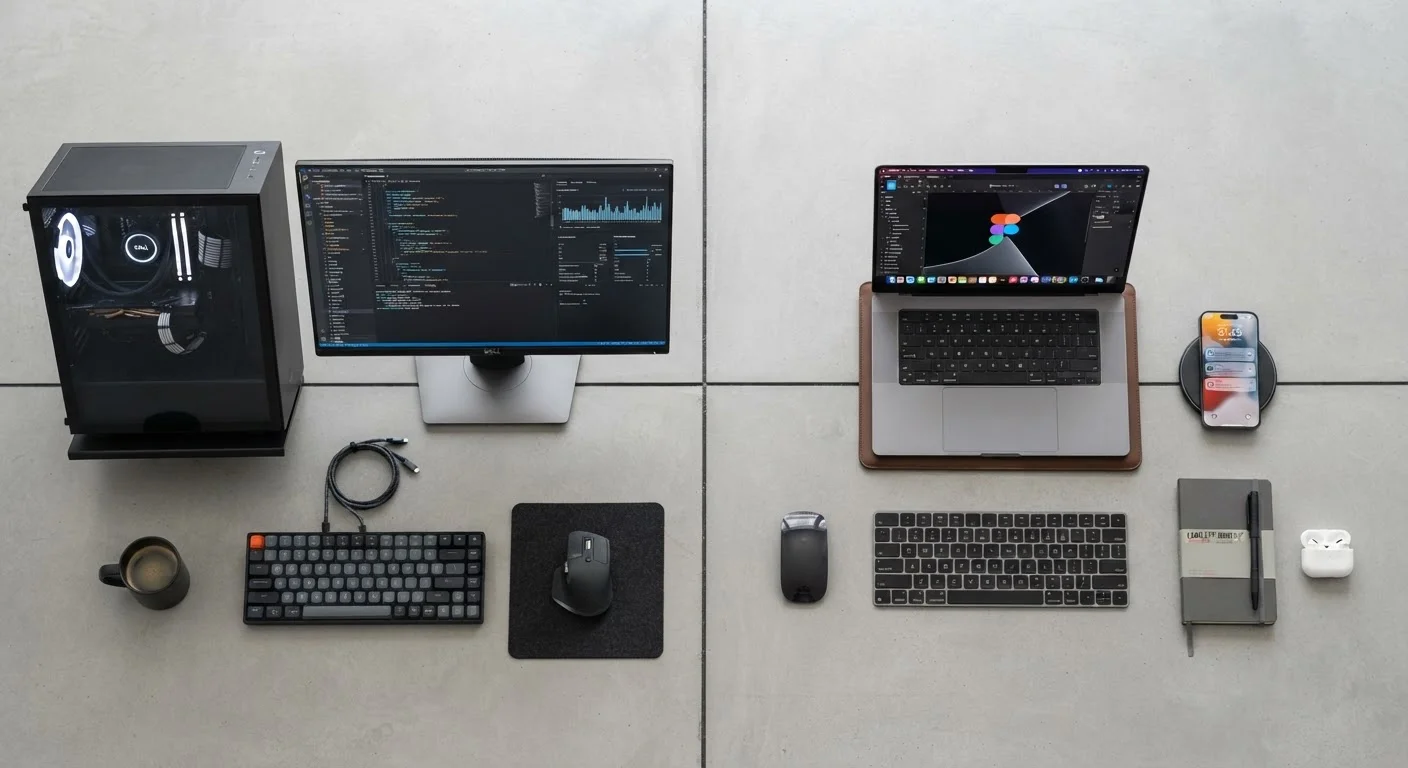
It's also worth considering that laptops and tablets now overlap significantly in design philosophy. For context on how sealed hardware affects everyday use decisions, the tablet vs. laptop trade-offs guide covers the practical side of those choices.
~60%
Share of thin-and-light laptops with soldered RAM
Industry teardown analyses suggest a majority of consumer ultraportable laptops now ship with non-removable, soldered memory as of recent model generations.
M.2 NVMe
Most common upgradeable SSD format in laptops
The M.2 NVMe interface has become the standard for removable laptop storage, though SATA-based M.2 drives remain common in older and budget-tier models.