Why the Lines Have Blurred - But Haven't Disappeared
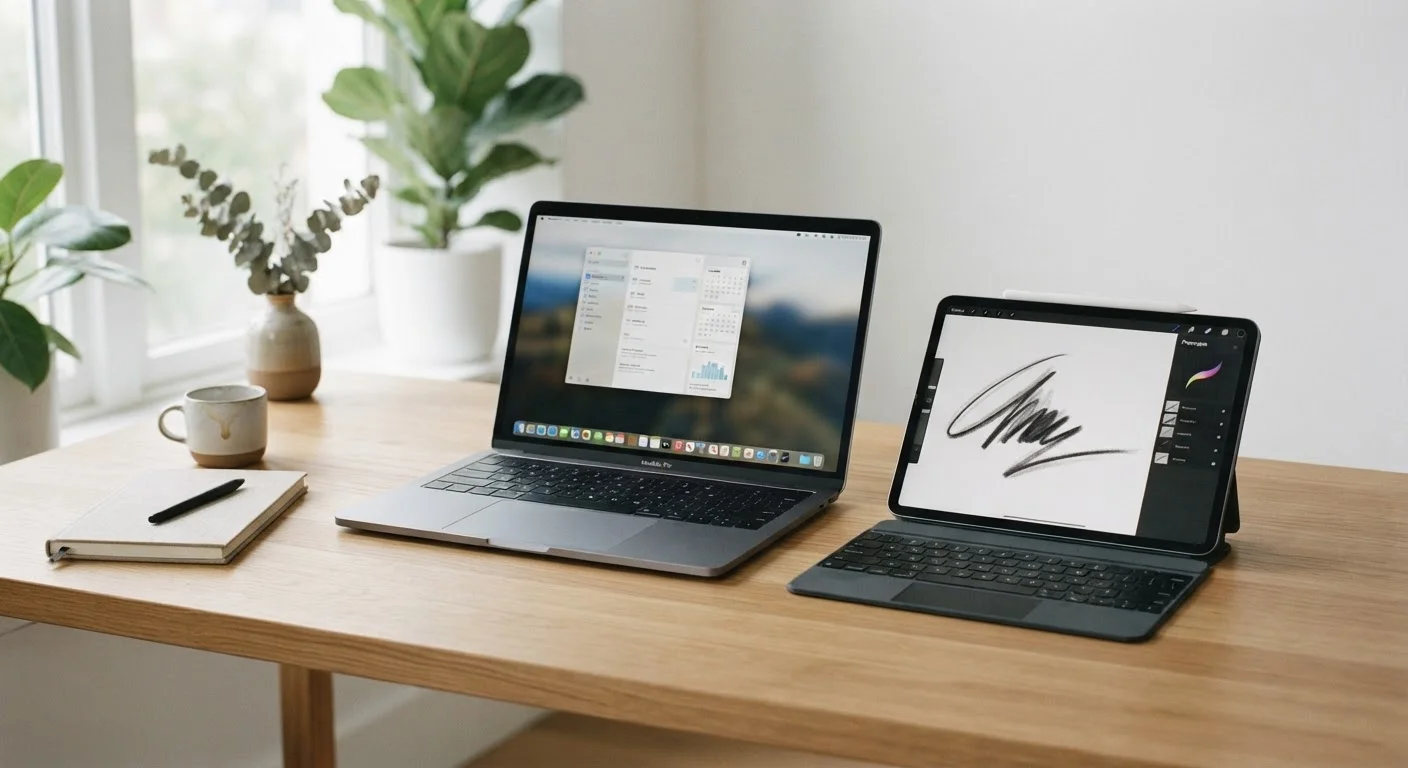
Walk into any electronics department and the tablet-versus-laptop question looks murkier than ever. Tablets now support physical keyboards and styluses. Laptops have shrunk and grown touchscreens. Some devices market themselves as both. Yet underneath the converging designs, the two form factors still make fundamentally different engineering trade-offs - and those differences show up the moment you sit down to get something done.
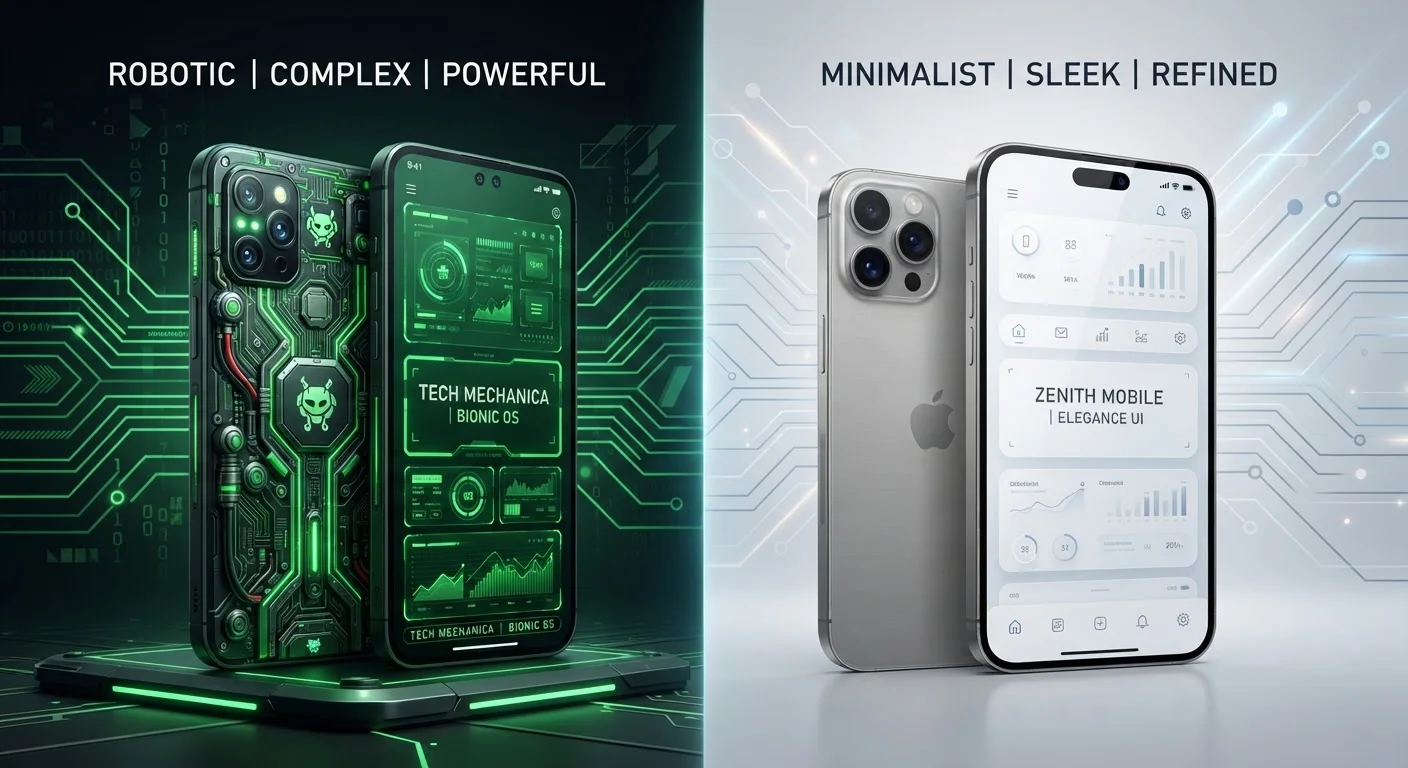
Understanding those trade-offs starts with the operating system. Most tablets run mobile operating systems - iPadOS or Android - which are optimized for touch input and battery efficiency. Most laptops run full desktop operating systems like Windows or macOS, which are built around a keyboard, mouse, and sustained performance. How Android and iOS differ under the hood matters here: a mobile OS shapes which apps are available, how files are managed, and how much control you have over the system. That single distinction cascades into nearly every practical difference between a tablet and a laptop.
Where Tablets Have a Real Advantage
Tablets are genuinely better tools in several everyday scenarios, and the reasons are physical as much as technical.
- Portability and weight: Most tablets weigh significantly less than even thin laptops - a meaningful factor if you carry a device for hours or use it one-handed on a commute.
- Battery endurance: Mobile processors are designed for efficiency. Many tablets comfortably exceed ten hours of screen-on time under real-world use, which most laptops can't consistently match.
- Media consumption: Reading, streaming, video calls, and casual browsing are exactly the use cases tablet interfaces are tuned for. The touch-first design feels natural here in a way that a trackpad never fully replicates.
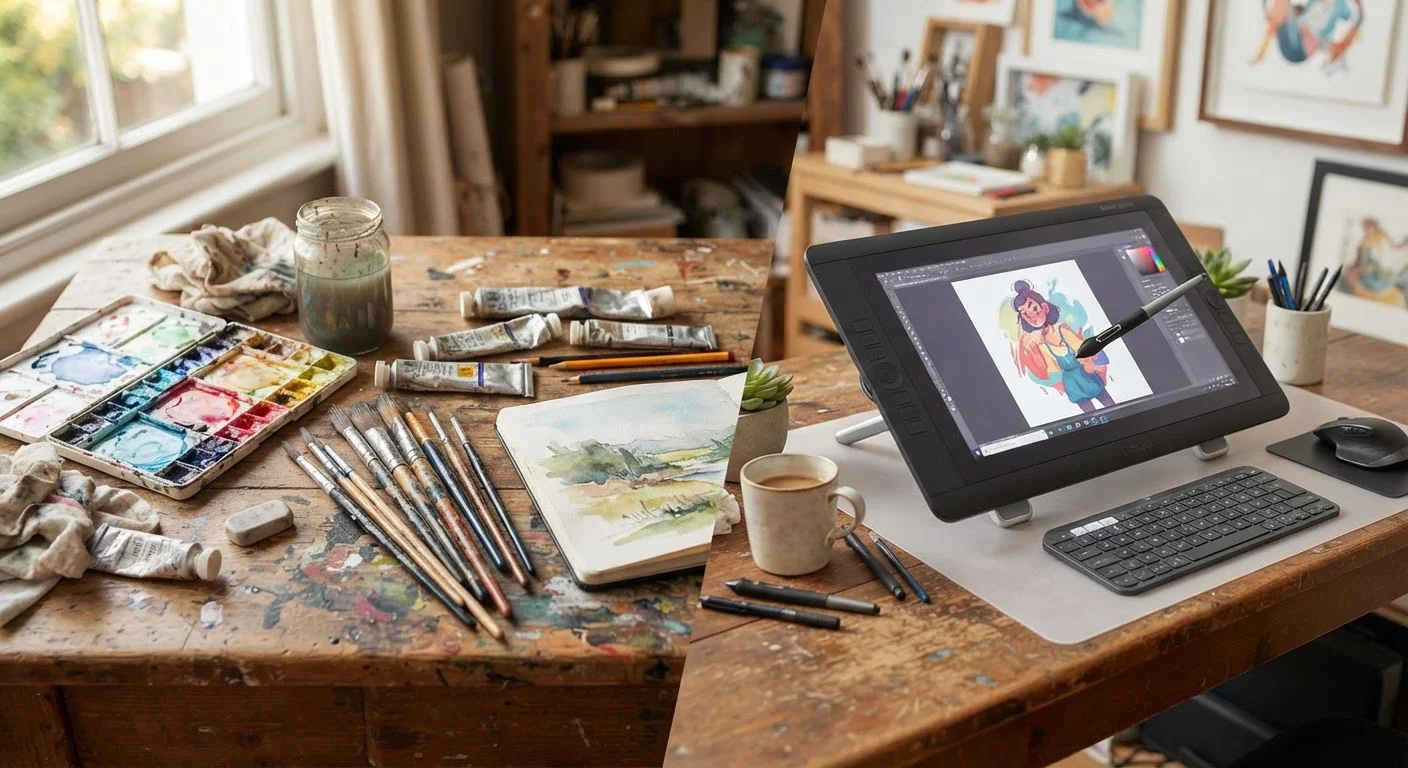
- Handwriting and sketching: For note-takers and artists, a tablet with a compatible stylus offers an input method laptops fundamentally can't match. See our article on digital art versus traditional media for context on how stylus-based workflows compare to other creative approaches.
| Tablet | Laptop | |
|---|---|---|
| Portability | Lighter, easier one-handed use | Heavier, requires a surface |
| Battery life | Often 10+ hours typical use | Varies widely, often 6-10 hours |
| Typing experience | Touch or add-on keyboard | Built-in physical keyboard |
| Software availability | Mobile apps, some limitations | Full desktop software ecosystem |
| Multitasking | Limited by mobile OS | Stronger window management |
| Processing power | Efficient, moderate sustained load | Higher sustained performance |
| Touch and stylus input | Native, natural for drawing/notes | Limited or unavailable |
| Repairability/longevity | Generally shorter support cycles | Typically longer software support |
Where Laptops Still Hold the Edge
For sustained, complex, or professional work, laptops retain clear advantages that tablet hardware and software haven't closed.
- Processing headroom: Desktop-class processors handle video editing, large spreadsheets, software development, and multi-tab browser sessions without the throttling that mobile chips encounter under load. Understanding specs and performance in modern personal computers gives a broader view of what drives these differences.
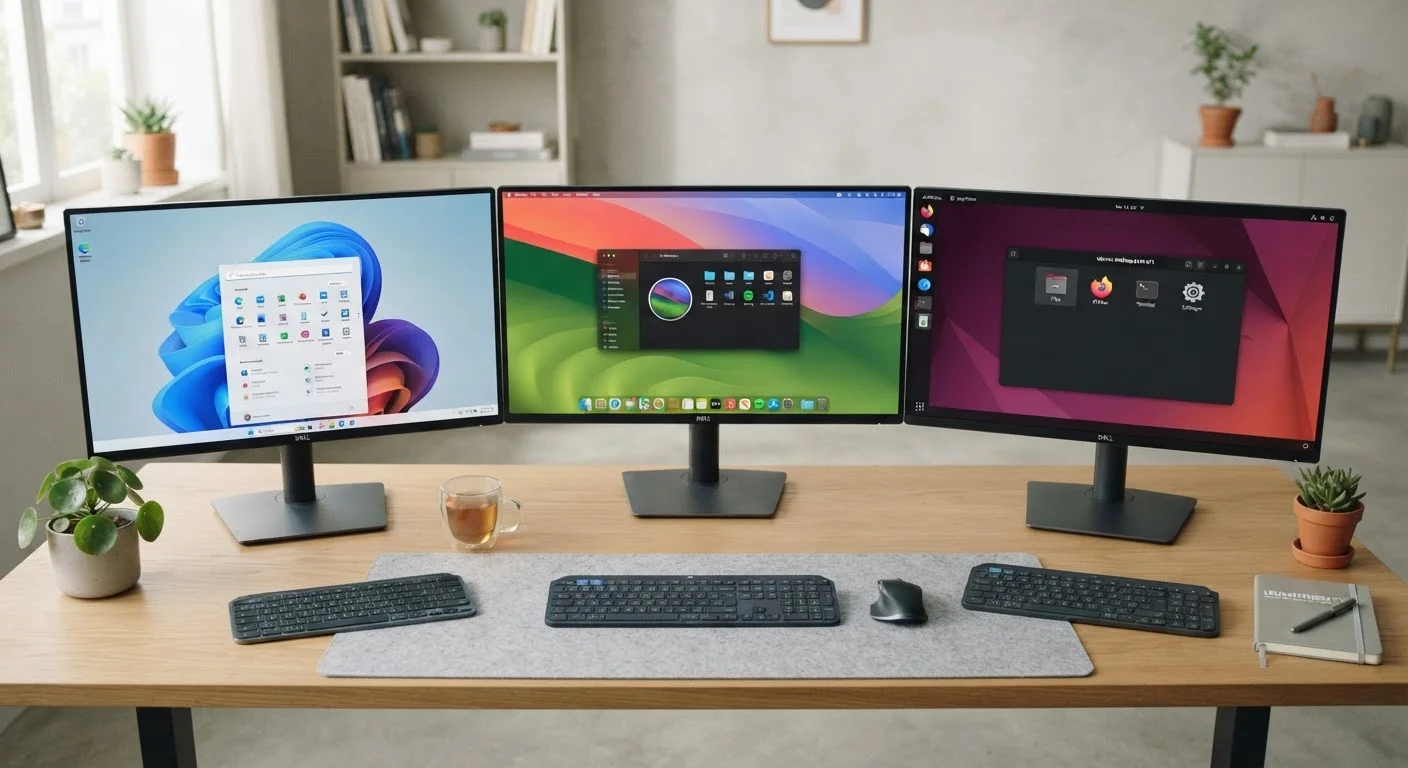
- Software breadth: Many professional applications - accounting software, full Adobe Suite, specialized industry tools - don't have tablet equivalents. The differences between Windows, macOS, and Linux also affect which professional tools are accessible.
- Keyboard and multitasking: A physical keyboard attached to a hinge isn't a minor convenience - it changes how fast and accurately you can write. Snapping two windows side by side, moving files between folders, and managing multiple open apps remain smoother on a full desktop OS.
- Upgradeability and longevity: While many modern laptops have begun soldering components to the board (worth understanding if longevity matters to you - see which laptop components can actually be replaced), they still typically outlast tablets in both software support cycles and repairability.
The Tasks That Reveal the Real Difference
Abstract comparisons only go so far. Here's how the trade-offs play out in concrete, everyday situations:
- Writing long documents
- A laptop wins. Even with a Bluetooth keyboard, tablet software often handles large documents awkwardly - cursor placement, formatting controls, and file management all feel constrained.
- Watching video and reading
- A tablet wins. The lightweight form, touch navigation, and long battery life make passive consumption genuinely more comfortable.
- Video calls
- Roughly equal, though tablets are easier to prop up at flexible angles without a desk.
- Spreadsheets and data work
- A laptop wins. Mobile spreadsheet apps lack many features their desktop counterparts offer, and touch input is imprecise for dense data entry.
- Travel use
- Depends on your work. If you need only email, maps, and entertainment during a trip, a tablet is genuinely enough. If you're working remotely, a laptop is safer. For practical travel planning advice, smarter travel tips can help you think through what you'll actually need on the road.
Try Before You Decide
If possible, spend 30 minutes in a store using each device type to complete something you actually do - drafting an email, organizing files, or pulling up a spreadsheet. The physical interaction often clarifies preferences that spec comparisons obscure. A device that feels awkward to use daily will underperform regardless of its benchmark numbers.
Making the Decision Without Overthinking It
The most useful question isn't "which is more powerful" - it's "what do I actually do most days?" List your five most common device tasks. If most involve passive consumption, note-taking, or light communication, a tablet is likely sufficient and arguably better suited. If your list includes writing, complex software, or managing large files, a laptop will serve you better and cause less daily frustration.
A smaller group of users genuinely needs both - but many people who think they do would be well served by a single device if they're honest about their actual habits. The display quality on whichever device you choose also matters more than many buyers expect; if you're leaning toward a laptop, what laptop display specs actually mean is worth understanding before you decide. Likewise, if performance degrades over time, knowing why laptops slow down can help you set realistic long-term expectations for either category.