What an Operating System Actually Does
An operating system (OS) is the foundational software that manages everything on your computer - from running applications to controlling how hardware components communicate with each other. Think of it as the layer between you and the machine's circuits. Without it, your hardware is just expensive metal and silicon.
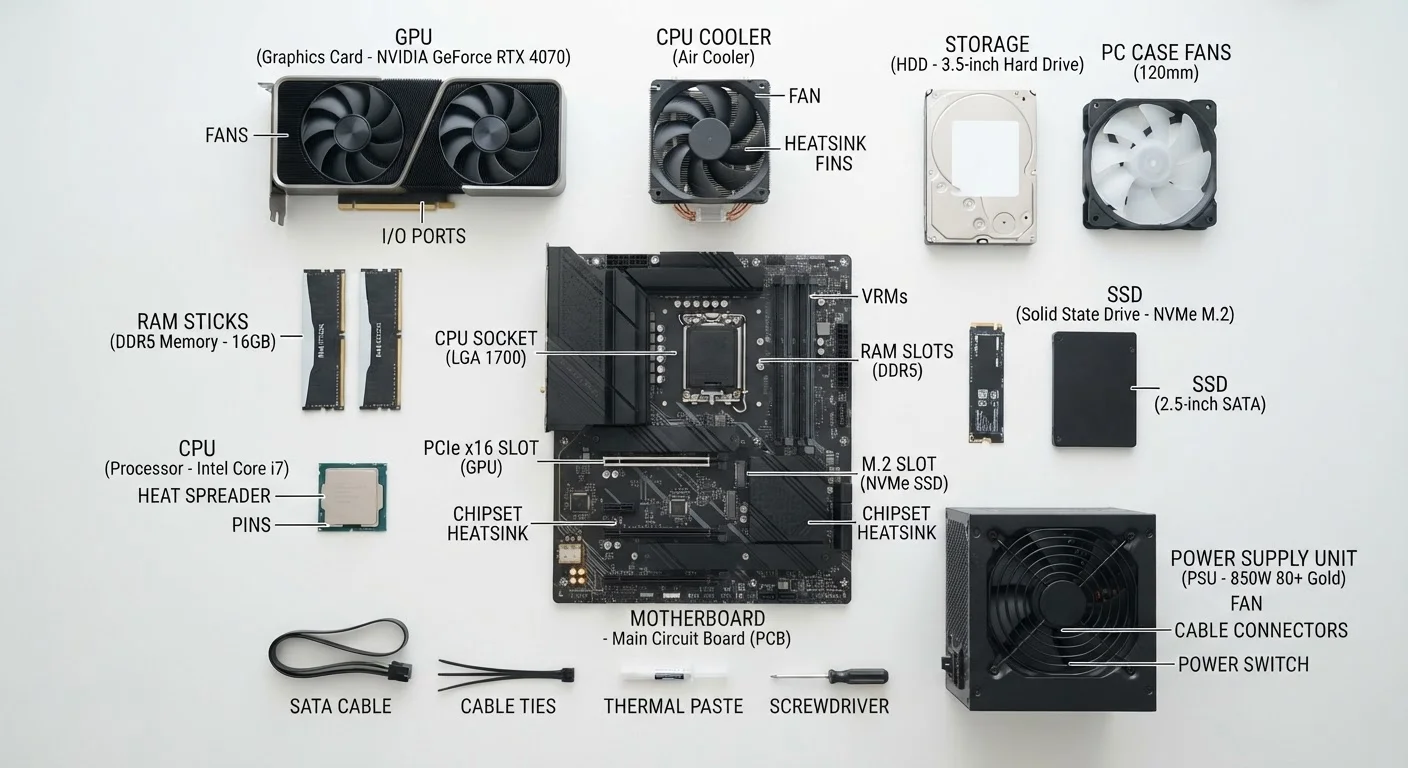
When you open a browser, save a document, or adjust your volume, the OS is handling those requests behind the scenes. That's why choosing an OS matters more than most people realize - it shapes your interface, your available software, and even your security posture. For a deeper look at the hardware your OS runs on, see our beginner's guide to what's inside your PC.
Windows: The Broadly Compatible Workhorse
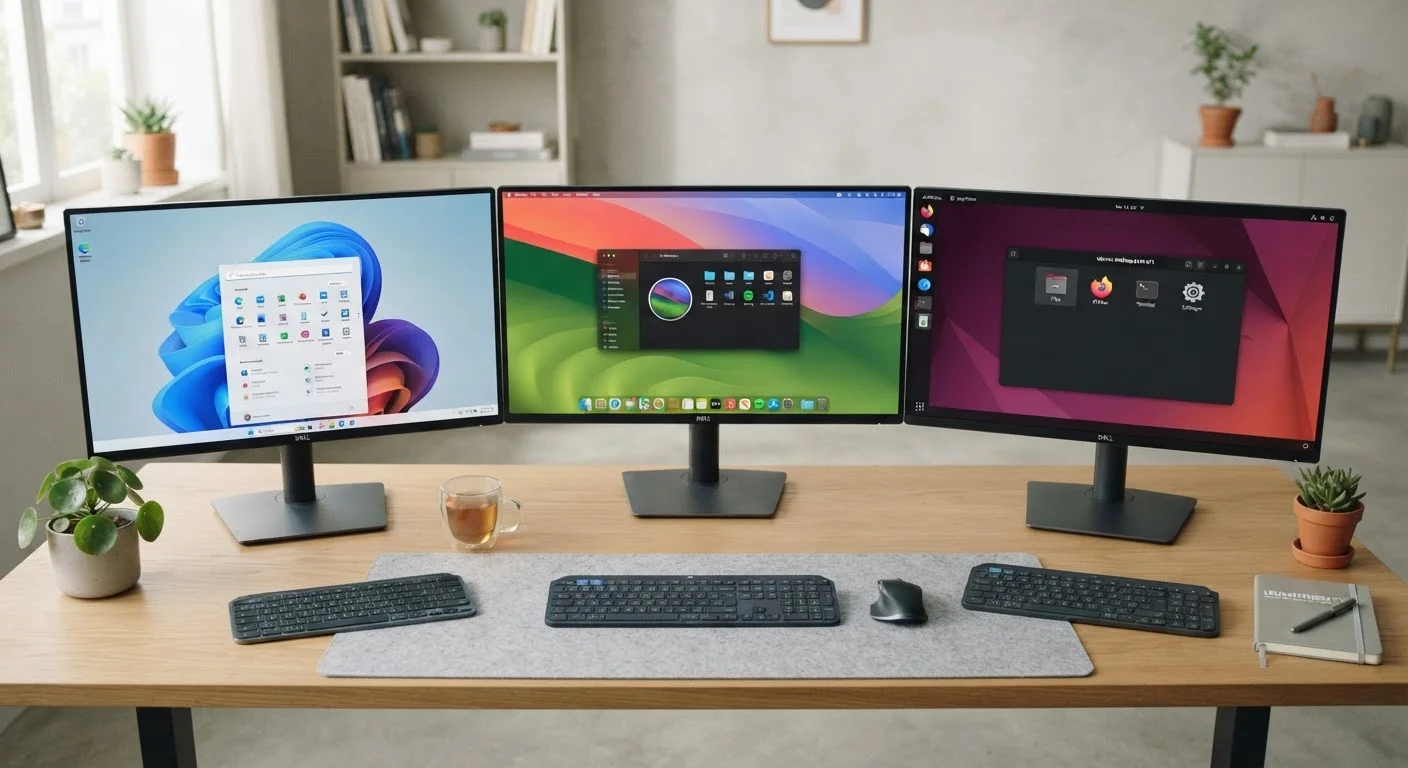
Windows, developed by Microsoft, powers the vast majority of personal computers worldwide. Its dominance stems largely from hardware flexibility - Windows runs on an enormous range of machines from dozens of manufacturers, across nearly every price point.
For everyday users, this means wider software availability. Most commercial applications, particularly in business, gaming, and specialized industries, launch on Windows first. Compatibility issues are relatively rare.
The trade-off is consistency. Because Windows supports such a wide variety of hardware, the experience can vary significantly between machines. Update management has also historically been a friction point, with updates sometimes arriving at inconvenient times. Security requires more active attention - Windows is the most targeted OS by malicious software, which makes keeping it updated important rather than optional.
| Windows | macOS | Linux | |
|---|---|---|---|
| Cost to obtain | Paid (often bundled with PC) | Paid (requires Apple hardware) | Free |
| Hardware flexibility | Very broad - many manufacturers | Apple hardware only | Broad, but varies by distro |
| Software library | Largest, widest compatibility | Strong, especially creative tools | Growing, some gaps remain |
| Gaming support | Strongest | Limited | Improving, but trails Windows |
| Ease of use | Familiar to most users | Intuitive, consistent interface | Varies by distro; steeper curve |
| Privacy & transparency | Telemetry on by default | Telemetry on by default | Generally most transparent |
| Customizability | Moderate | Limited | Highest |
macOS: Polish and Integration at a Premium
macOS is Apple's operating system, and it runs exclusively on Apple's own Mac hardware. That exclusivity is both its strength and its limitation. Because Apple controls both the software and the hardware it runs on, macOS tends to deliver a more consistent, stable experience than Windows across comparable tasks.
The interface is widely considered intuitive, and integration with other Apple devices - iPhones, iPads, and Apple Watches - is seamless in ways that cross-platform solutions rarely match. Creative professionals have long favored macOS for tasks like video editing, graphic design, and music production, partly due to software culture and partly due to optimized performance on Apple silicon.
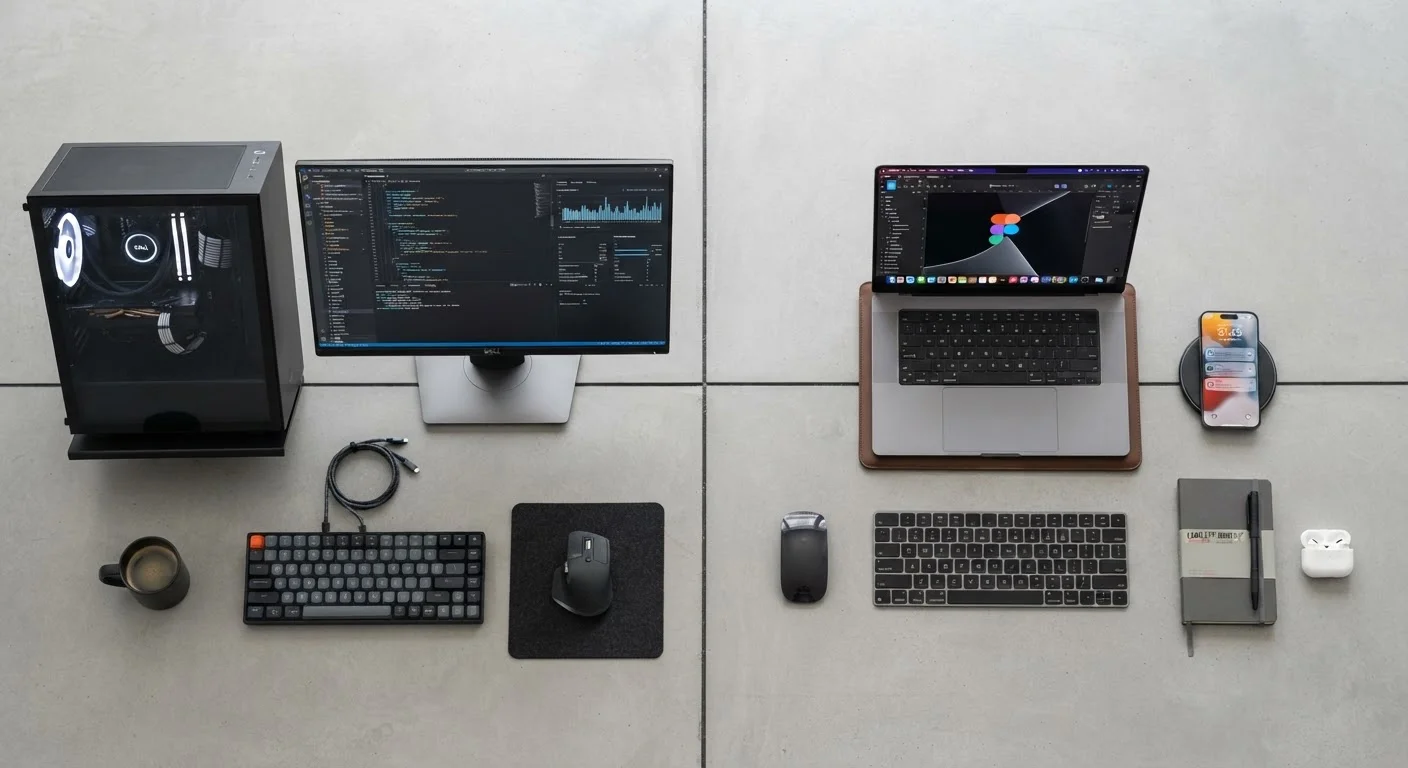
The limitations are real, however. Macs carry a higher upfront cost, hardware upgrade options are limited compared to Windows PCs, and the software library - while comprehensive - doesn't match Windows for gaming or certain enterprise tools. For users weighing portability decisions alongside their OS choice, our desktop vs. laptop comparison covers relevant trade-offs.
Linux: Control, Customization, and Community
Linux is an open-source operating system - meaning its underlying code is publicly available and maintained by a global community of developers. It comes in many variations called distributions (or "distros"), such as Ubuntu, Fedora, and Debian, each with different interfaces and default software.
The key advantages are meaningful: Linux is free, it runs efficiently even on older hardware, and it gives technically inclined users granular control over their system. It also tends to be more transparent about what's happening on your device, which appeals to privacy-conscious users.
The honest challenge is the learning curve. While some Linux distributions have made significant strides in user-friendliness, configuring software, troubleshooting hardware compatibility, and managing system updates can require more hands-on engagement than Windows or macOS. Gaming support has improved substantially in recent years but still trails Windows.
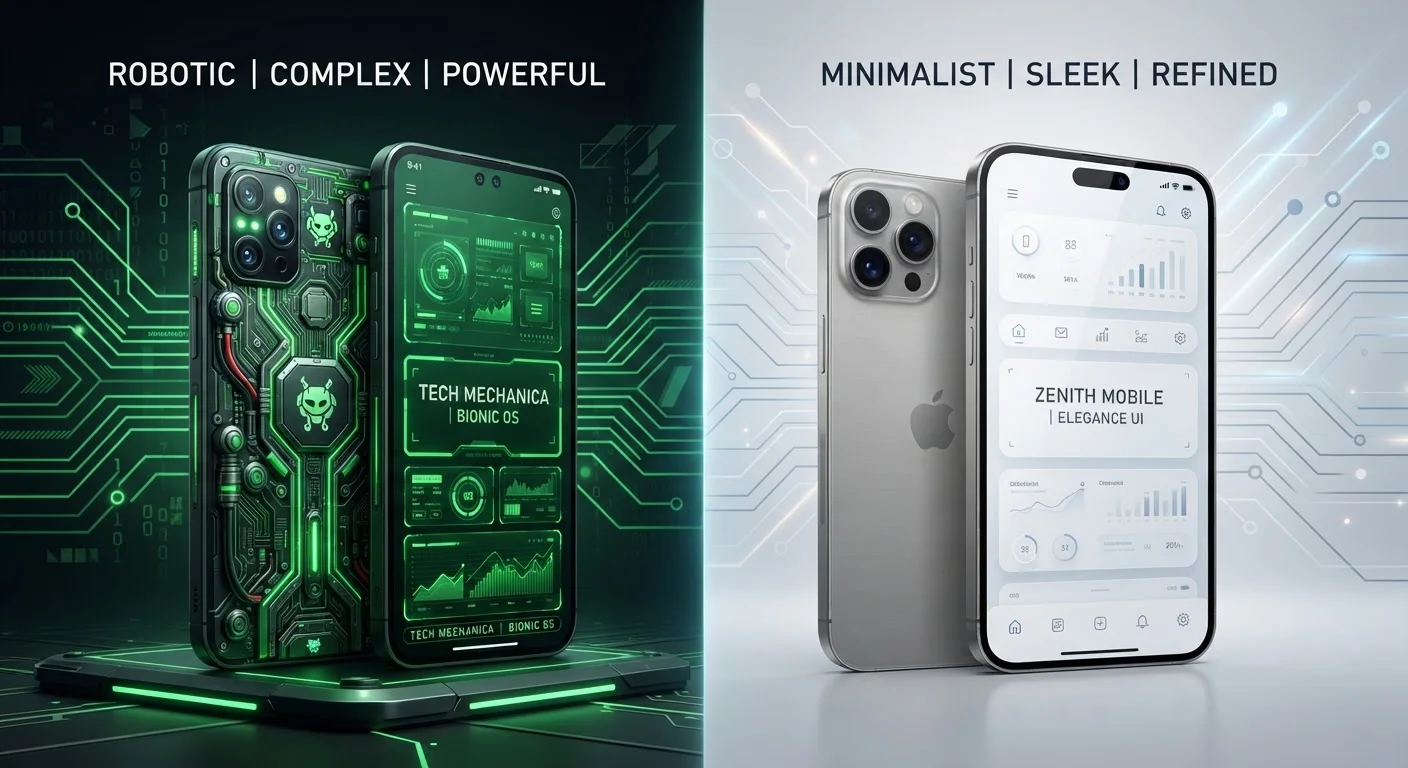
If you're curious how OS philosophy extends to mobile devices, our comparison of Android and iOS draws useful parallels.
Practical Factors to Consider Before Choosing
Before defaulting to whichever OS came preloaded on your device, it's worth reflecting on a few concrete factors:
- Software requirements: Does your work or hobby depend on a specific application? Check which OS it supports first.
- Hardware budget: Windows and Linux give you far more flexibility across price ranges. macOS means buying Apple hardware.
- Technical comfort level: If you want things to mostly work without configuration, macOS or a mainstream Windows PC will serve you better than Linux.
- Privacy priorities: Linux is generally most transparent, while Windows and macOS each collect usage telemetry by default (with varying opt-out options).
- Ecosystem ties: Already deep in Apple or Microsoft products? Staying within that ecosystem often reduces friction.
Understanding how your OS handles storage and memory can also influence performance expectations - our article on RAM, storage, and processing speed explains how those hardware specs interact with your software environment.
Try Before You Commit
If you're curious about Linux, many distributions offer a "live USB" option - you can boot directly from a USB drive and test the OS without installing anything on your computer. This is a low-risk way to gauge whether the environment suits your workflow before making any permanent changes.