What an Operating System Actually Does on a Phone
An operating system (OS) is the foundational software that manages everything on your device - the touchscreen input, the apps running in the background, how data is stored, and how the hardware communicates with the software you actually use. Think of it as the platform everything else is built on top of.
On mobile devices, the two dominant operating systems are Android, developed by Google, and iOS, developed by Apple. Together, they power the overwhelming majority of smartphones and tablets sold globally. Understanding how they differ isn't just a technical exercise - it shapes how your phone behaves every day, how secure it is, and how long it stays useful. For a look at how the processor beneath the OS affects performance, see our guide to mobile processors.
Open Source vs. Closed Ecosystem: The Core Philosophical Difference
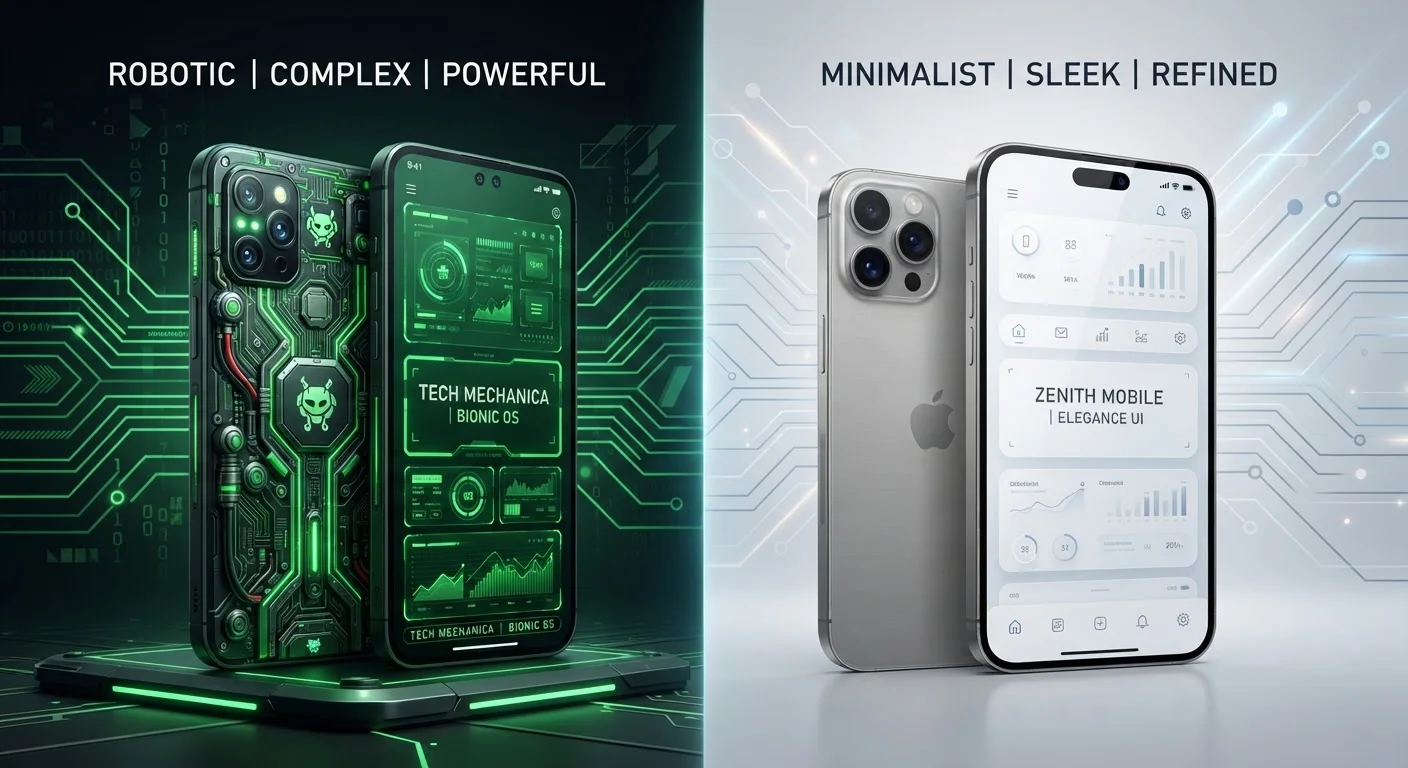
The most fundamental difference between Android and iOS is one of philosophy. Android is built on an open-source foundation - meaning its core code is publicly available, and manufacturers like Samsung, Google, and others can adapt it for their own hardware. iOS, by contrast, is proprietary software that Apple builds exclusively for its own devices.
This distinction has real-world consequences. Because Android can run on hardware from dozens of manufacturers, there's enormous variation in the user experience across devices that all technically run Android. A budget Android phone and a premium flagship may handle updates, camera software, and interface customization very differently. iOS, meanwhile, provides a near-identical experience across all supported iPhone models, since Apple controls both the hardware and software entirely.
| Criterion | Android | iOS |
|---|---|---|
| Source model | Open-source core (AOSP) | Proprietary, closed source |
| Hardware availability | Many manufacturers | Apple devices only |
| Software update delivery | Manufacturer and carrier dependent | Direct from Apple, simultaneous |
| App installation | Play Store + sideloading allowed | App Store only (default) |
| Customization depth | High - launchers, defaults, layout | Moderate - expanding over time |
| Ecosystem integration | Google services, some cross-brand | Deep Apple device integration |
| Typical OS support lifespan | Varies by manufacturer (2-4 years common) | Generally 5-6 years from launch |
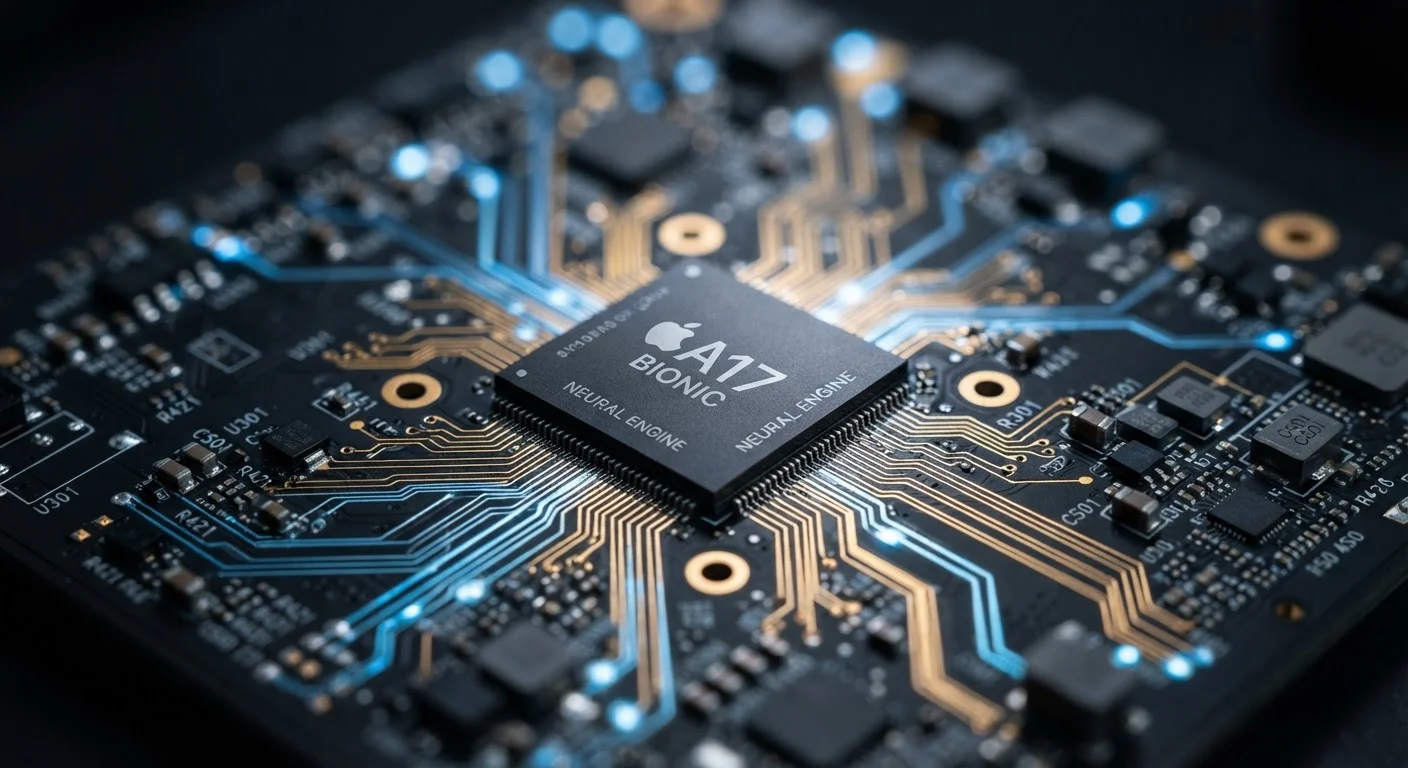
This also affects how the OS interacts with the chip inside your phone. Apple designs its own processors specifically for iOS, which is one reason iPhones tend to extract more performance from the same hardware generation after generation. Android manufacturers use chips from several suppliers, with varying levels of software optimization. Our smartphone processor explainer covers this in more detail.
Security and Updates: Where the Two Systems Diverge Most
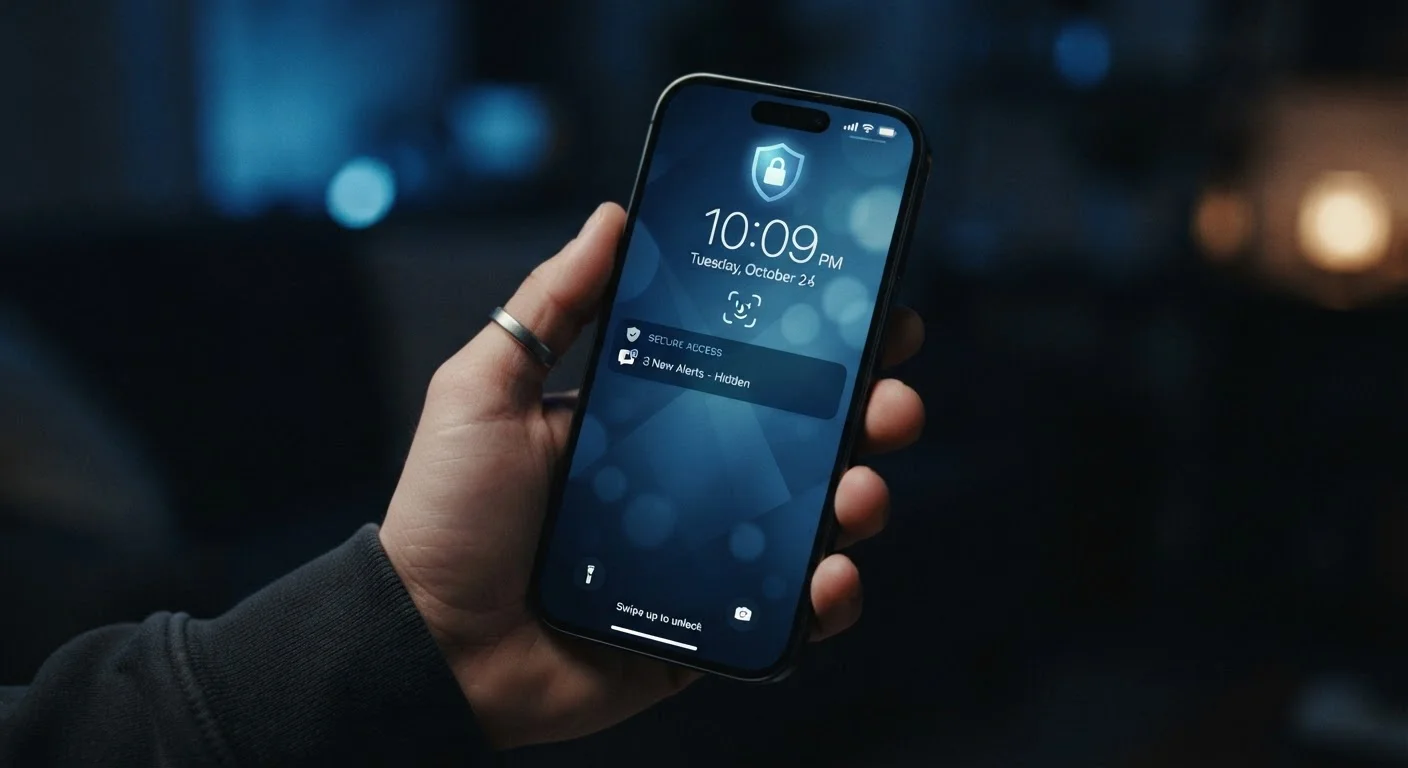
Security is one area where the structural difference between iOS and Android shows up most clearly for everyday users. When Apple releases a security patch or new OS version, it goes to every supported iPhone simultaneously - no carrier approval, no manufacturer customization layer to wait on. Android's update system is more fragmented: Google releases updates, then manufacturers adapt them for their hardware versions, then carriers may add another review step before the update reaches users. This process can take months, and some devices never receive updates that have already been available elsewhere.
That said, both platforms take app security seriously through a concept called sandboxing - isolating each app so it can't freely access data belonging to other apps. Both also use permission systems requiring apps to request access to your camera, microphone, or location. Android has expanded its permission controls significantly in recent versions, closing much of the historical gap with iOS. For a deeper look at what these security layers actually protect, our article on phone security settings is worth reading.
App Ecosystems and Customization: Freedom vs. Guardrails
Android allows sideloading - installing apps from sources outside the Google Play Store. This gives developers and power users more freedom, but also introduces the possibility of installing software that hasn't been reviewed for safety. iOS restricts app installation to the App Store by default, where every app undergoes Apple's review process before it reaches users. This is a meaningful tradeoff: more control versus more protection.
Customization extends beyond apps. Android lets users change their default apps for browsers, email, and more, alter the home screen layout at a deep level, and even replace the entire launcher (the interface you interact with daily). iOS has expanded its customization options over the years - allowing third-party default apps in some categories and supporting widgets - but the overall system structure remains more constrained by design.
Android Fragmentation Explained
Because Android runs on hardware from many manufacturers, no two Android devices are guaranteed to behave identically. Manufacturers layer their own software - called a "skin" - on top of Android, adding custom features and visual changes. This means the Android experience on one device may feel noticeably different from another, even if both run the same underlying OS version. When evaluating an Android device, it's worth checking how long that specific manufacturer typically supports their devices with updates.
If you're comparing Android and iOS while also thinking about larger devices, our tablet vs. laptop comparison explores how these OS differences play out on bigger screens. And for a parallel look at how operating systems differ on desktop computers, see our breakdown of Windows, macOS, and Linux.