What a Processor Actually Does All Day
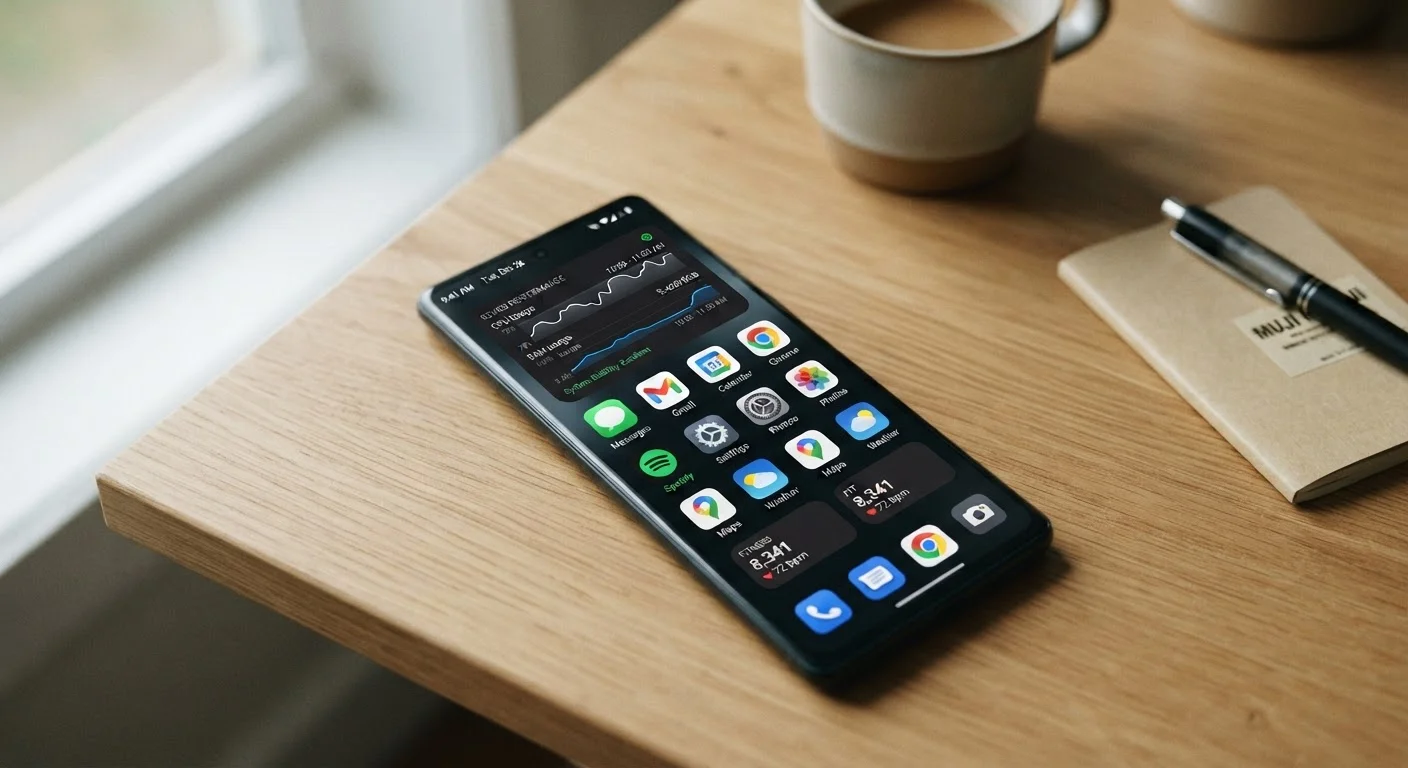
Every tap, swipe, and voice command you issue triggers thousands of micro-instructions that the processor must execute in fractions of a second. When you open your camera app, the SoC simultaneously activates the lens sensor, runs the autofocus algorithm, and renders a live preview - all while keeping your notifications, background sync, and operating system ticking along smoothly.
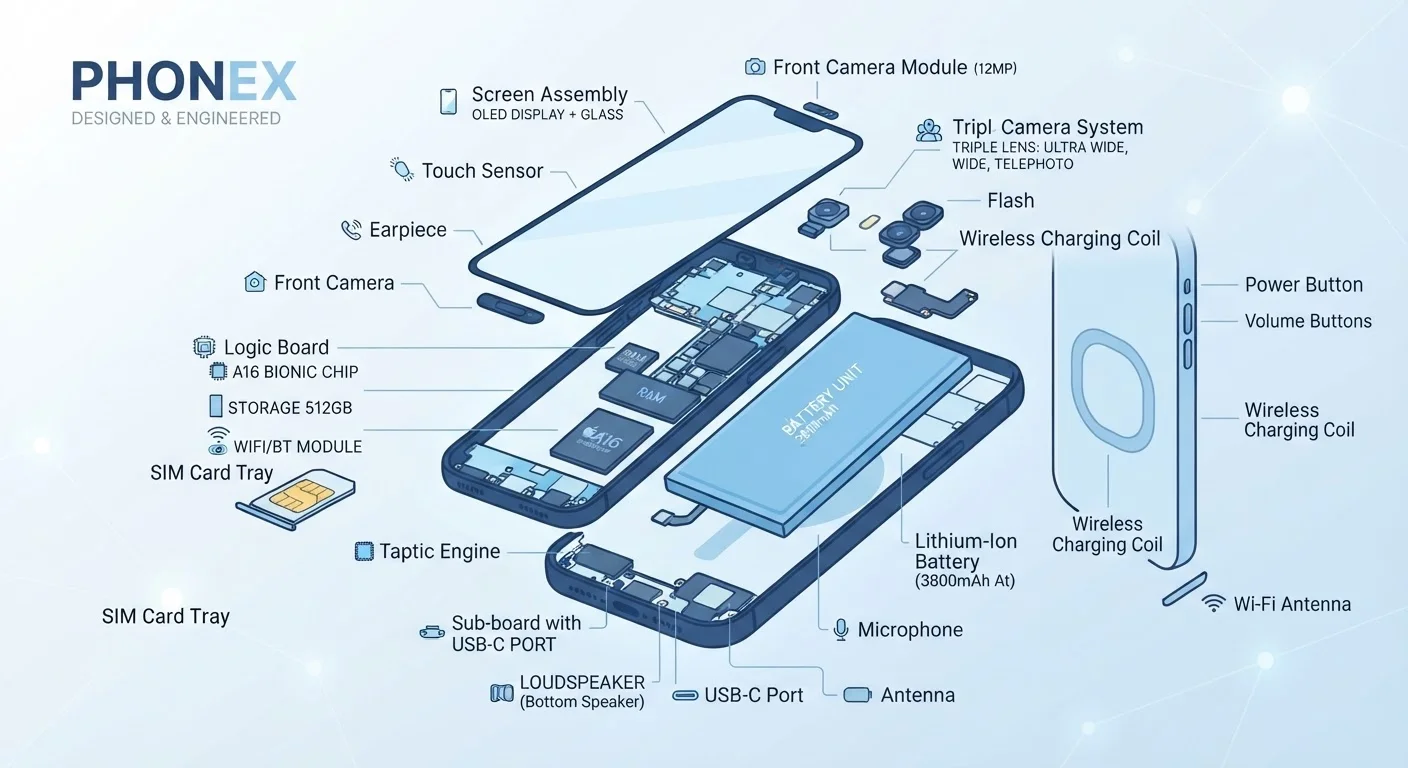
Think of the processor as an air traffic controller managing dozens of flights at once. Each app, system service, and hardware component is a plane requesting runway time. The faster and smarter the controller, the fewer delays passengers experience. For a deeper look at how the processor fits alongside other internal components, see our plain-English hardware tour.
Crucially, the processor also controls power distribution. Sending the wrong task to the wrong type of core wastes energy - which is why chipmakers spend enormous engineering effort on how work gets assigned across the chip.
Performance Cores vs. Efficiency Cores: Why Both Exist
Modern smartphone chips use a hybrid core architecture. Rather than having all identical cores running at the same speed, they split work between two distinct types:
- Performance cores (sometimes called "big" cores) operate at higher clock speeds and tackle demanding tasks - rendering a game frame, processing a burst of photos, or running a complex AI model.
- Efficiency cores ("little" cores) run at much lower power and handle background work: checking email, syncing contacts, playing a podcast at low volume.
This design - often called big.LITTLE or a similar variation - allows the chip to reserve its power-hungry cores for moments that genuinely need them. The result is a phone that feels snappy under load but still makes it through a full day on a single charge.
When Mid-Range Chips Are Enough
If your daily phone use centers on social media, messaging, navigation, and streaming video, a current mid-generation chip will handle everything smoothly. Reserve flagship-chip expectations for use cases like mobile gaming at high settings, 4K video recording, or running on-device AI features extensively. Paying a premium for processing power you won't stress is rarely a practical decision.
Understanding this architecture also helps debunk a common misconception. Many users assume closing background apps saves battery because it reduces CPU activity. In practice, efficiency cores handle background tasks at minimal power cost, and reopening a closed app often requires more energy than keeping it suspended. For more on persistent performance myths, see common myths about smartphone performance.
The Specs Worth Paying Attention To
Chip marketing generates a lot of numbers. Here's how to cut through them:
- Process node (e.g., 4nm, 3nm)
- Smaller numbers indicate a more advanced manufacturing process, generally meaning better performance per watt. This is one of the more meaningful figures on a spec sheet.
- Core configuration
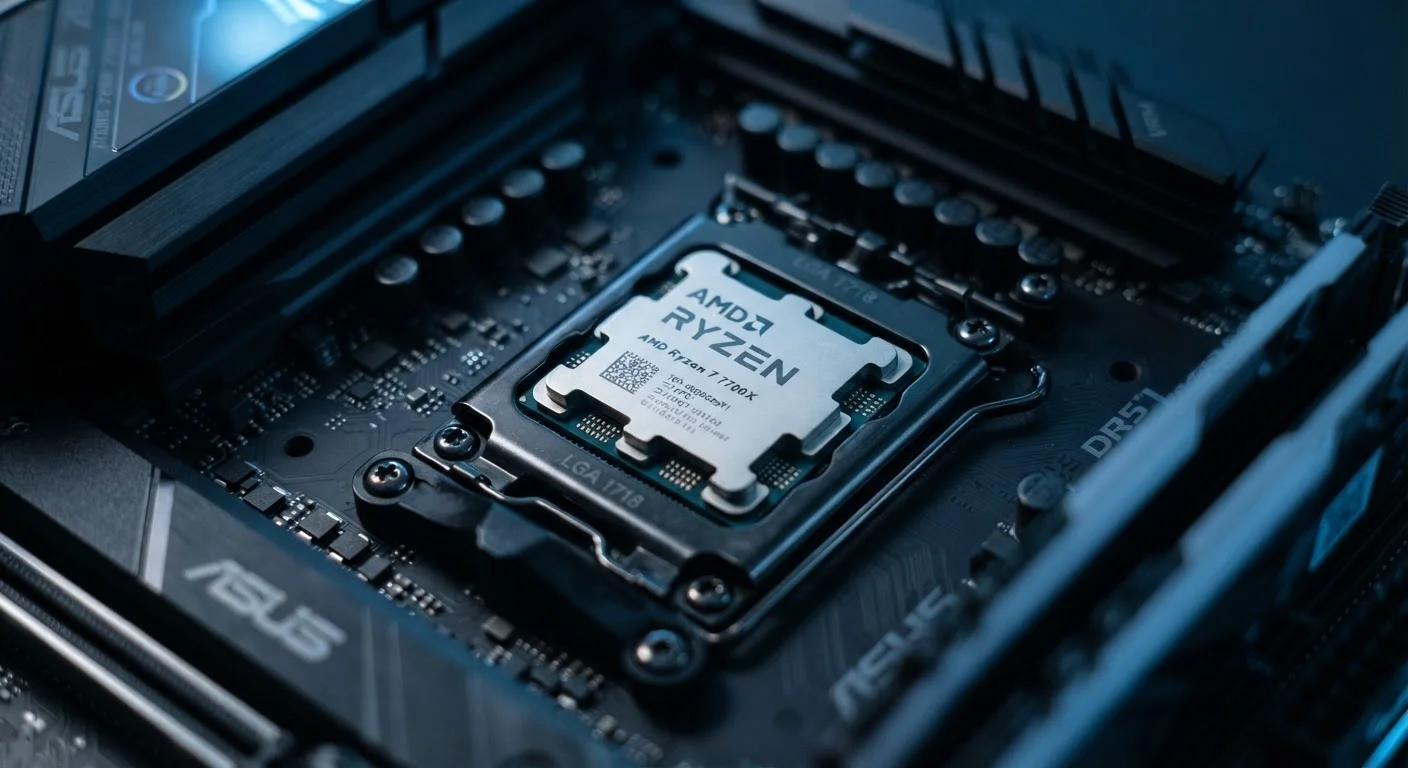
- Look at the mix of performance and efficiency cores rather than just total core count. An 8-core chip with a thoughtful big.LITTLE split often outperforms a chip with more cores but a less efficient layout. For broader context on reading processor specs carefully, the common mistakes when reading CPU specs is a useful companion.
- Integrated Neural Processing Unit (NPU)
- The NPU handles AI-accelerated tasks: real-time translation, photo enhancement, voice recognition. A capable NPU makes these features faster and less battery-intensive.
- Image Signal Processor (ISP)
- This dedicated unit processes raw camera data. It directly determines what your camera can do beyond what the hardware lens allows - including computational photography features like night mode.
For a comprehensive guide to which spec-sheet numbers actually predict real-world experience and which are mostly marketing, see our field guide to smartphone specs.
How the Chip Shapes Your Phone's Lifespan
The processor has a direct bearing on how long your phone stays useful and secure. Chipmakers provide firmware and security patches for each processor generation on a finite timeline. Once that support window closes, manufacturers find it increasingly difficult - and eventually impractical - to issue new operating system updates for devices running that chip.
This means the chip you buy today partly determines when your phone becomes a security liability rather than just an aging device. Understanding how software update support ends can help you factor longevity into any phone decision.
2-3 years
Typical chipmaker firmware support window
Most mobile chipmakers actively release security patches and driver updates for a processor for roughly 2-3 years after its launch, after which manufacturer OS updates become difficult to sustain.
~40%
Power reduction from efficiency core offloading
Industry analyses of big.LITTLE-style architectures suggest routing background tasks to efficiency cores can reduce power consumption for those workloads by roughly 40% compared to running them on performance cores.
10+
Functional blocks inside a modern SoC
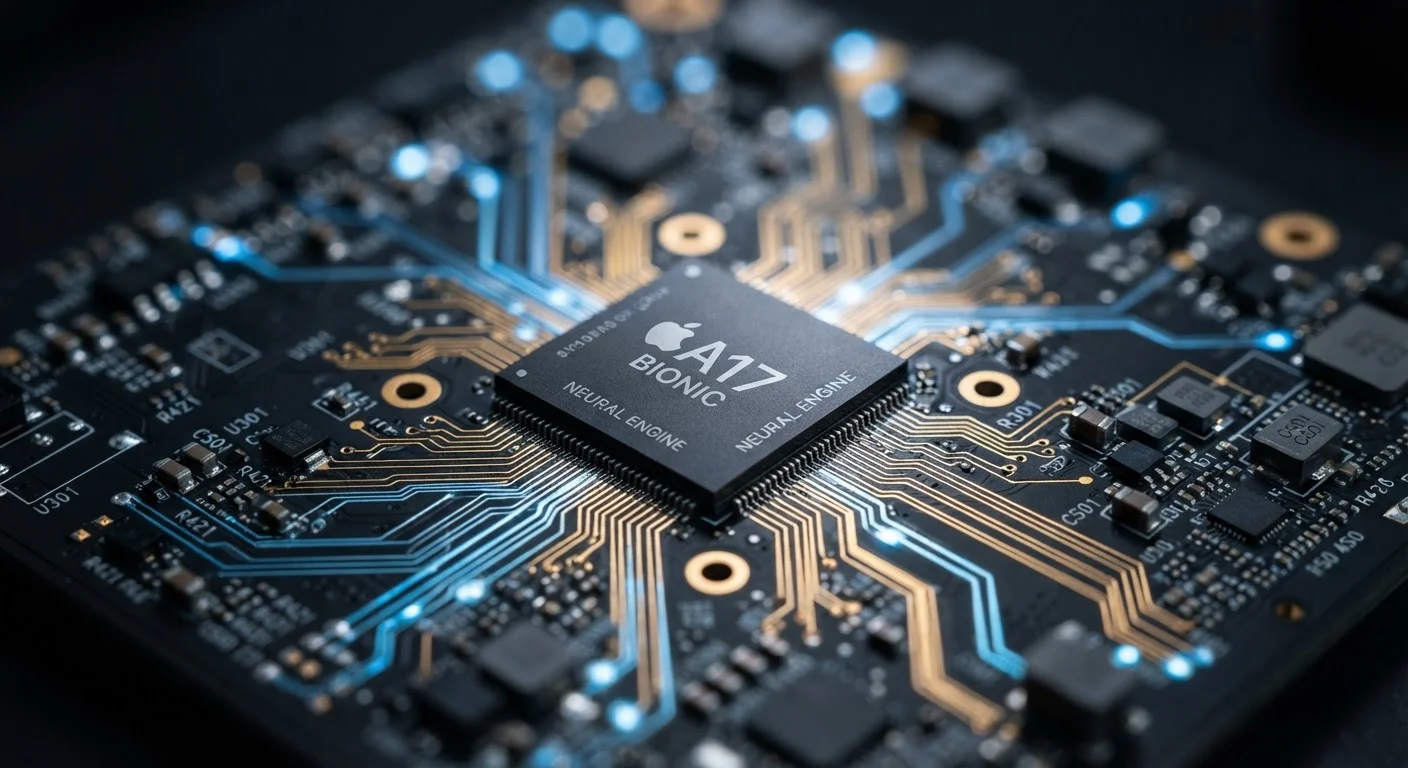
A current-generation smartphone SoC integrates CPU clusters, GPU, NPU, ISP, cellular modem, Wi-Fi/Bluetooth radio, and memory controller - all on a single chip smaller than a postage stamp.
It's also worth noting that processor capability shapes what future software can demand. Apps and operating systems grow more complex over time, and a chip that handles today's workloads comfortably may struggle with software written two or three years from now. Choosing a phone with a current-generation chip - rather than one built around an older SoC sold at a discount - typically translates into meaningfully more useful years.