Why Spec Numbers Confuse Most Shoppers
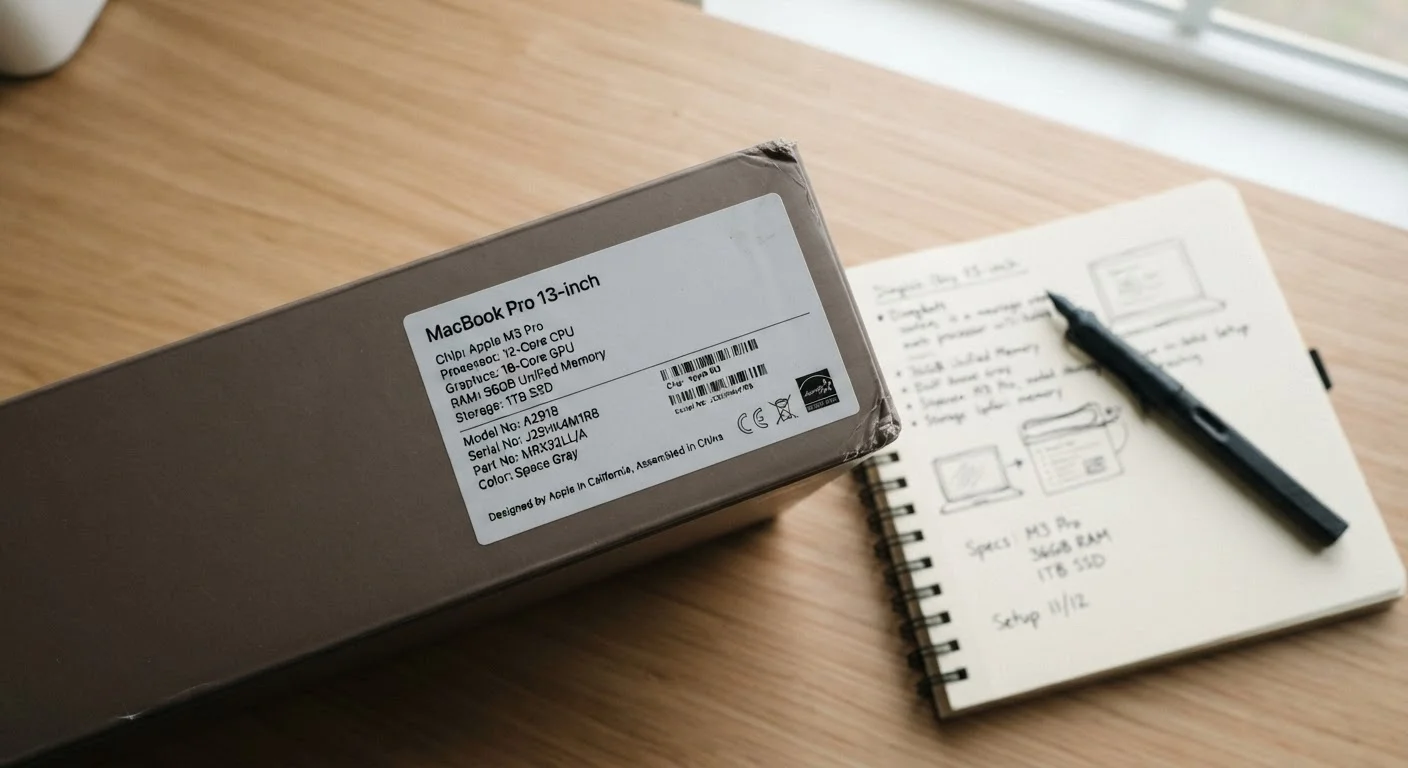
Walk into any electronics aisle or scroll through a product listing and you'll find the same cluster of numbers: "16 GB RAM, 512 GB SSD, 2.4 GHz processor." Manufacturers assume these figures speak for themselves. For most shoppers, they don't - and that gap between printed spec and lived experience is where confusion takes root.
The core problem is that each number measures something fundamentally different, yet they're often listed side by side as though they're interchangeable grades of "power." They're not. RAM, storage, and CPU speed each describe a separate function, and misreading even one can lead to a device that disappoints in the exact way you needed it not to. This explainer untangles all three so you can decode any spec sheet with confidence.
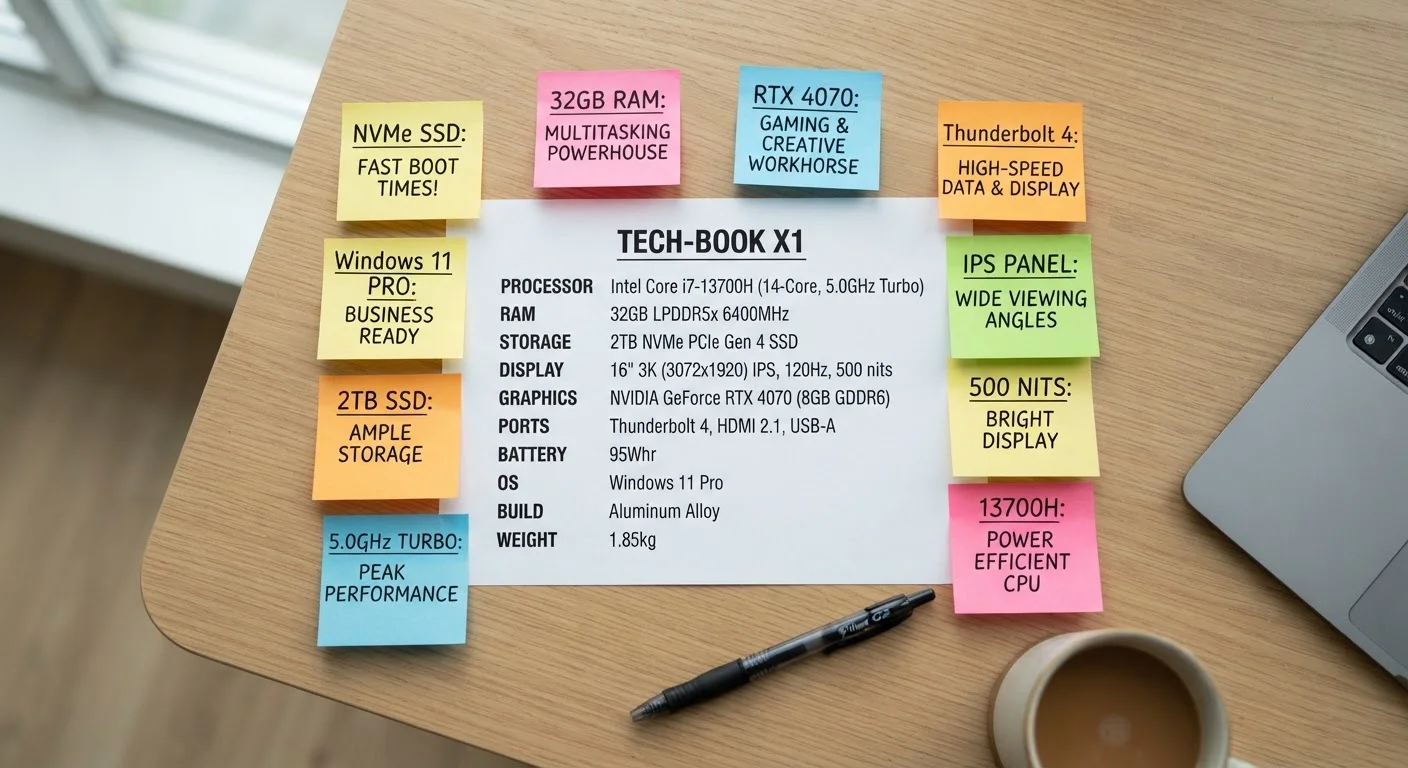
For a broader vocabulary of terms you'll encounter while researching, see our plain-English laptop spec glossary.
RAM: Your Computer's Active Workspace
RAM - short for Random Access Memory - is best understood as your desk surface. It's the temporary workspace where your computer places everything it's actively working on: open browser tabs, running applications, the document you're editing. None of that data lives in RAM permanently; when you shut down, it clears completely.
The practical implication: more RAM means more things can stay open simultaneously without the system slowing to compensate. With 8 GB of RAM, you might notice sluggishness if you have 20 browser tabs, a spreadsheet, and a video call running at once. With 16 GB, that same workload typically feels smooth.
Prioritize RAM Amount Over RAM Speed
When evaluating RAM, the total capacity in gigabytes has a far more noticeable impact on everyday performance than the speed rating (MHz or MT/s). For general use, 8 GB at a standard speed will outperform 4 GB at a faster speed in most real-world multitasking scenarios. If you're on a budget, buy more RAM rather than faster RAM.
RAM speed - expressed in MHz or MT/s - also matters, but for most users the amount of RAM has a far greater impact on day-to-day experience than speed ratings alone. Focus on capacity first.
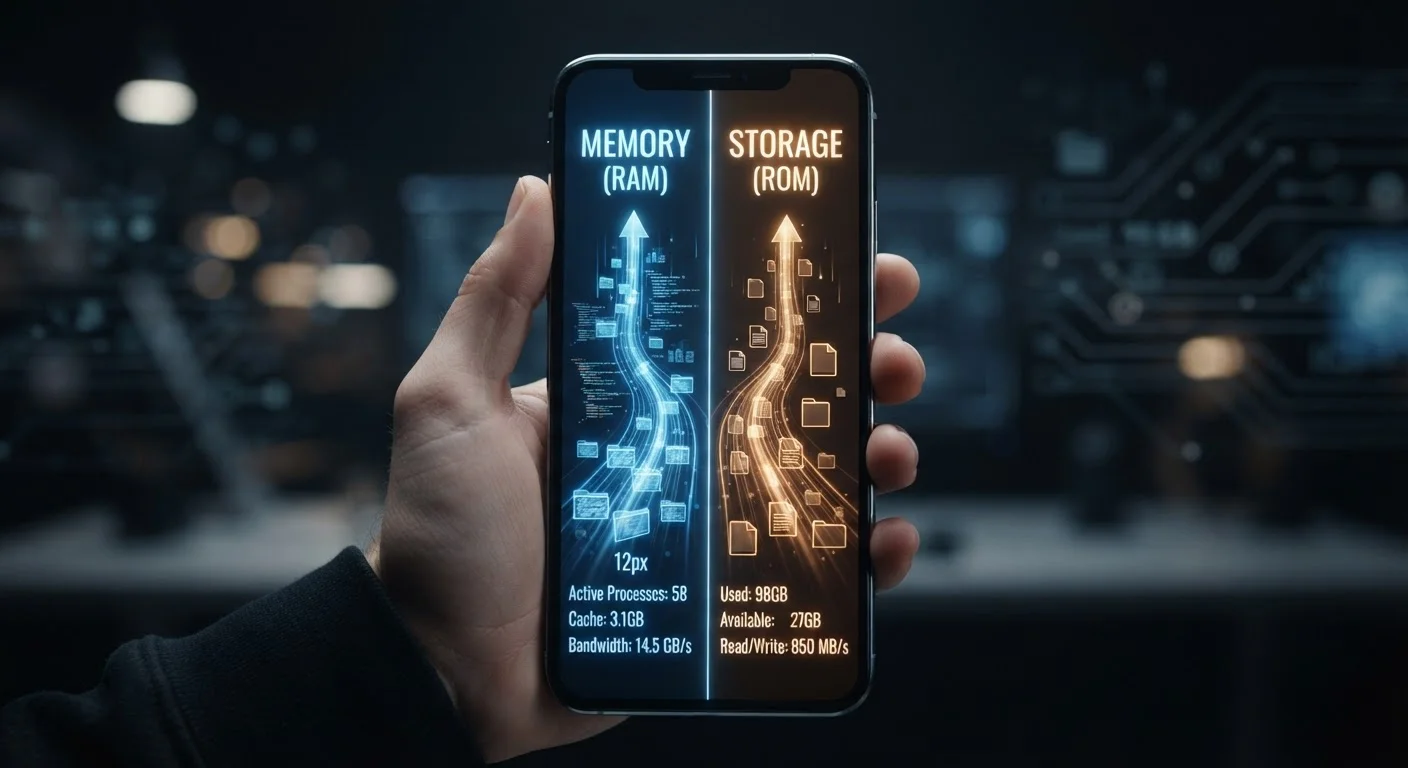
For a comparison of how RAM works differently in mobile devices, see how phone RAM and storage differ.
Storage: The Permanent Filing Cabinet
Storage is where your computer keeps everything long-term: your operating system, installed applications, photos, videos, and documents. Unlike RAM, data in storage survives a shutdown. The two key factors here are capacity (how much you can keep) and type (how fast the drive retrieves it).
Capacity is measured in gigabytes (GB) or terabytes (TB). One terabyte equals roughly 1,000 gigabytes - enough to hold hundreds of thousands of documents or tens of thousands of photos. The type of drive matters just as much as its size. A solid-state drive (SSD) uses flash memory with no moving parts, making it dramatically faster than a traditional hard disk drive (HDD), which reads data from a spinning magnetic platter.
5-10×
Speed advantage of SSD over HDD for typical reads
Sequential read speeds for consumer SSDs commonly range from 500 MB/s to over 3,500 MB/s, compared to 80-160 MB/s for typical spinning hard drives, according to published drive benchmarks.
16 GB
RAM level increasingly considered standard for productivity
Industry observers and system builders widely note that 16 GB has become the practical baseline for smooth multitasking in modern operating systems as software memory demands have grown.
3.5 billion
Cycles per second in a 3.5 GHz processor
GHz is a unit of frequency equal to one billion cycles per second, illustrating the scale at which modern processors operate - yet architecture efficiency determines how much useful work each cycle accomplishes.
For most users, prioritizing an SSD over a larger HDD is the smarter trade-off - a faster drive makes the entire system feel more responsive, even if that means accepting a smaller total capacity.
CPU Speed: The Engine Under the Hood
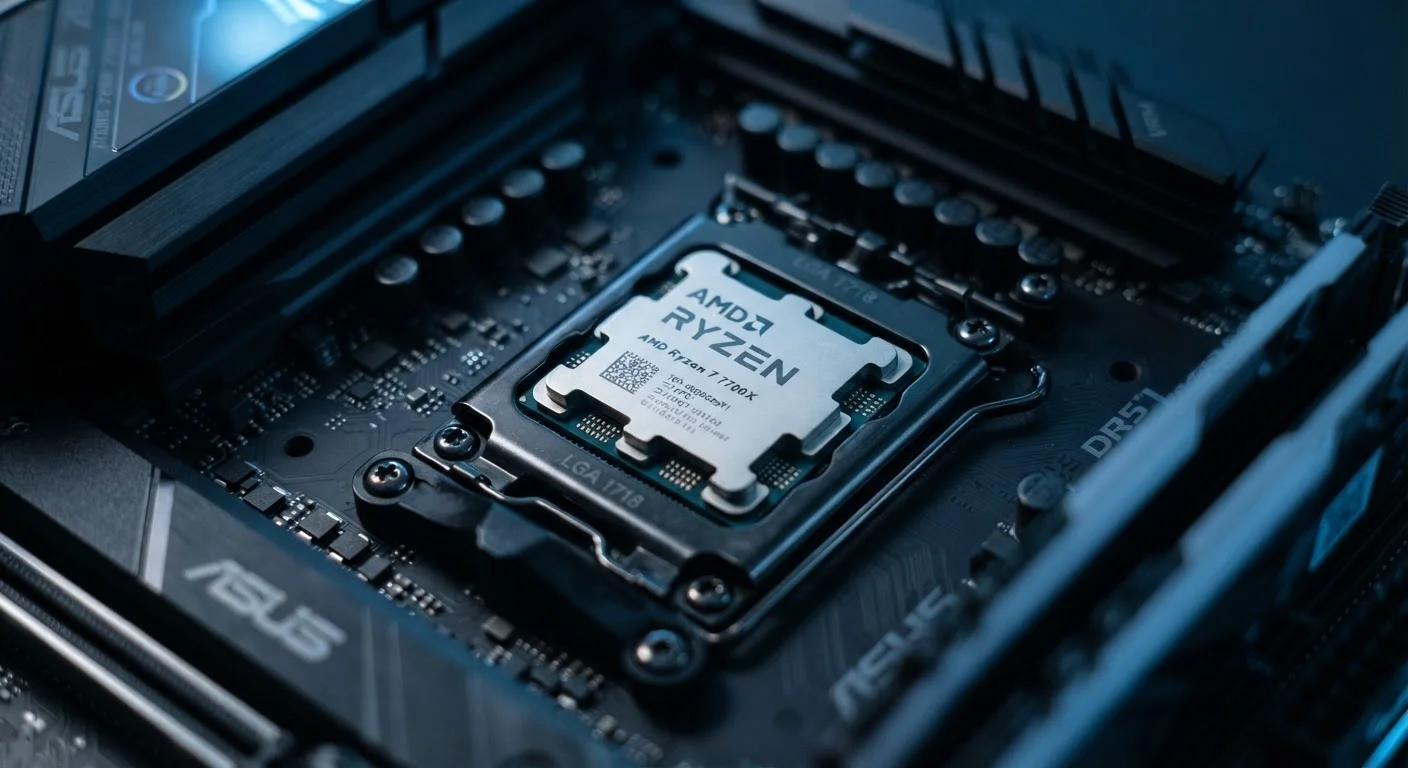
The processor - or CPU - is the component that actually executes instructions. Two numbers typically describe it: clock speed (measured in GHz, or gigahertz) and core count. Clock speed tells you how many instruction cycles the processor completes per second; a 3.5 GHz processor completes 3.5 billion cycles per second. Core count tells you how many independent processing units the chip contains.
Here's the important nuance: a higher GHz number from an older chip architecture can still underperform a lower GHz number from a newer, more efficient architecture. Real-world speed depends on how intelligently the chip handles instructions, not clock cycles alone. Core count matters most when running software specifically designed to divide work across multiple cores - video editing, 3D rendering, and complex data tasks benefit heavily, while basic productivity apps typically do not.
Common CPU spec misconceptions trip up even experienced shoppers - it's worth understanding what the numbers don't tell you. And if graphics performance is part of your decision, integrated vs. dedicated GPU differences is the next natural read.
How the Three Specs Work Together
RAM, storage, and CPU speed are not a ranking system where the biggest number wins. They're interdependent. A fast processor paired with too little RAM will throttle performance because the system constantly swaps data back to storage to free up workspace - a process called paging that noticeably slows things down. Conversely, abundant RAM paired with a slow HDD means the system still hesitates every time it needs to load something from disk.
The practical takeaway: look for balance rather than one headline number. For general home and office use, a modern multi-core processor, 8-16 GB of RAM, and an SSD of at least 256 GB will deliver a substantially better experience than a machine that scores extremely high on one spec while cutting corners on another.
Be aware that spec sheets sometimes emphasize the most impressive-looking number rather than the most impactful one. Understanding spec sheet marketing tactics can help you read past the numbers designed to impress rather than inform.
A student uses a laptop with 4 GB of RAM for online classes. After opening a video call, two browser tabs, and a document editor, the system becomes noticeably slow and unresponsive.
A home user upgrades from a laptop with a traditional hard drive (HDD) to one with an SSD of the same capacity. Boot time drops from over a minute to under 15 seconds, and applications open almost instantly.
A content creator compares two laptops: one with a 4.0 GHz dual-core processor and one with a 2.8 GHz eight-core processor. When exporting a video, the 2.8 GHz machine finishes the task significantly faster.
A family buys a budget laptop advertised with 'ultra-fast 2.9 GHz processor' but just 4 GB of RAM and a 64 GB eMMC storage chip. Within weeks, they find the device slow and frequently out of storage space.