The Core Difference: Working Memory vs. Filing Space
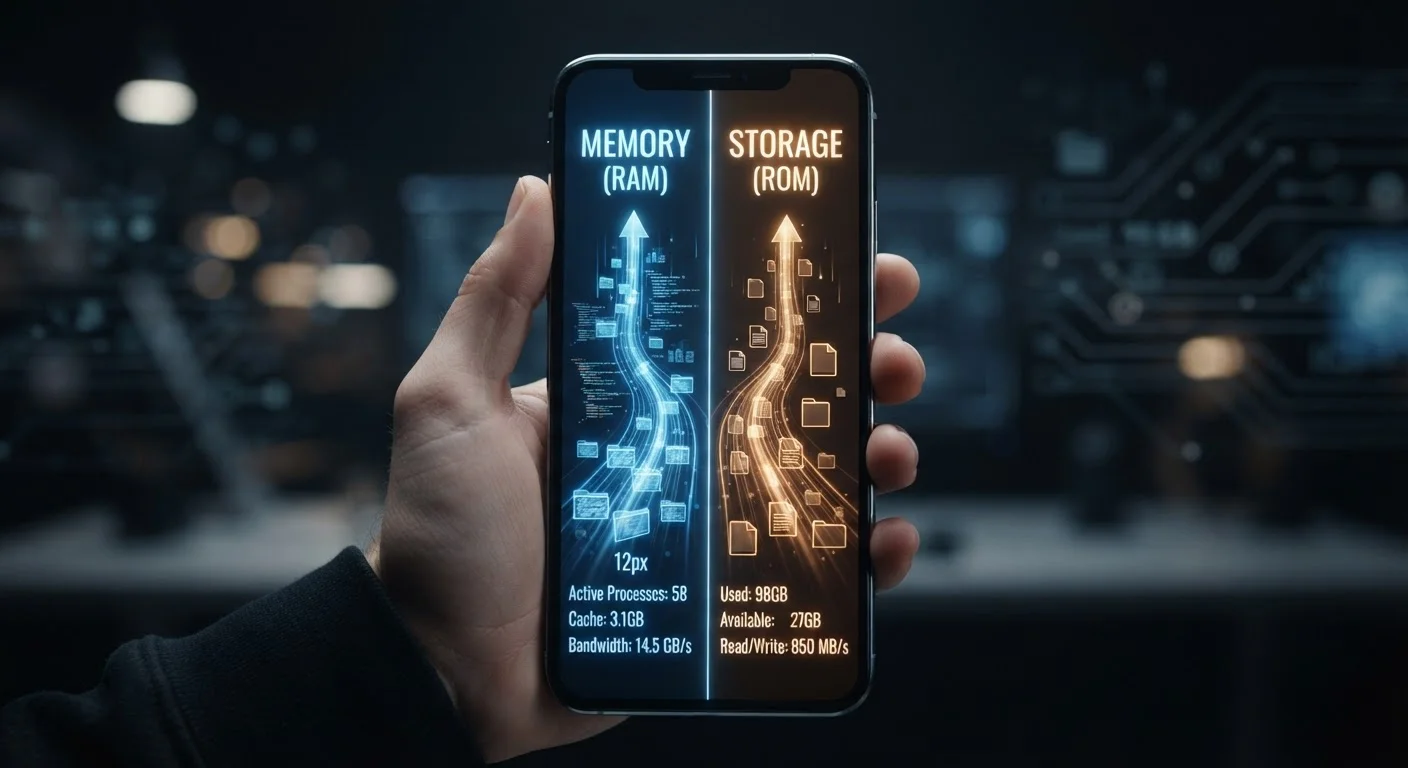
Imagine your phone is a desk. RAM (Random Access Memory) is the surface of the desk - the space where you have documents spread out right now, actively working on them. Storage is the filing cabinet beside the desk - where everything is kept when you're not actively using it.
When you open an app, your phone pulls it from storage and places it in RAM so the processor can work with it quickly. RAM is fast but temporary: switch your phone off and RAM clears completely. Storage is slower but permanent: your photos, apps, and downloaded files stay there until you actively delete them.
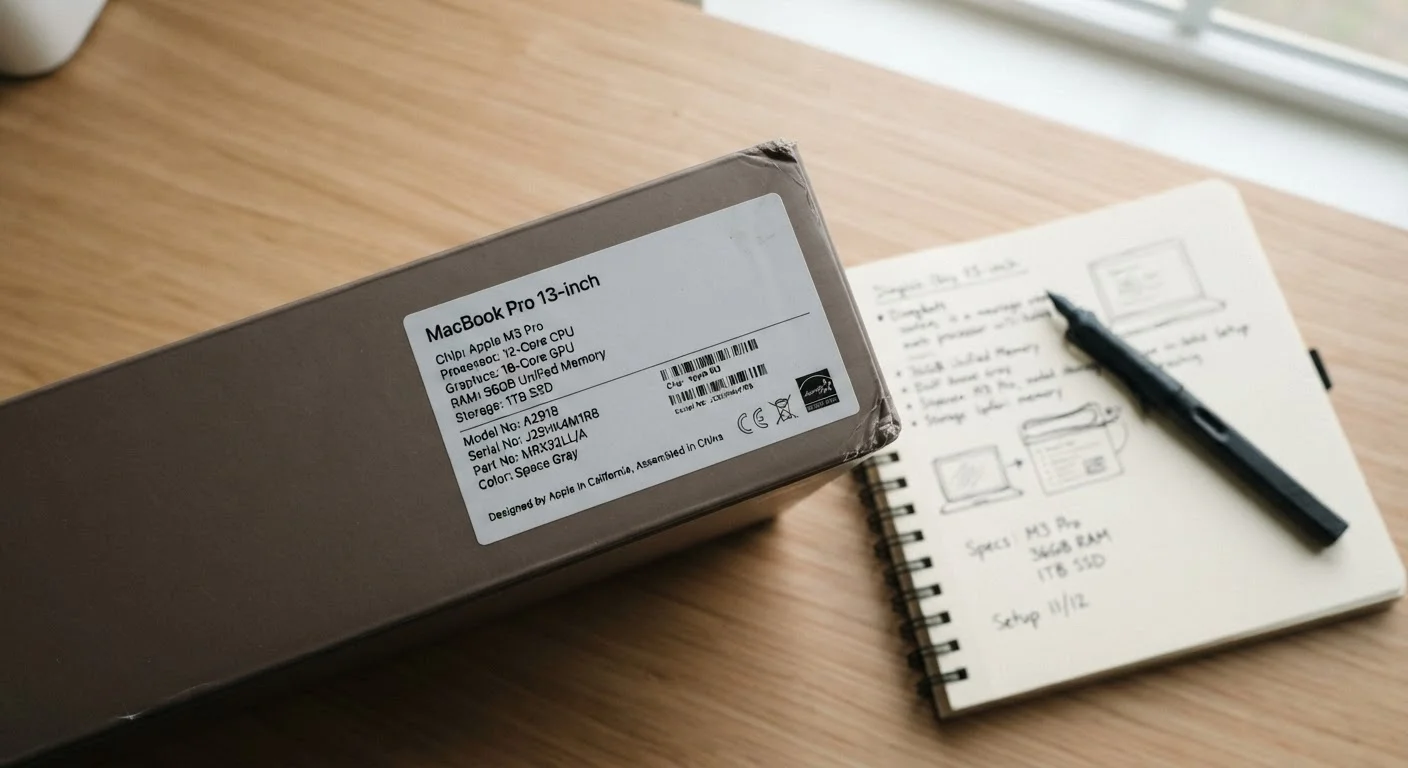
This distinction explains why the two numbers appear together in phone listings - something like "8GB RAM / 256GB storage" - but mean entirely different things for your daily experience. For a broader look at how specs translate to real-world performance, see what those numbers on the box actually mean.
How RAM Affects What You Feel Right Now
RAM is the component responsible for moment-to-moment smoothness. When you're jumping between a navigation app, a streaming service, and your email, your phone keeps all three loaded in RAM so switching is instant. If RAM fills up, your phone starts evicting apps - which means the next time you tap that evicted app, it reloads from scratch. That delay is RAM pressure in action.
Mobile RAM has become significantly more important as apps grow heavier. A few years ago, 3-4GB was considered sufficient for most users. Today, 6-8GB is a reasonable baseline for smooth multitasking, and power users or mobile gamers often benefit from 12GB or more.
| Criterion | Mobile RAM | Storage |
|---|---|---|
| What it holds | Active apps and running processes | Photos, apps, files, OS data |
| Duration | Temporary - clears on restart | Permanent - survives restarts |
| Typical range | 4GB - 16GB | 64GB - 1TB |
| When it causes problems | App reloads, slowdowns, lag | Can't save photos, install apps |
| Upgradeable after purchase | No | Rarely (some Android via microSD) |
| Affected by streaming? | Yes - streamed content uses RAM | Less so - no local file saved |
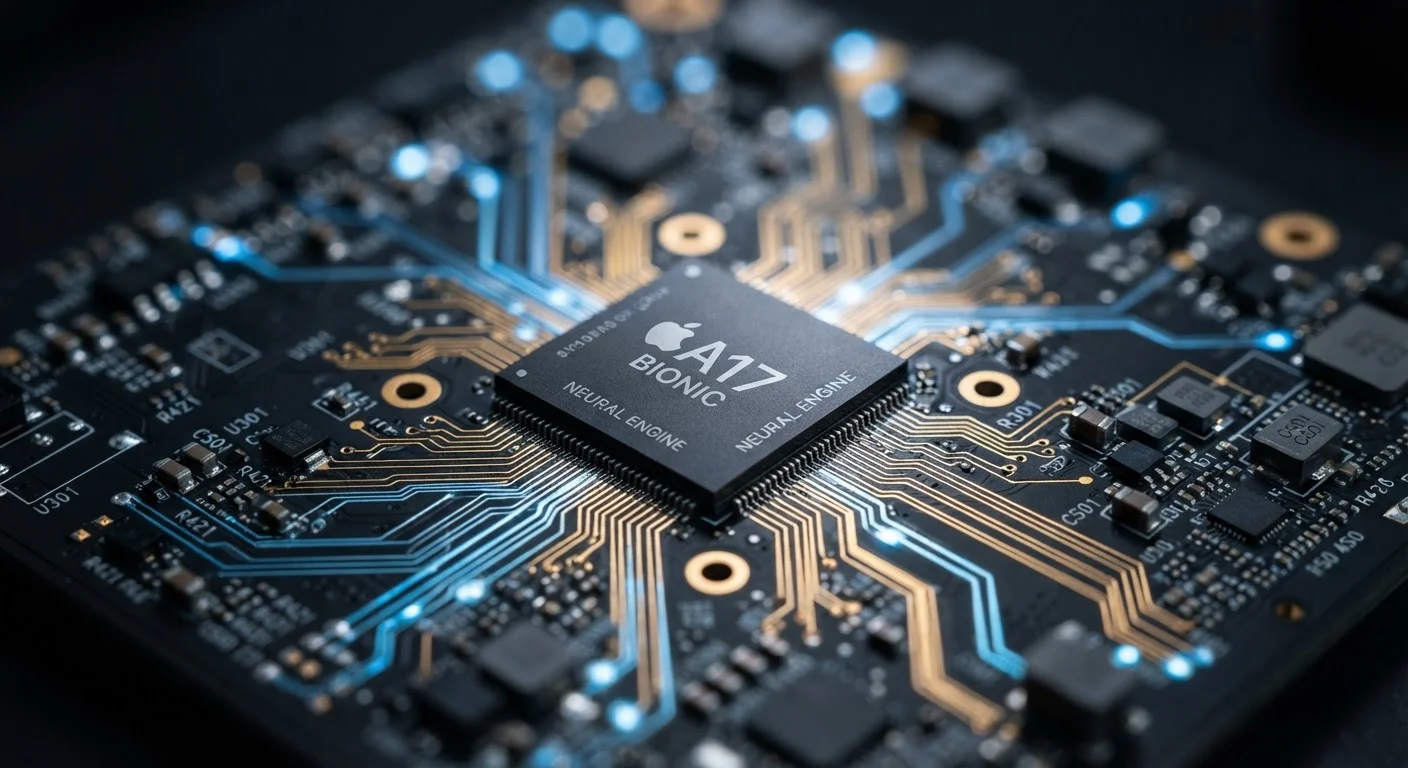
The processor works hand-in-hand with RAM - if you're curious how that relationship works, our guide to smartphone processors explains how chips and memory interact to deliver performance.
How Storage Affects What You Can Keep
Storage determines how much your phone can hold - permanently. Every photo you take, every app you install, every downloaded podcast, and every offline map tile lives in storage. The operating system itself occupies storage too, typically consuming 10-20GB before you've done anything at all.
A 64GB phone sounds spacious until you account for the OS, a handful of apps, and a few months of camera use. High-resolution video is especially storage-hungry: a single minute of 4K footage can consume 300-400MB depending on settings. Most everyday users find 128GB a comfortable starting point, while photographers and video creators often prefer 256GB or more.
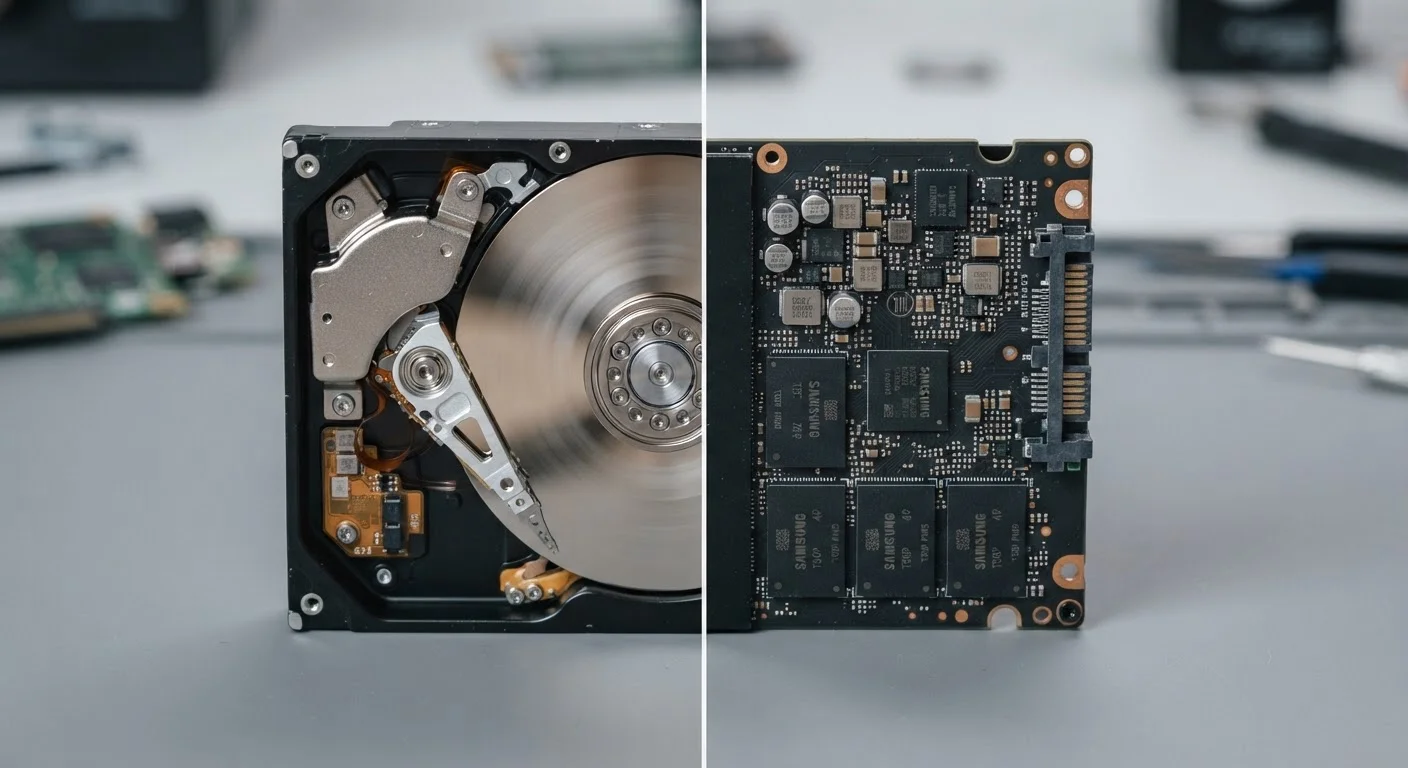
Unlike a laptop - where you might swap a hard drive for a larger one - modern smartphones seal their storage in. There's no upgrade path once you've bought the device, which makes the initial choice consequential. For contrast, see how SSD and HDD storage differ in computers, where swapping is still common.
Common Misconceptions Worth Clearing Up
One of the most persistent myths is that clearing apps from your phone's recent-apps list frees up storage. It doesn't - closing apps frees RAM temporarily, not storage space. Similarly, "my phone is full" usually means storage is exhausted, not RAM, though both problems can make a phone feel sluggish in different ways.
Another frequent confusion: cloud backup does not free storage automatically. Uploading photos to a cloud service keeps copies online, but the originals still sit on your device unless you manually delete them or enable an auto-delete feature.
Several other performance myths - like the idea that more RAM always means a faster phone - are worth examining too. RAM matters, but so does how well the operating system manages it. Android and iOS handle RAM management differently, which is why two phones with identical RAM can feel noticeably different in practice.
MicroSD Cards: A Partial Exception
Some Android phones include a microSD card slot, which lets you expand storage after purchase. However, microSD cards are generally slower than built-in storage and are typically better suited for photos and media than for installing apps. iPhones do not support external storage expansion. If expandability matters to you, check the device specs before buying - the slot is increasingly rare even on Android flagships.