What Integrated and Dedicated Graphics Actually Are
Your computer needs a graphics processing unit (GPU) to display anything on screen - from your desktop wallpaper to a 4K video. The question is where that GPU lives and how it operates.
Integrated graphics are built directly into the same chip as your processor (CPU). They share your computer's main RAM and draw power from the same pool as everything else. Because they're built in, they add no extra cost, weight, or power draw beyond the CPU itself.
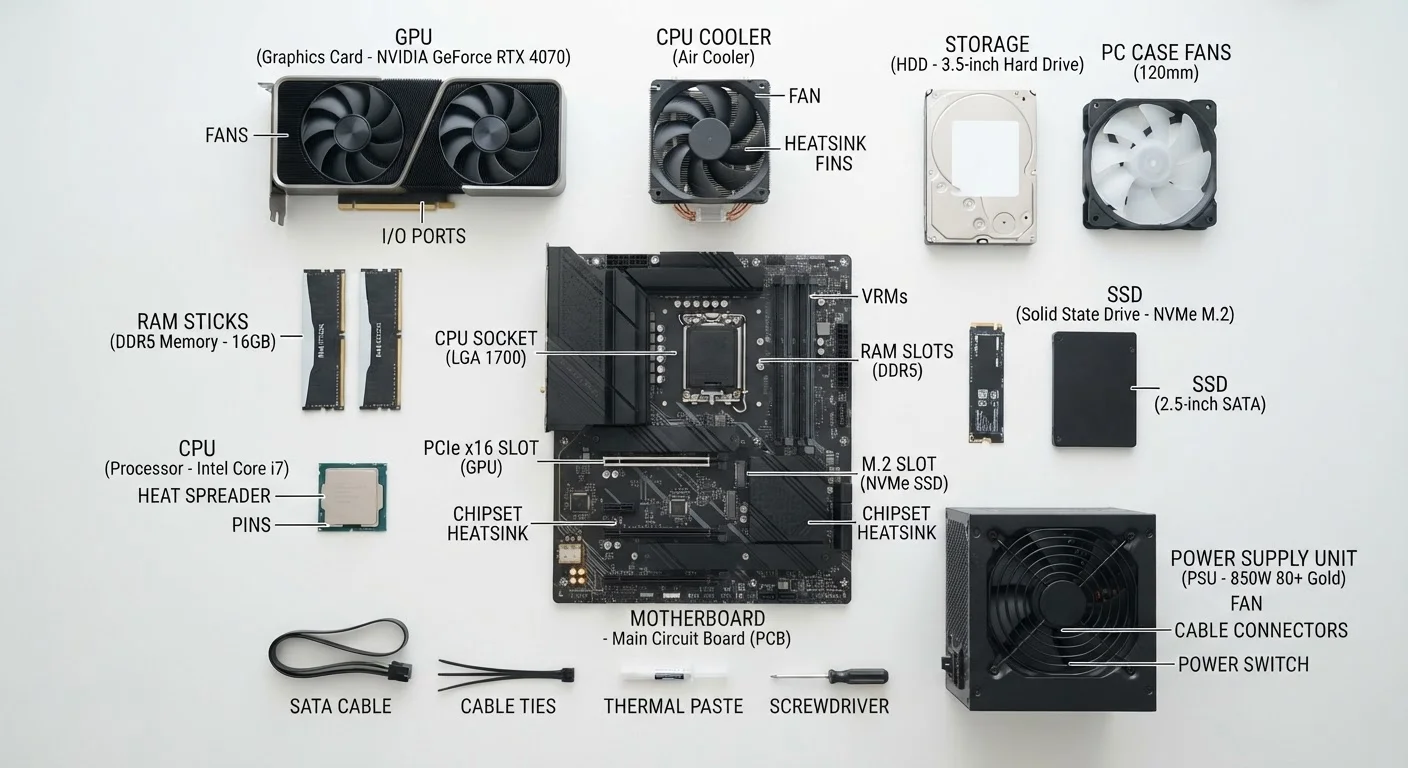
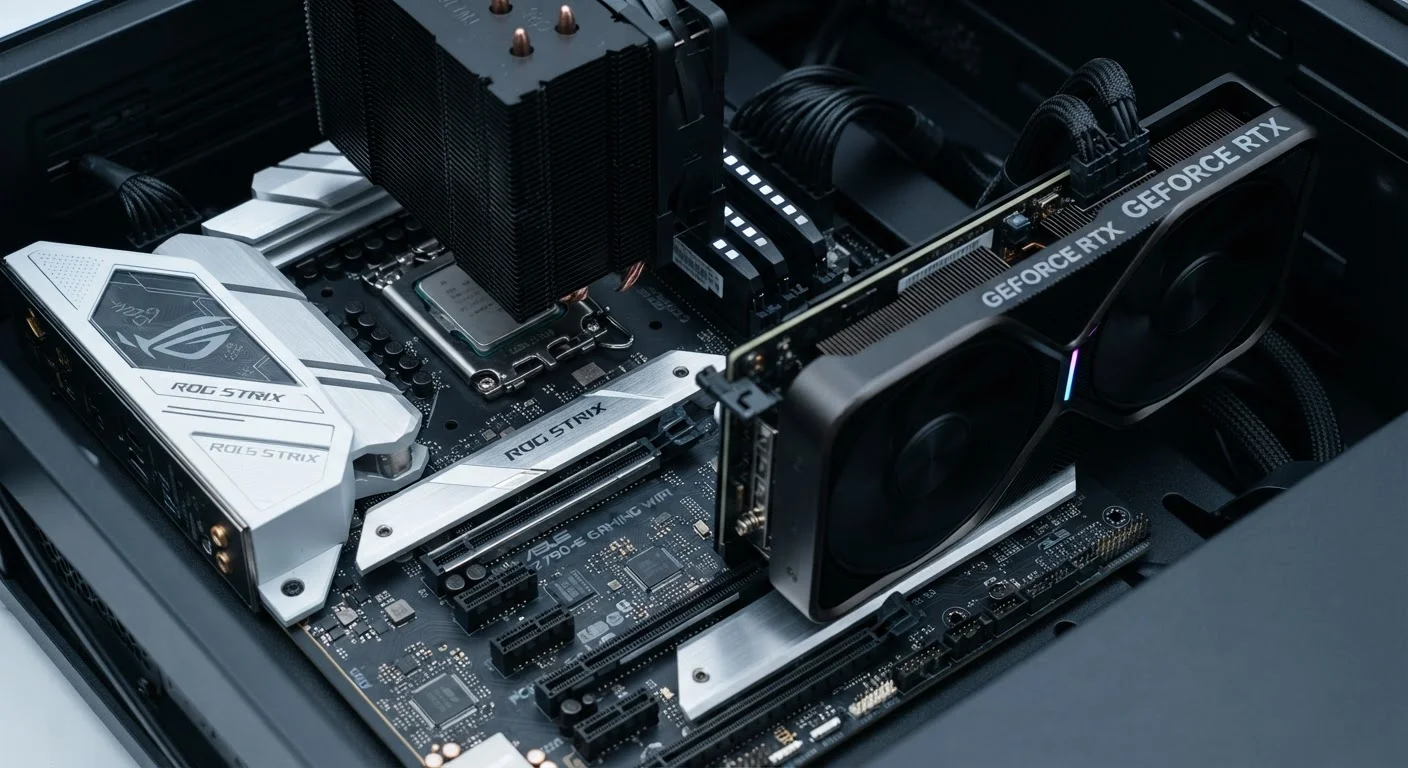
Dedicated graphics (sometimes called discrete GPUs) are separate cards with their own processor, their own high-speed memory (called VRAM), and their own cooling system. They connect to the motherboard via a slot and handle visual work independently of the CPU.
Think of it this way: integrated graphics is like a capable multi-tool - reliable for most jobs. A dedicated GPU is a specialized power tool - overkill for hanging a picture frame, essential for renovation work. For a broader look at how the GPU fits alongside other components, see our beginner's guide to PC components.
Where Integrated Graphics Is Genuinely Sufficient
Modern integrated graphics - particularly those found in current-generation processors from major chip makers - have improved dramatically over the past decade. For a large portion of users, they handle daily tasks without any visible limitation.
- Web browsing and productivity: Email, spreadsheets, word processing, and video conferencing place minimal GPU demand. Integrated graphics handles all of these smoothly.
- Streaming video: Watching content on services like Netflix or YouTube involves hardware-accelerated video decoding, which integrated graphics supports well - including 4K streams.
- Light photo editing: Cropping, color-correcting, and organizing photos in standard apps runs comfortably on integrated graphics.
- Casual or older games: Many popular indie titles and older games with modest visual requirements run acceptably on integrated graphics, though not at maximum settings.
If your computer is primarily a tool for communication and office work, integrated graphics is not a limitation - it's an appropriate fit. It also directly benefits laptop users: no separate GPU means less heat, lighter chassis, and significantly better battery life. This trade-off is explored further in our comparison of desktop and laptop performance.
| Integrated Graphics | Dedicated Graphics | |
|---|---|---|
| Physical location | Built into the CPU chip | Separate card on the motherboard |
| Memory | Shares system RAM | Own dedicated VRAM |
| Power consumption | Low - shares CPU power budget | Higher - draws additional power |
| Battery impact (laptops) | Minimal - better battery life | Significant - reduces battery life |
| Best for | Everyday tasks, streaming, office work | Gaming, video editing, 3D, AI workloads |
| Upgradeability | Not upgradeable (built into CPU) | Upgradeable in desktops; fixed in laptops |
| Cost impact | Included - no added cost | Adds meaningful cost to system |
When a Dedicated GPU Makes a Real Difference
Dedicated graphics cards earn their place - and their added cost and power consumption - when tasks require sustained, parallel visual computation that integrated graphics simply can't handle at adequate speed or quality.
- PC gaming: Modern games at medium-to-high settings, especially at resolutions above 1080p, demand VRAM and GPU processing power that integrated graphics cannot supply. Frame rates drop significantly without a dedicated card.
- Video editing and color grading: Professional editing software uses GPU acceleration to preview effects, render timelines, and export files. A dedicated GPU can reduce export times from hours to minutes.
- 3D modeling and rendering: Applications used for architecture, product design, animation, and digital art lean heavily on GPU compute power. If digital art creation is part of your workflow, see our comparison of digital and traditional art tools for context on the broader toolset involved.
- Machine learning and AI tasks: Training or running local AI models requires substantial GPU memory and parallel processing - tasks where dedicated hardware is not optional.
One practical note: in desktops, upgrading to a dedicated GPU later is usually straightforward. In laptops, the GPU is soldered to the motherboard, making upgrades essentially impossible. Factor that in before purchasing.
Making the Right Call for Your Situation
The most useful question to ask isn't "which is more powerful?" - it's "what will this computer actually be doing day to day?" Paying for a dedicated GPU you'll never tax is money that could go toward more RAM, faster storage, or a better display.
Consider these practical checkpoints:
- List your actual tasks. Be honest. If gaming isn't on the list, the GPU tier that gaming demands isn't either.
- Check software requirements. Professional creative tools often publish minimum and recommended GPU specs. Compare those against integrated graphics benchmarks for your processor.
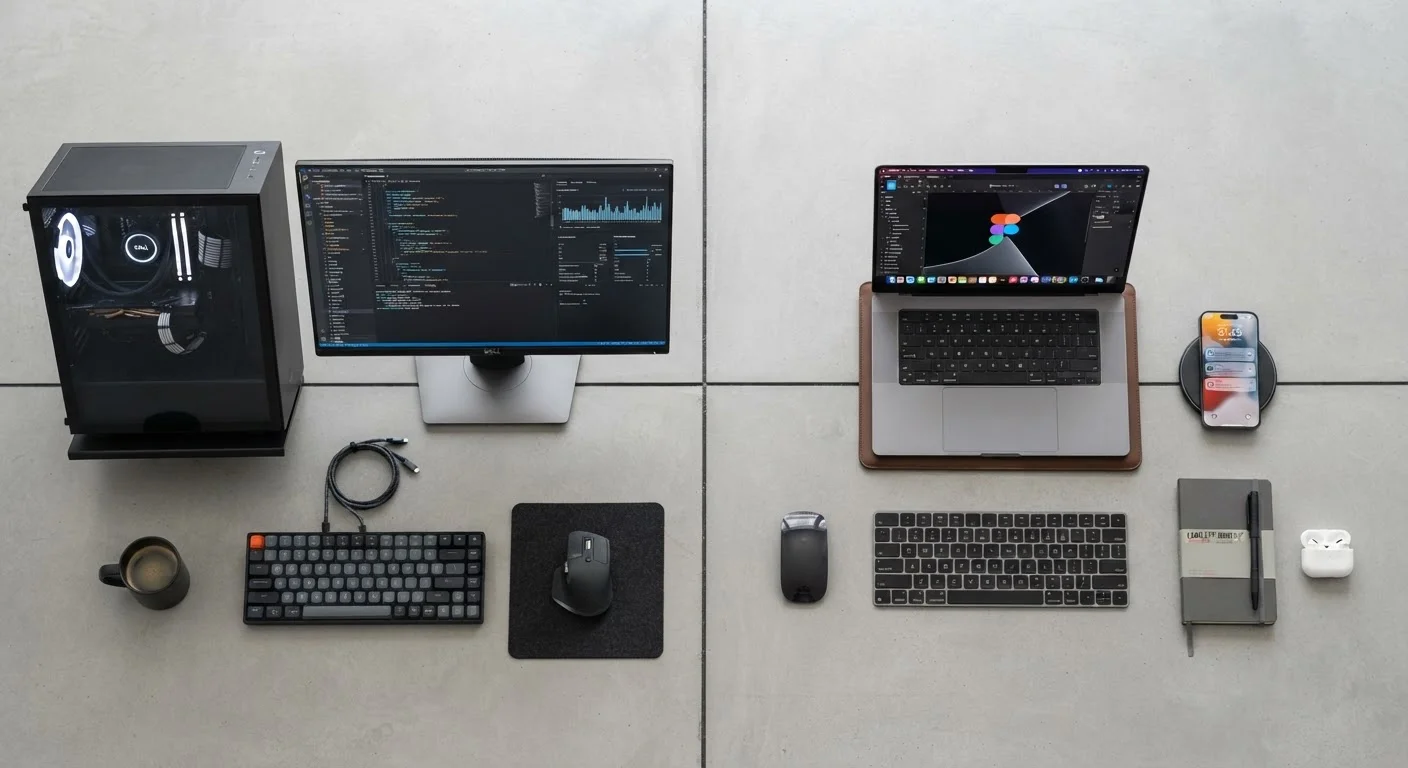
- Think about the form factor. For a desktop, a dedicated GPU can always be added. For a laptop, the decision is permanent. See our desktop vs. laptop trade-offs guide for more on this.
- Balance against other specs. RAM and storage speed affect everyday performance at least as much as the GPU for most users. Understanding what those spec numbers mean can help you prioritize where to spend.
Graphics hardware is one piece of a larger puzzle. Matching the whole system to how you actually work - not to a theoretical maximum - is what makes a computer feel fast and capable in practice.