How Each Technology Actually Works
Understanding the difference between these display types starts with one question: where does the light come from?
An LCD (Liquid Crystal Display) panel works like a sandwich. A powerful backlight - usually LED-based - sits behind a layer of liquid crystals. Those crystals act as tiny shutters, blocking or allowing light through to create the image you see. The backlight is always on while the screen is active, even when displaying a black image, which means some light inevitably bleeds through.
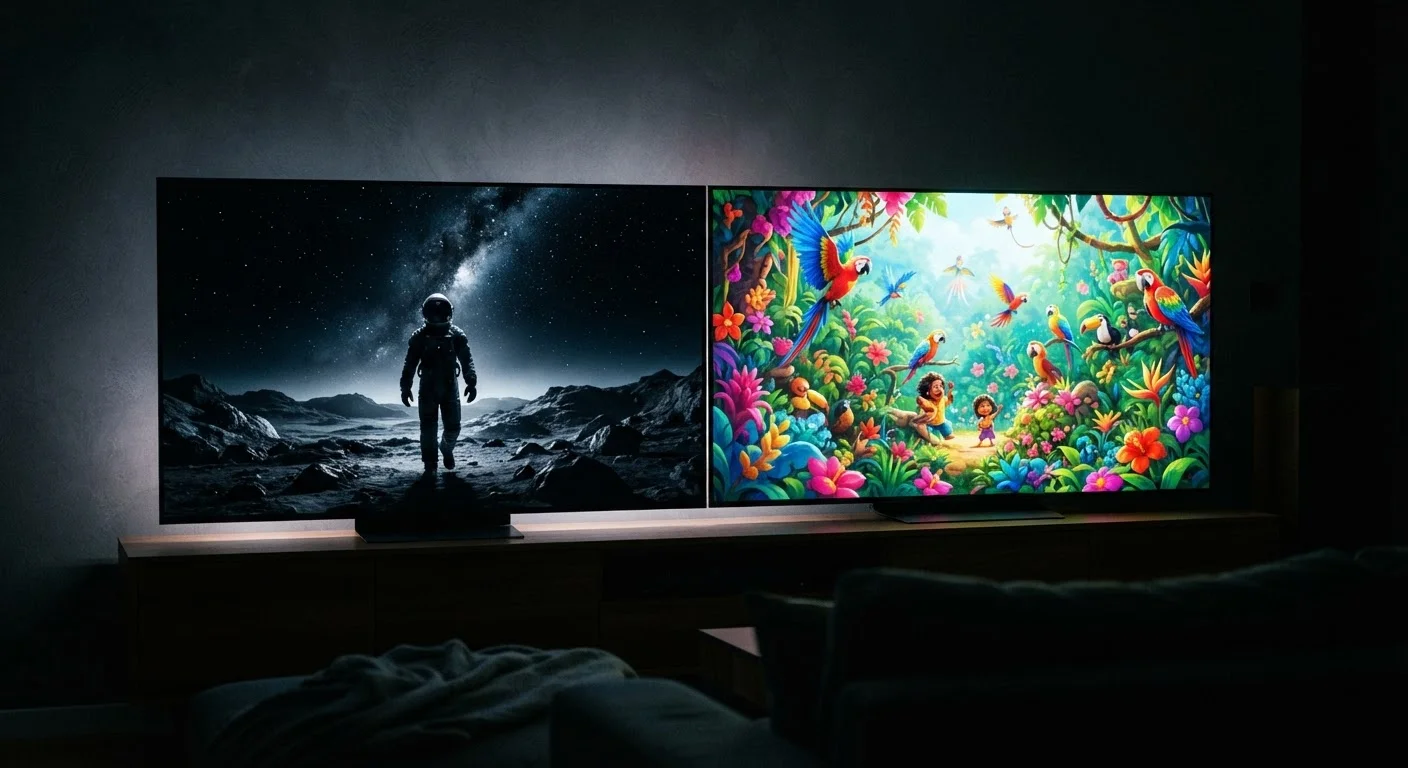
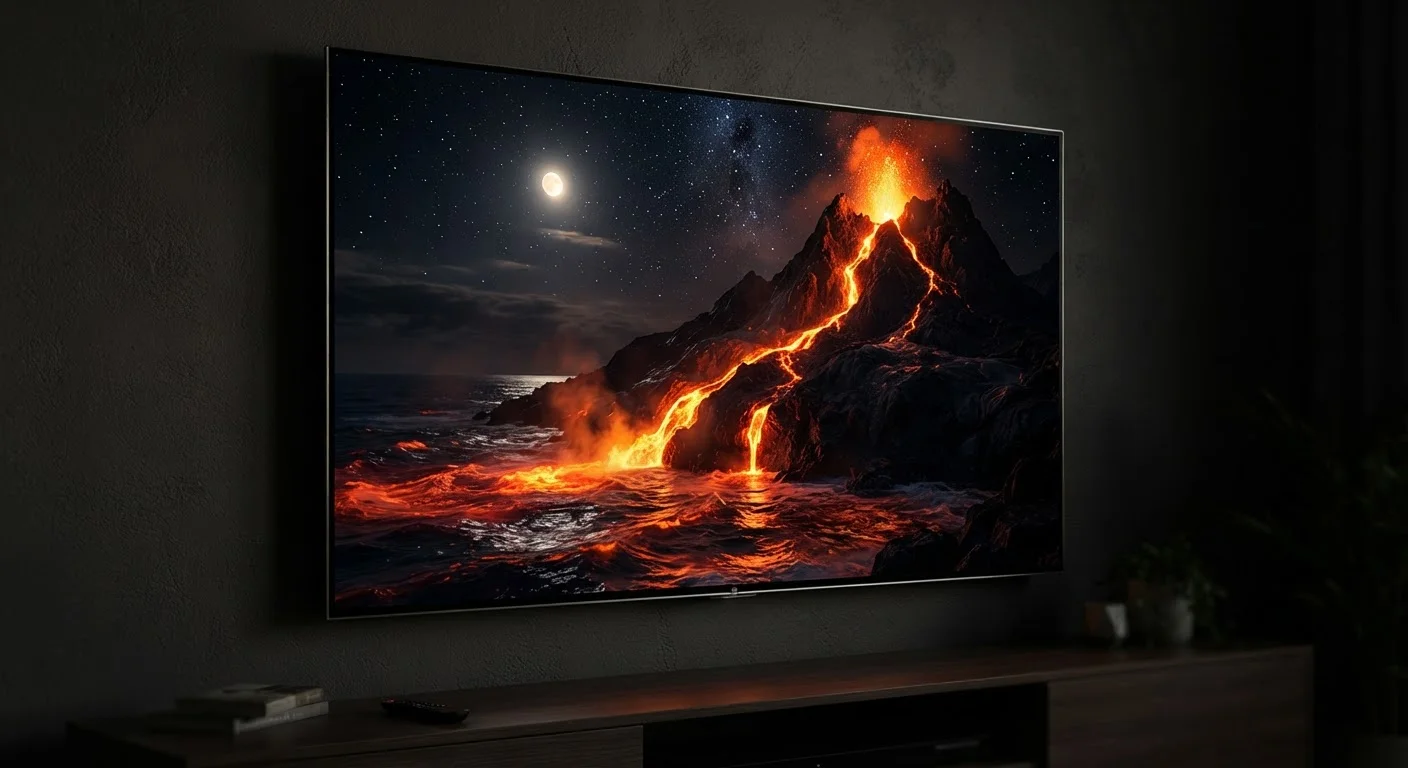
An OLED (Organic Light-Emitting Diode) display works differently. Each individual pixel generates its own light. When a pixel needs to display black, it simply switches off completely. There's no backlight to leak. This is why OLED screens produce those famous inky blacks - they're not displaying dark gray, they're displaying nothing.
AMOLED (Active Matrix OLED) is the same underlying technology with an added active matrix circuit layer that gives manufacturers faster, more precise control over each pixel. Samsung popularized the term AMOLED for its own screens, but from a viewer's perspective, the experience is essentially identical to standard OLED.
For a deeper look at how OLED compares with QLED - a different approach used in televisions - see our OLED vs. QLED explainer.
Head-to-Head: Where Each Display Wins and Loses
The choice between OLED and LCD isn't simply about which is "better" - it's about which trade-offs fit your life. Each technology has genuine advantages, and recognizing them makes the spec sheet meaningful rather than overwhelming.
| Criterion | OLED / AMOLED | LCD (IPS / TFT) |
|---|---|---|
| Light source | Each pixel self-illuminates | Separate LED backlight |
| Black levels | True black (pixel off) | Dark gray (backlight bleeds) |
| Contrast ratio | Effectively infinite | High, but backlight-limited |
| Peak brightness | Very high, but harder to sustain | High and consistently sustained |
| Battery use (dark content) | Lower - black pixels use no power | Higher - backlight always on |
| Burn-in risk | Possible with static images over time | Not susceptible |
| PWM flicker sensitivity | Present on many models at low brightness | Less common; DC dimming more typical |
| Color gamut | Wide; often exceeds DCI-P3 | Varies; quality IPS can be very accurate |
Brightness and outdoor legibility is where LCD holds its ground. Because the backlight in a quality LCD panel can be pushed very hard, these screens often perform reliably in harsh sunlight. Many OLED screens have caught up significantly, but sustaining extreme brightness across the full panel for extended periods can stress OLED components more than LCD counterparts.
Contrast ratio tilts firmly toward OLED. When black pixels switch off entirely, the measured contrast between the darkest and brightest parts of an image becomes essentially limitless - compared to the finite contrast ceiling that a backlight-dependent LCD can achieve. In practice, this translates to more visually striking HDR content and more comfortable viewing in dark rooms.
For context on how display panels interact with HDR standards, our HDR formats guide explains how brightness and color standards are defined.
What Display Technology Means for Your Eyes and Daily Habits
Beyond specs, two real-world factors matter most to users: eye comfort and longevity.
Flicker and Eye Strain
Many OLED screens use a technique called PWM (pulse-width modulation) to control brightness - rapidly switching pixels on and off at low brightness levels. Some people are sensitive to this and report eye fatigue during extended use. LCD panels with consistent DC dimming don't exhibit this behavior. If you've ever noticed eye strain specifically on an OLED phone at low brightness, PWM may be the cause. Manufacturers are increasingly aware of this and some newer OLED panels use higher-frequency PWM or alternative dimming methods to reduce its effects.
Burn-In
OLED's organic compounds can degrade unevenly when the same image elements - a navigation bar, a status bar, a game's HUD - appear in the same position for thousands of hours. This can leave a faint permanent ghost image, known as burn-in. In normal, varied daily use this is unlikely to be noticeable within a typical device ownership period, but it's a legitimate long-term consideration. LCD panels are not susceptible to burn-in by design.
Battery Impact
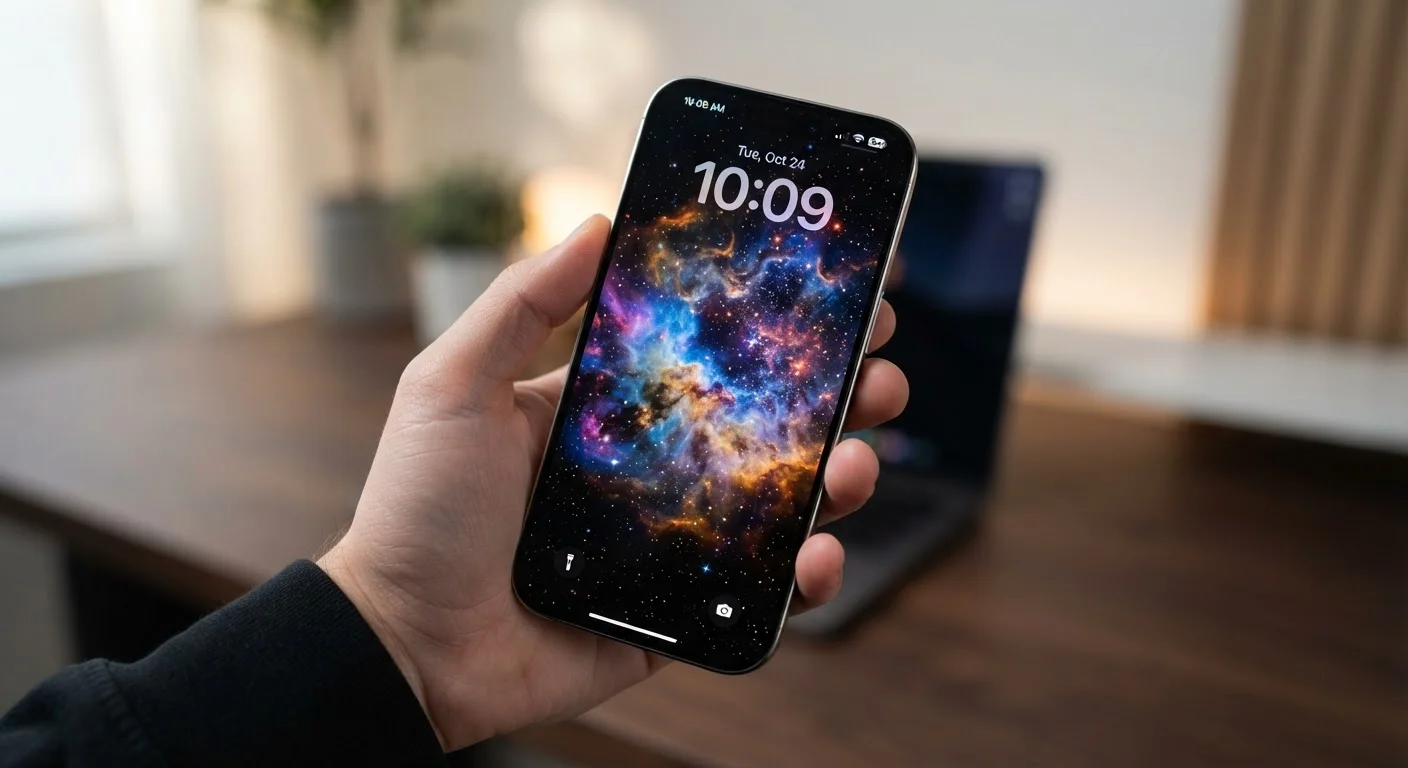
Dark mode is genuinely more efficient on OLED - switched-off pixels use no power. A user who runs a system-wide dark theme on an OLED device may see measurable battery savings compared to the same usage pattern on an LCD device.
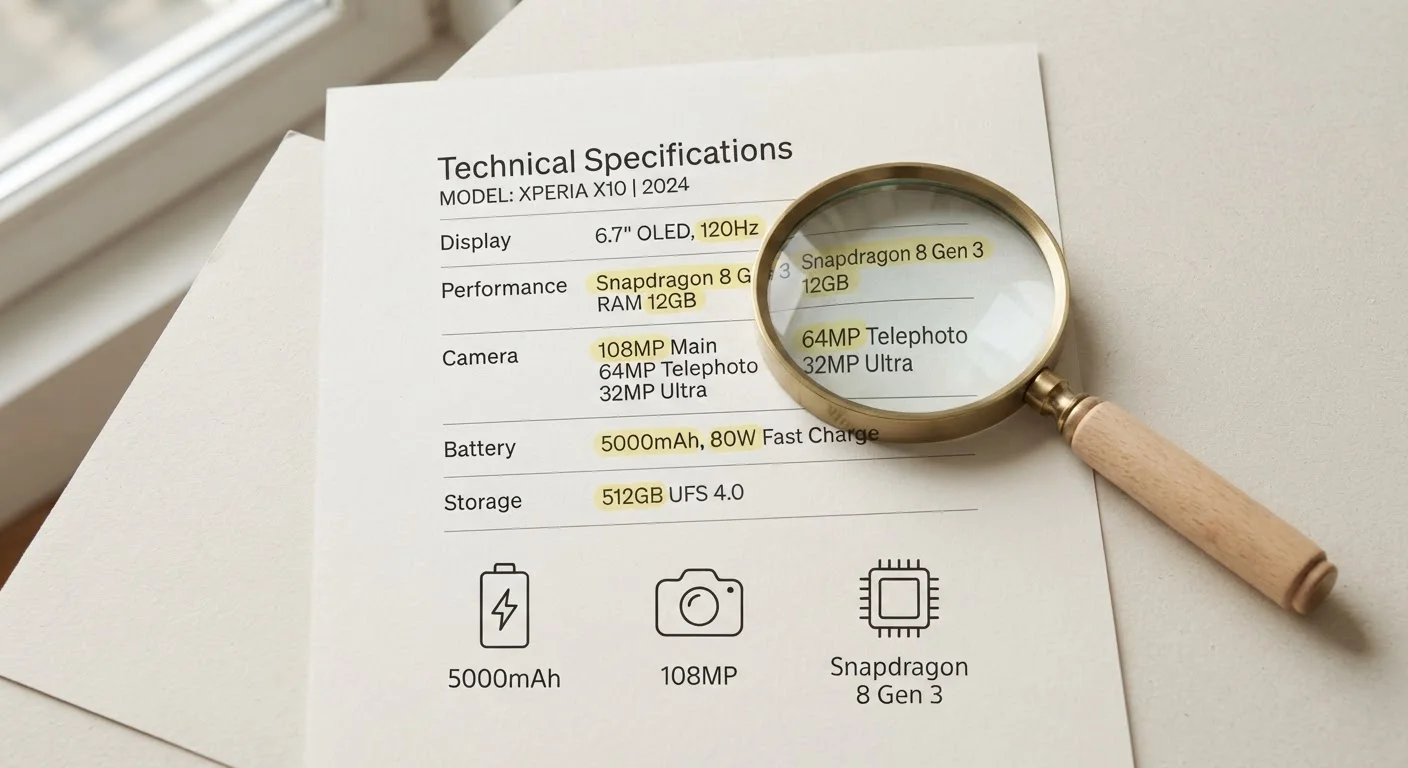
Display technology is just one piece of the smartphone puzzle. See our field guide to smartphone specs for a broader breakdown of what the numbers on a spec sheet actually tell you. The same panel principles apply to laptops - our laptop display explainer covers how resolution and panel type interact on portable computers.