Why Automation Works Where Willpower Doesn't
Most people intend to save. The problem is that saving manually - deciding each month how much to set aside after bills are paid - means competing with every other spending decision you make. Decision fatigue, unexpected costs, and simple forgetfulness consistently erode those good intentions.
Automation solves this by making saving the default behavior, not a choice. When a transfer fires automatically on payday, the money leaves your checking account before it blends into your available balance. Behaviorally, money you never see tends to stay saved.
This approach connects directly to a foundational budgeting principle sometimes called "pay yourself first" - treating savings as a non-negotiable line item rather than whatever is left over. If you're weighing how much structure to build around this, our comparison of manual vs. automated budget tracking covers the broader trade-offs worth understanding first.
For those who have never saved consistently, the mechanics below are designed to be low-friction. You do not need a large income or a perfect budget to start.
This Is General Information, Not Personal Advice
The steps and figures in this article are illustrative examples for educational purposes only. They are not personalized financial advice. Your income, expenses, debt obligations, and goals vary - consult a qualified financial professional before making significant changes to how you manage your money.
What You'll Need Before Setting Up
Before scheduling your first automatic transfer, gather a few key figures. You need a realistic picture of your monthly take-home pay, your fixed monthly expenses (rent, utilities, loan payments), and a rough sense of your variable spending on food, transportation, and discretionary items.
You'll also need at least two accounts: a primary checking account where your income lands, and a dedicated savings account where automated transfers will go. Keeping these balances separate is not just organizational - it meaningfully reduces the temptation to spend saved money. The article on dedicated savings accounts explains the psychology and structure behind this in more detail.
What you will need
If your income is irregular - freelance work, hourly shifts that vary, or seasonal employment - standard automation still works, but the approach needs adjustment. See saving strategies for variable-income earners for tailored guidance.
Online or Mobile Banking Portal
Used to schedule, manage, and adjust recurring automatic transfers between your accounts.
Dedicated Savings Account
Receives automated transfers and keeps saved money physically separated from your spending balance.
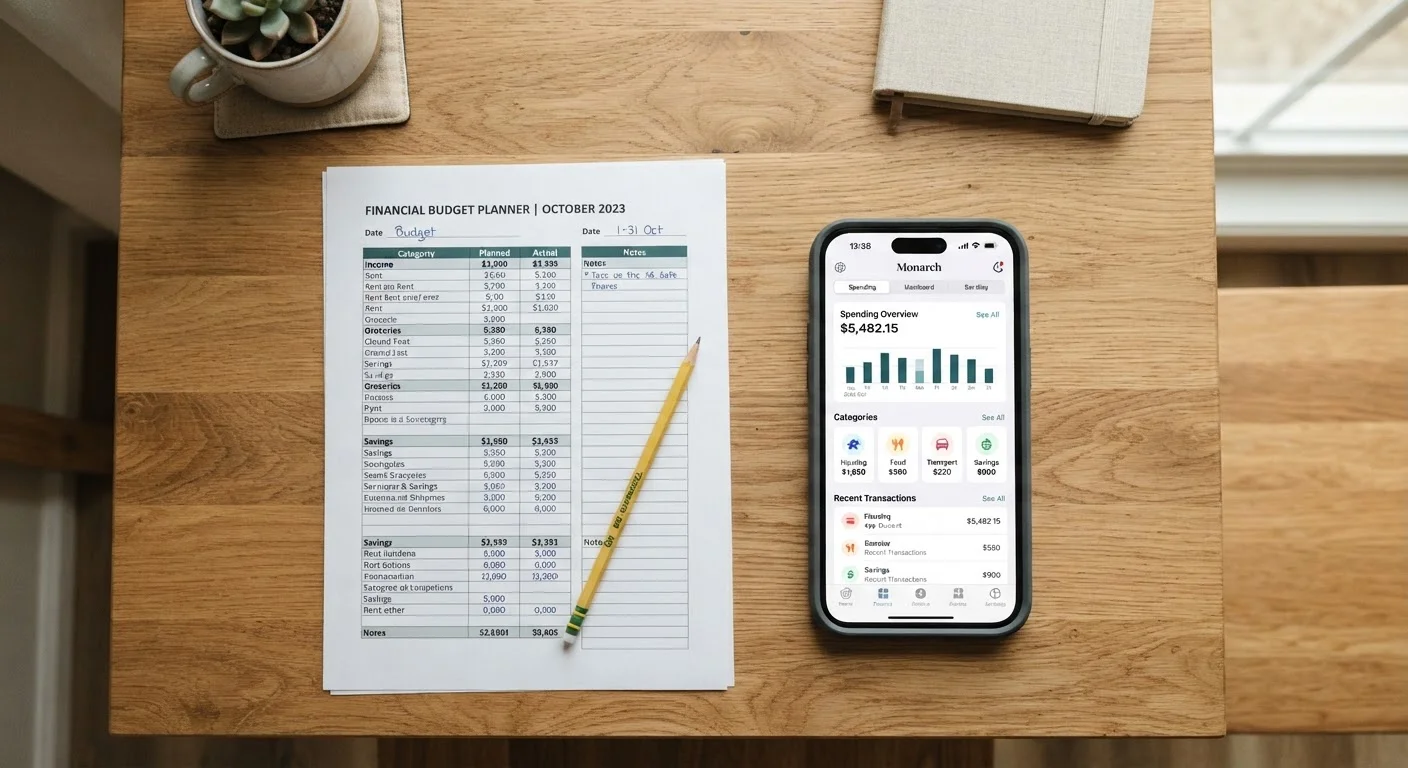
Simple Budget Worksheet or Spreadsheet
Helps you calculate a realistic transfer amount by mapping income against fixed and variable expenses.
Calendar or Reminder App
Useful for scheduling a monthly review of your automated savings setup to catch any misalignment.
Step-by-Step: Setting Up Your Automated Savings System
The following steps walk through the most common setup path - using your bank or credit union's online transfer tools. Steps may vary slightly depending on your institution's interface.
Start Smaller Than You Think You Should
Many people stall on automation because they're waiting to save a 'meaningful' amount. Even $25 per pay period creates a real habit and accumulates to $650 or more annually. You can increase the amount once the system feels natural - the infrastructure is already in place.
Calculate a Realistic Transfer Amount
Subtract your total fixed monthly expenses and a reasonable estimate of variable spending from your monthly take-home pay. The remainder represents your maximum savings capacity. Start by targeting 5-10% of take-home pay as your initial automated transfer - not your maximum. This leaves a buffer for irregular costs and avoids triggering overdrafts in early months.
For example: if your take-home pay is $3,200/month and fixed + variable expenses total $2,800, your surplus is $400. Starting an automated transfer of $150-$200 is conservative and sustainable.
Choose Your Transfer Timing
Log into your banking portal and locate the recurring or scheduled transfer feature (often found under 'Transfers,' 'Move Money,' or 'Payments'). Set the transfer date to 1-2 business days after your expected paycheck deposit. This ensures funds have cleared before the transfer fires.
If you're paid biweekly, you might set two smaller transfers - one per pay period - rather than one large monthly transfer. This distributes the impact and mirrors your actual cash flow rhythm.
Set Up the Recurring Transfer
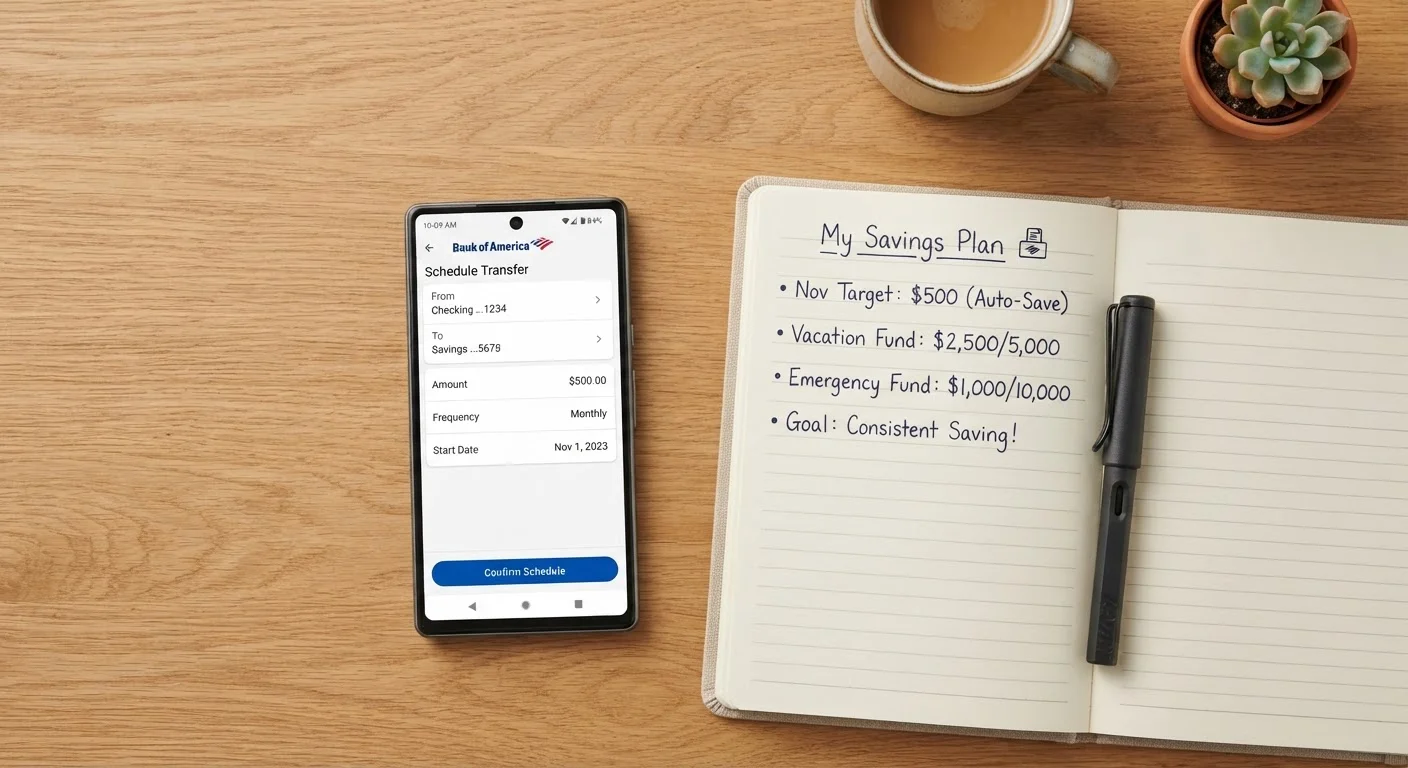
In your bank's transfer tool, select your checking account as the source and your dedicated savings account as the destination. Enter the dollar amount you calculated in Step 1. Set the frequency to match your pay schedule - weekly, biweekly, or monthly. Confirm the start date and save or submit the recurring transfer.
Most institutions will show you a summary screen before confirming. Double-check the source account, destination account, amount, and start date before finalizing.
Label Your Savings Account With a Goal
Many banks allow you to nickname or label savings accounts. Name yours something specific - 'Emergency Fund,' 'Car Repair Reserve,' or '3-Month Cushion.' Research in behavioral economics consistently shows that labeled accounts make savers less likely to withdraw funds casually, because the money feels earmarked rather than generic.
If your institution supports multiple savings sub-accounts or 'buckets,' consider creating separate labeled accounts for distinct goals rather than pooling all savings in one balance.
Monitor the First Two Pay Cycles
After your first automated transfer fires, check both accounts to confirm the transfer executed correctly and your checking account balance remains positive. Do the same after the second transfer. This early monitoring catches setup errors - wrong account numbers, incorrect amounts, or timing conflicts - before they compound.
After two successful cycles, the system typically requires minimal attention unless your financial circumstances change.
Once your automation is running, the system largely takes care of itself. The remaining task is periodic review - covered next.
Keeping Your Automation on Track Over Time
Automation is not a set-and-forget solution in the truest sense. Life changes - income increases, new expenses appear, financial goals shift. A monthly five-minute check-in is enough to catch any misalignment before it causes an overdraft or leaves your savings amount stagnant for years.
At minimum, revisit your automated amount whenever you receive a raise, take on a new recurring expense, or finish paying off a debt. Freed-up cash flow is an ideal moment to increase your transfer amount rather than let lifestyle expenses absorb it.
Tracking your savings as a percentage of income - rather than a fixed dollar figure - gives you a more durable metric to optimize over time. For a deeper look at which number to prioritize, see savings rate vs. savings amount.
If you're building this system from scratch and haven't yet established the underlying habit, building a savings habit from zero is a useful companion read for the mindset side of the process.
This article is for general informational and educational purposes only and does not constitute personalized financial, tax, or investment advice. Consult a qualified financial professional regarding decisions specific to your situation.