The Bandwidth Problem HDMI 2.1 Solves
Think of an HDMI cable as a pipe carrying data from your source device to your screen. The older HDMI 2.0 standard had a pipe wide enough to carry 18 gigabits of data per second - which was plenty for 4K video at 60 frames per second. But as TVs, consoles, and content pushed toward higher frame rates and more color information, that pipe started to feel narrow.
HDMI 2.1 widens that pipe to 48 Gbps. That's not a modest upgrade - it's nearly three times the capacity. The practical consequence is that signals which previously required compression, or simply weren't possible, can now travel uncompressed and at full quality. For viewers, that translates into three specific improvements worth understanding: higher frame rates at 4K, better HDR delivery, and new display-sync features.
For a broader look at what else shapes perceived picture quality beyond resolution, see what actually determines TV picture sharpness.
What 4K at 120Hz Actually Means in Practice
The headline feature of HDMI 2.1 is support for 4K resolution at 120 frames per second (4K/120Hz). HDMI 2.0 topped out at 4K/60Hz. The difference matters most in two scenarios: gaming and high-frame-rate video content.
In gaming, a higher frame rate means the image on screen updates more frequently, producing smoother motion and reducing the delay between your controller input and what you see. On a 60Hz display, the TV redraws the screen 60 times per second. At 120Hz, it redraws twice as often, which cuts the maximum display lag roughly in half - a meaningful edge in fast-paced games.
For video content, most movies and TV shows are still produced at 24 or 30 frames per second, so the 120Hz ceiling doesn't change what you watch on a streaming service today. However, some live sports broadcasts and a growing number of gaming-adjacent video formats do target higher frame rates, and HDMI 2.1 is the infrastructure that makes receiving those signals possible.
48 Gbps
Maximum bandwidth of HDMI 2.1
Compared to 18 Gbps for HDMI 2.0, per the HDMI Forum specification.
120Hz
Maximum 4K frame rate supported
HDMI 2.1 enables 4K at up to 120 frames per second; HDMI 2.0 was limited to 60fps at 4K.
8K/60Hz
Highest resolution supported
HDMI 2.1 can also carry 8K resolution at 60 frames per second, per the HDMI Forum spec.
To understand how refresh rate interacts with the motion-smoothing your TV may be applying on its own, this explanation of refresh rate vs. motion interpolation covers the distinction clearly.
VRR, ALLM, and eARC: The Features Inside the Spec
Bandwidth is the foundation, but HDMI 2.1 also packages several specific features that matter independently of resolution or frame rate.
Variable Refresh Rate (VRR) allows the TV to adjust its refresh cycle to match the actual output of a connected gaming console or PC. Without VRR, if a console outputs 73 frames per second to a TV locked at 60Hz or 120Hz, you can see tearing - horizontal splits in the image - or stuttering. VRR eliminates that mismatch dynamically.
Auto Low Latency Mode (ALLM) tells a compatible TV to automatically switch into its lowest-latency picture mode when a gaming device is connected. Normally, viewers have to manually navigate menus to enable "Game Mode." ALLM handles that handshake automatically.
Enhanced Audio Return Channel (eARC) is the audio counterpart. It allows high-quality, uncompressed audio formats - like Dolby TrueHD and DTS:X - to travel from the TV back to a soundbar or AV receiver through a single HDMI cable. The older ARC feature could only carry compressed audio. For home theater setups with a quality soundbar, eARC is a meaningful upgrade in its own right.
HDR content delivery also benefits at higher frame rates. For a detailed breakdown of how HDR formats like Dolby Vision and HDR10 interact with your display, this guide to HDR formats explains each standard's strengths and limitations.
What to Watch for When Buying or Connecting
The HDMI 2.1 label on a TV doesn't guarantee every feature in the specification is implemented. Manufacturers are permitted to include a subset of 2.1 features while still using the 2.1 designation. Some TVs, for example, support 4K/120Hz but not VRR, or support VRR only on specific ports. Reviewing the manufacturer's detailed spec sheet - rather than relying on the version number printed on the box - is the only way to confirm which features are actually present on which ports.
Check Which Ports on Your TV Are HDMI 2.1
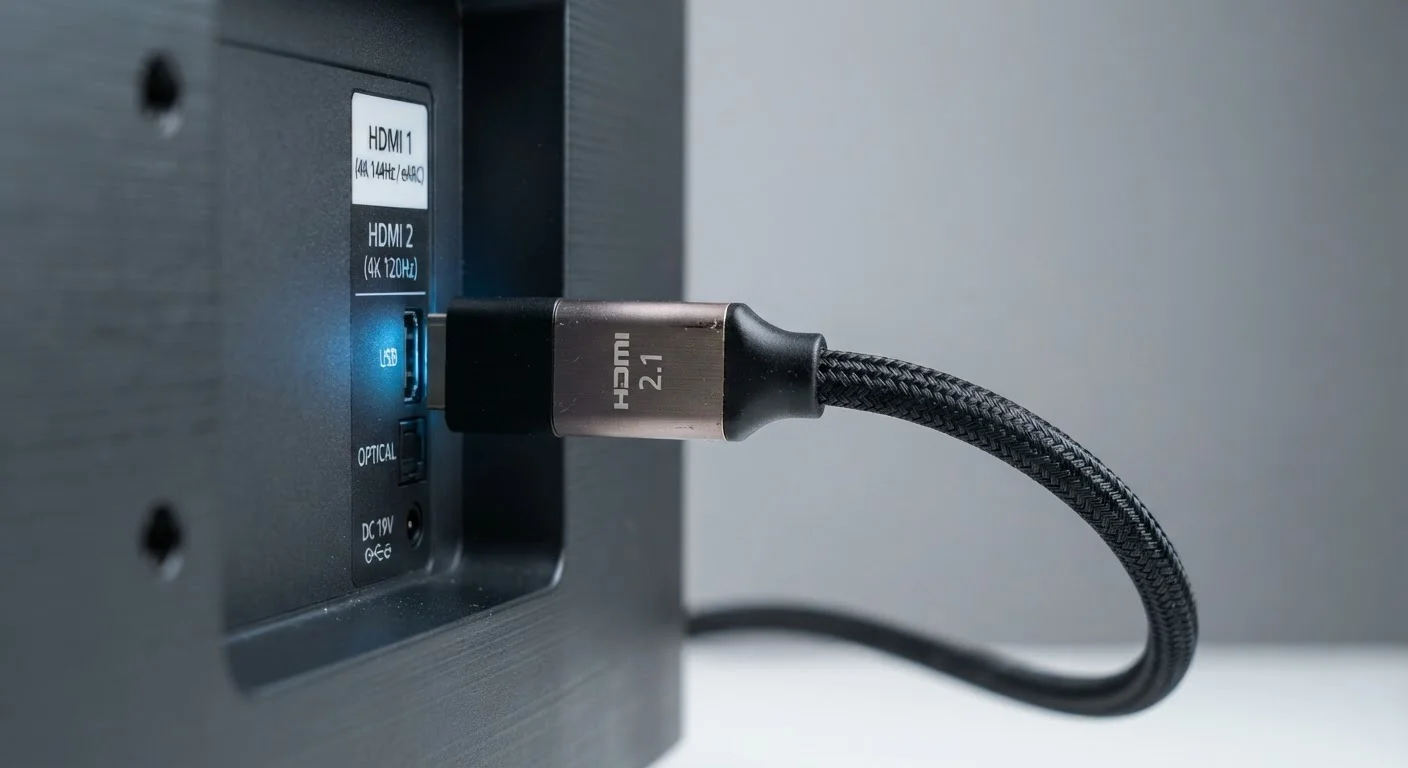
Many TVs include a mix of HDMI 2.0 and HDMI 2.1 ports on the same panel - only one or two ports may support the full 2.1 feature set. Check your TV's manual or manufacturer website to identify which physical port number supports 4K/120Hz, VRR, and eARC before routing your cables.
Cable choice also matters. The HDMI connector shape hasn't changed, so an older cable physically fits a 2.1 port. But a cable rated for only 18 Gbps will cap your connection at HDMI 2.0 speeds even if both your TV and source device are HDMI 2.1 capable. Look for cables explicitly certified as "Ultra High Speed HDMI" (48 Gbps) if you want the full feature set.
Finally, the source device has to support the feature as well. A console or PC must actually be able to output 4K/120Hz or VRR signals - the TV and cable only provide the pathway. Both ends of the connection need to speak the same language.