Frame Rate vs. Refresh Rate: Two Different Clocks
Understanding the soap opera effect starts with separating two terms that get used interchangeably but mean different things.
Frame rate is the number of unique images a camera captures - or a device generates - per second, measured in frames per second (fps). Refresh rate is how many times per second your TV screen redraws the image it's showing, measured in hertz (Hz). A 120Hz TV refreshes 120 times per second regardless of what you feed it.
The mismatch is the root of the problem. Film has been shot at 24fps as an industry standard for nearly a century. That rate isn't accidental - it's the minimum needed for smooth motion perception, and the slight blur at that speed is part of what makes film look like film. Meanwhile, your modern TV likely runs at 60Hz or 120Hz. That means the TV has to do something with those extra refresh cycles when the incoming signal only delivers 24 new frames each second.
For more on how panel technology intersects with refresh rate, see our guide to laptop display specs.
What Motion Interpolation Actually Does
Rather than simply repeat frames to fill the gap, most modern TVs use a technique called motion interpolation (also called motion smoothing or frame interpolation). The TV's processor analyzes two consecutive real frames, estimates how objects in the scene moved between them, and synthesizes a brand-new, never-filmed frame to slot in between.
At 120Hz with a 24fps source, the TV may insert four artificial frames for every real one. The motion becomes remarkably smooth - technically smoother than the director ever intended.
24fps
Standard cinematic frame rate since the 1920s
The 24 frames-per-second standard was adopted in the early sound era and remains the dominant rate for theatrical film production worldwide.
120Hz
Common modern TV refresh rate
Many mid-range and premium TVs now ship with 120Hz panels, meaning they refresh the screen five times for every single frame of a 24fps film.
4-5x
Synthetic frames inserted per real film frame
On a 120Hz TV playing 24fps content with full motion interpolation active, the processor may generate four or more artificial frames for each original filmed frame.
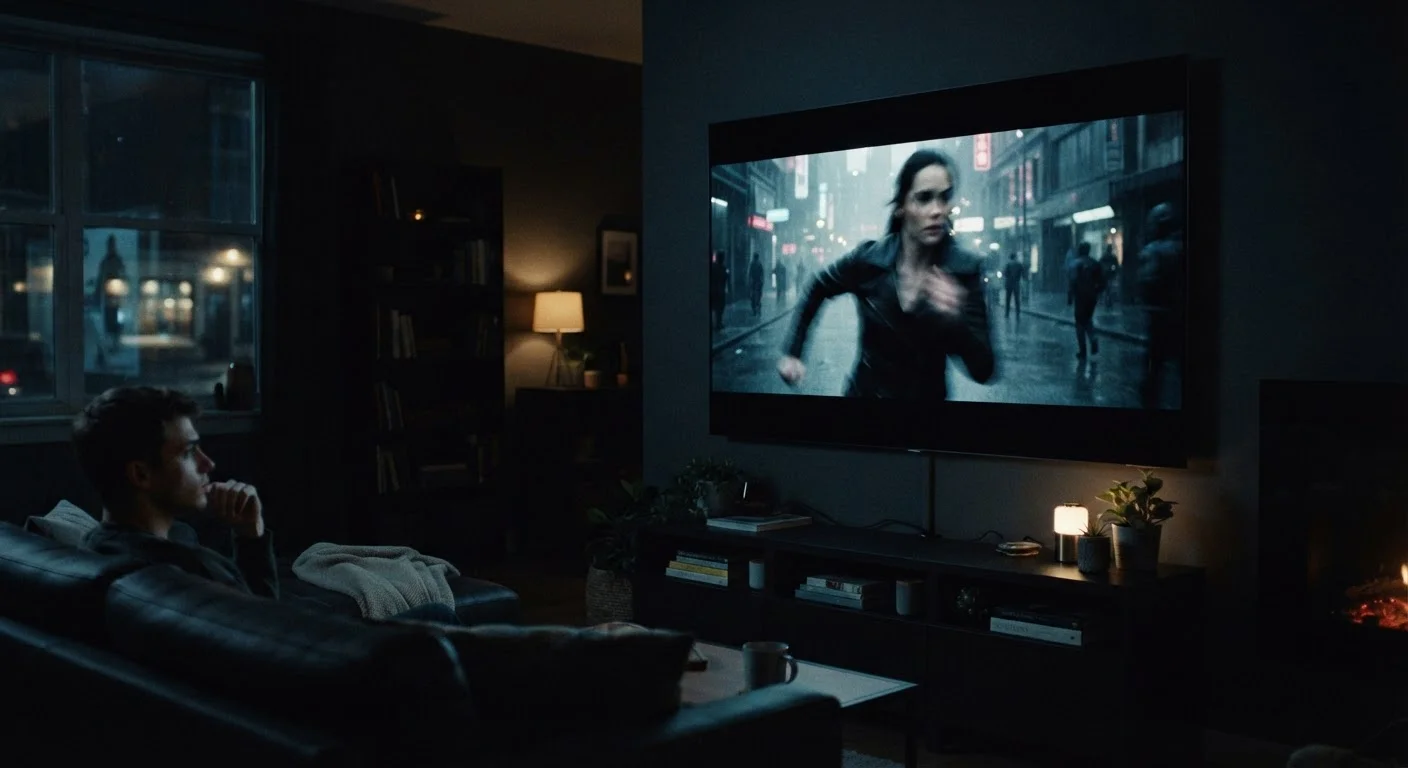
The problem is that this smoothness carries an unintended perceptual consequence. Films shot on physical sets, on location, with real actors in motion look indistinguishable from a cheaply lit daytime soap opera or a home video. Backgrounds feel like sets. Movement loses the slight natural blur that audiences subconsciously associate with cinematic storytelling. It's not that the picture quality is worse in a technical sense - it's that the aesthetic signature of cinema is erased.
This also connects to the broader picture quality conversation: resolution is just one piece of what makes a TV image look right.
Why TV Makers Turn It On by Default
If motion interpolation can make films look strange, why do TV manufacturers ship sets with it enabled? The answer is partly about showroom perception. A TV displaying silky-smooth motion on a shop floor display often looks more impressive at a glance than one showing the natural motion cadence of 24fps content. Consumers comparing screens side by side frequently respond positively to the hyper-smooth look in that context.
There's also a legitimate use case: live television - news, sports, and talk shows - is typically shot and broadcast at 30fps or 60fps. Motion smoothing genuinely reduces judder and blur in those scenarios. The setting that helps a fast-moving soccer match can ruin a cinematically shot drama.
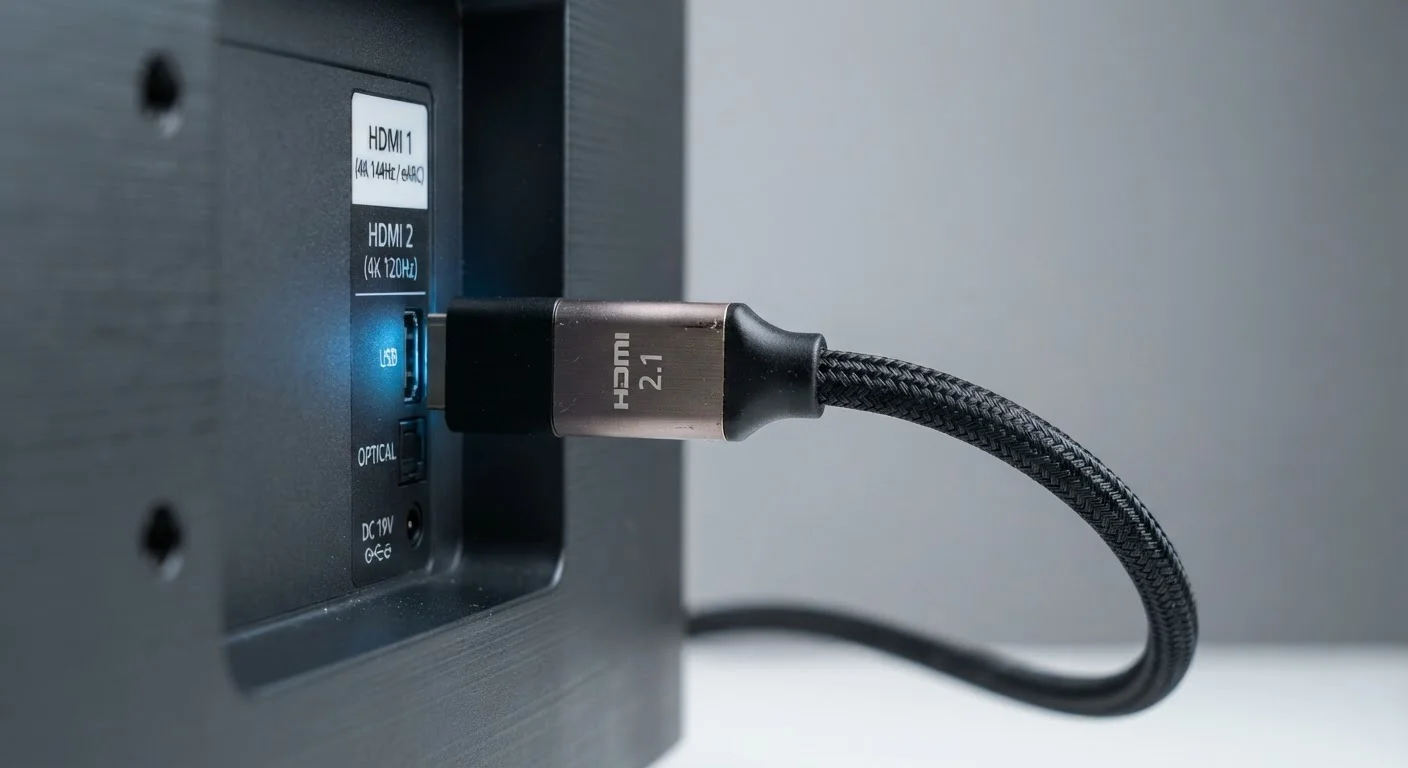
Understanding what your HDMI connection is actually delivering to the TV is another layer worth knowing - our explainer on what HDMI 2.1 actually does for picture quality covers that in detail.
How to Reclaim the Cinematic Look
The straightforward fix is to disable motion interpolation in your TV's picture settings. The feature goes by different names depending on the manufacturer - common labels include Auto Motion Plus, TruMotion, MotionFlow, Smooth Motion Effect, and Motion Enhancement. Setting any of these to Off or Minimum tells the TV to stop generating synthetic frames and display only what was actually filmed.
Many TVs also offer a middle ground - a low or 'custom' setting that reduces judder (a stuttering effect on panning shots) without fully engaging the soap-opera-inducing level of smoothing. Judder at 24fps on a 60Hz display is a real issue some viewers find distracting, so a calibrated low setting can be a reasonable compromise.
If you're evaluating how different display panel types handle motion at the hardware level, our overview of OLED, LCD, and AMOLED display differences explains how pixel response time plays into perceived motion quality.