How Each Technology Creates an Image
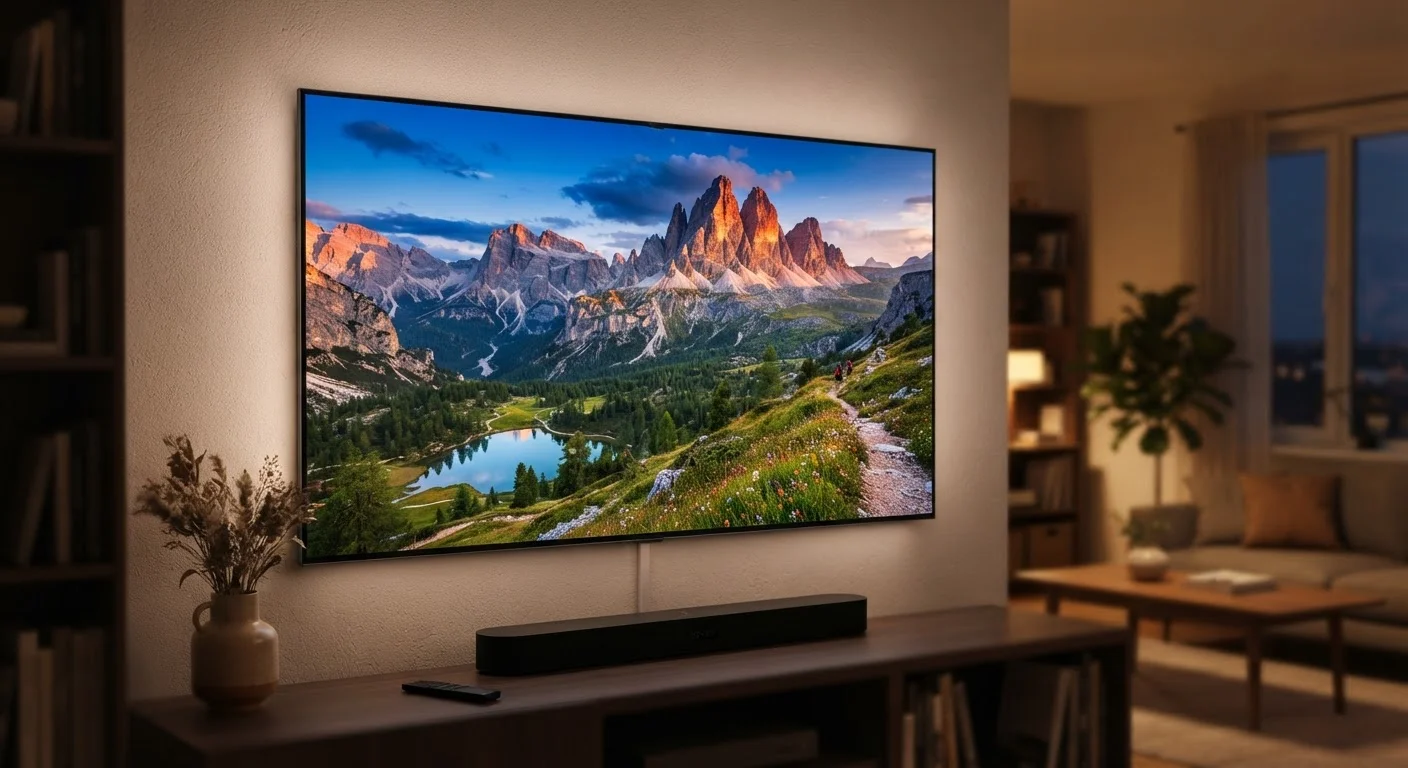
Understanding the core difference starts with how each device generates a picture. A large-screen TV - whether OLED, QLED, or LED-backlit LCD - produces light directly from the panel itself. Pixels emit or block light to form the image, giving the display full control over brightness and color at the pixel level. For a deeper look at how panel types differ, see how OLED and QLED produce light and color.
A projector works in reverse. It generates a small, bright image internally - using a lamp, LED array, or laser light source - then magnifies and throws that image onto a reflective surface, typically a dedicated screen or a flat white wall. The picture you see is reflected light, not emitted light. That single mechanical difference explains nearly every practical trade-off between the two.
Ambient Light: The Projector's Biggest Challenge
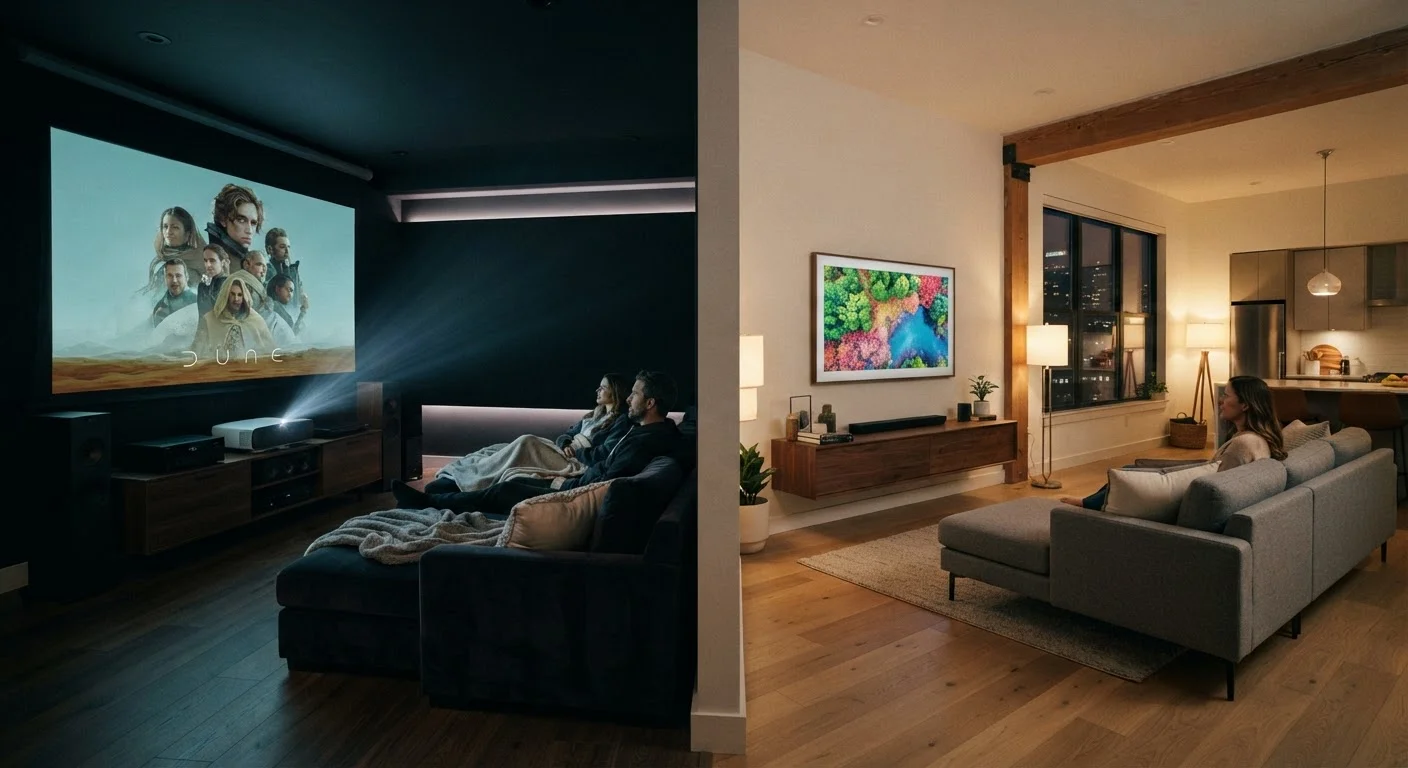
Reflected light is inherently vulnerable to competition. When sunlight or room lighting hits the projection screen, it washes out the image - reducing perceived contrast and draining colors. TVs, emitting their own light directly at the viewer, are far less affected by ambient light. A TV in a sunny living room still looks sharp and vibrant. A projector in the same room typically looks faded and flat.
This is not a flaw that can be fully engineered away. Manufacturers have improved projector brightness significantly - measured in lumens - and ultra-short-throw models can partially address the problem by reducing the light path. But no home projector fully replicates TV-level performance in an uncontrolled lighting environment. If your viewing space has large windows or stays well-lit in the evenings, this matters enormously.
Test Your Room Before Deciding
Before choosing a projector, observe how much light your intended viewing room receives during your typical viewing hours. Even blackout curtains may not eliminate all ambient light sources - wall sconces, standby LEDs, and light bleed under doors can all degrade a projected image. A simple flashlight shone on your wall in a 'darkened' room reveals how much stray light remains.
Contrast, Black Levels, and Color Accuracy
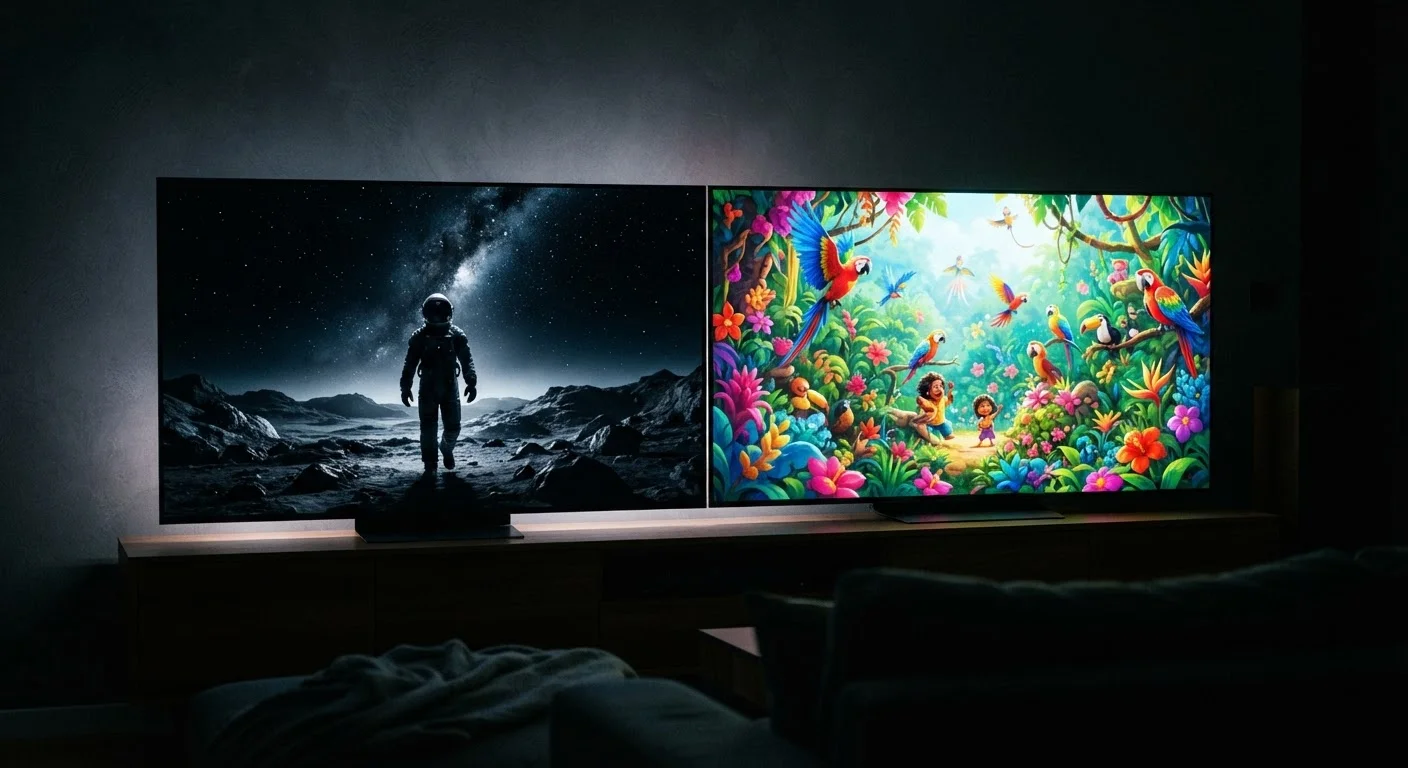
Contrast ratio - the difference between the brightest white and the darkest black a display can produce - is where TVs hold a decisive technical edge. OLED panels can switch individual pixels completely off, producing true black. Even LCD-based TVs with local dimming achieve high-contrast results that home projectors generally cannot match. As our guide on what actually determines picture quality beyond resolution explains, contrast and black level often matter more than pixel count.
Projectors produce black by projecting less light - but they cannot project zero light, so black appears as a dark gray in most rooms. This compresses the visible contrast range and can make shadow detail in films look murky. Color accuracy is also affected: a projector's colors are influenced by the reflectivity and shade of the projection surface, adding a variable that TV viewers never encounter.
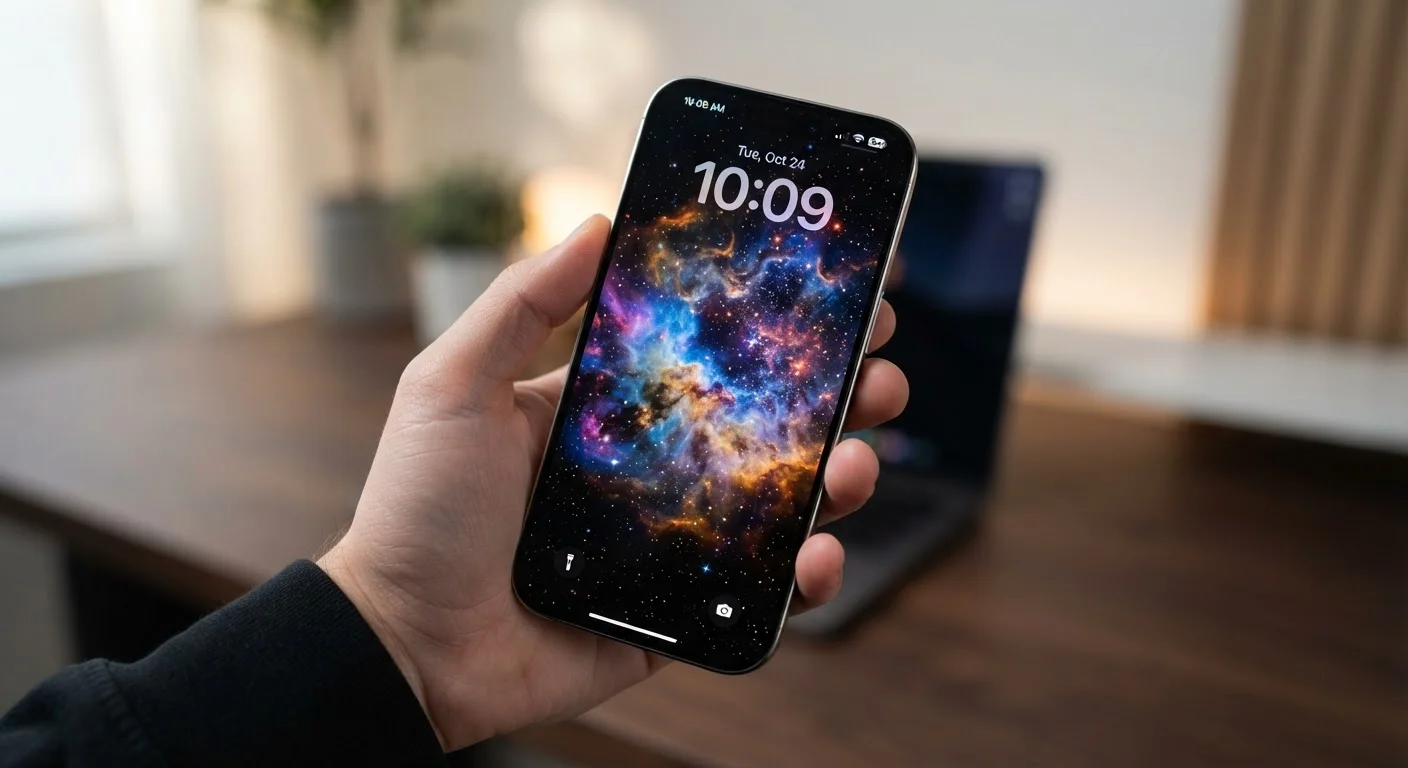
For context on how display panel technology shapes what your eyes actually perceive, display tech and eye perception offers useful background, even though it focuses on mobile screens.
Screen Size and the Sense of Immersion
This is where projectors reverse the equation entirely. A home projector can fill a 100-, 120-, or even 150-inch screen - a scale that no flat-panel TV approaches at comparable cost. Screen size has a measurable effect on perceived immersion: a larger image subtends more of your visual field, which is why cinema screens feel engrossing in ways that even a 75-inch home TV does not fully replicate.
Projector screen size is also adjustable. By moving the projector closer or farther from the screen, you can change image dimensions without replacing any hardware. TV screen size is fixed by the panel and cannot be changed. For households where occasional large-group viewing - sports events, movie nights - is a priority, a projector's scalability is a genuine functional advantage.
| Home Projector | Large-Screen TV | |
|---|---|---|
| Image size | 100"+ achievable and adjustable | Fixed panel size, typically 55"-85" |
| Ambient light performance | Poor in bright rooms | Strong in any lighting condition |
| Black levels / contrast | Limited; blacks appear gray | Excellent, especially on OLED |
| Setup complexity | Requires alignment, screen, darkening | Plug-in and ready immediately |
| Input lag (gaming) | Generally higher latency | Lower latency in game mode |
| Immersion at scale | Cinema-like at large sizes | Strong, but limited by panel size |
Motion Handling, Input Lag, and Everyday Usability
Modern TVs carry dedicated image-processing chips that manage motion handling, noise reduction, and upscaling. Some of these processing features - particularly motion interpolation - can alter the cinematic feel of film content in ways many viewers find distracting. If you've noticed films looking strangely smooth on a modern TV, the soap opera effect explained covers exactly why that happens and how processing is involved.
Projectors generally introduce more input lag - the delay between a signal being sent and appearing on screen - than a TV in its game mode. For casual video watching, this is unnoticeable. For competitive gaming, it matters. Setup time is also a practical factor: TVs mount or stand in place, require no warm-up, and operate instantly. Projectors may need alignment, lens focus adjustment, and in lamp-based models, bulb warm-up time before optimal brightness is reached.